Weekly Newsletter Issue 124
Weekly newsletter summing up our publications and showcasing app developers and their amazing creations.


Welcome to this week's edition of our newsletter.
Apple spent this week making itself at home, introducing HomeView (we have to say, its design looks pretty interesting and familiar), a new HomePod mini, and an updated Apple TV.

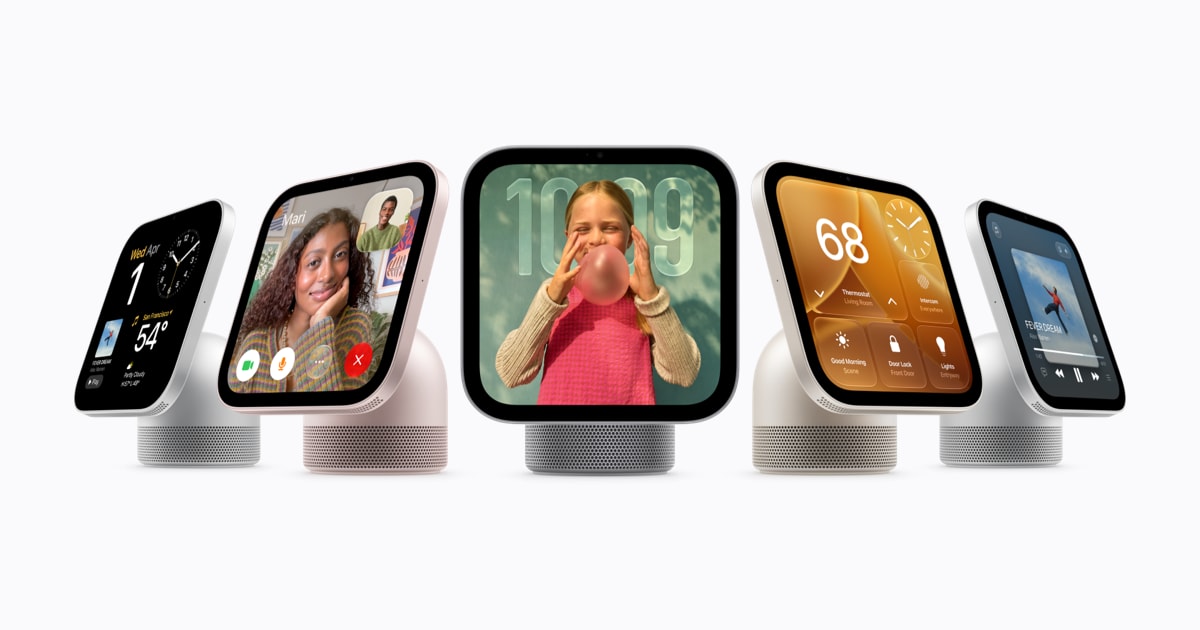
Meanwhile, with iPhone Duo just around the corner, developers have plenty to look forward to. From adapting apps to foldable screens to exploring new ways to bring them into our homes, the Apple ecosystem keeps expanding!
Support us by becoming a sponsor!
Whether your goal is to raise brand awareness or promote your product or service, we offer flexible sponsorship options. We offer weeks, blocks of weeks, and even months to help you find your audience where they are.
 Create with Swift
For information about the current availability of weeks, send us an email.
From
The Community
ArrangementView in SwiftUI: split and overlay layouts for iPhone Duo
Natalia demonstrates how SwiftUI’s new ArrangementView adapts content to iPhone Duo’s different displays and folding states, exploring split and overlay layouts and ways to customize their proportions and positioning.
 Natalia Panferova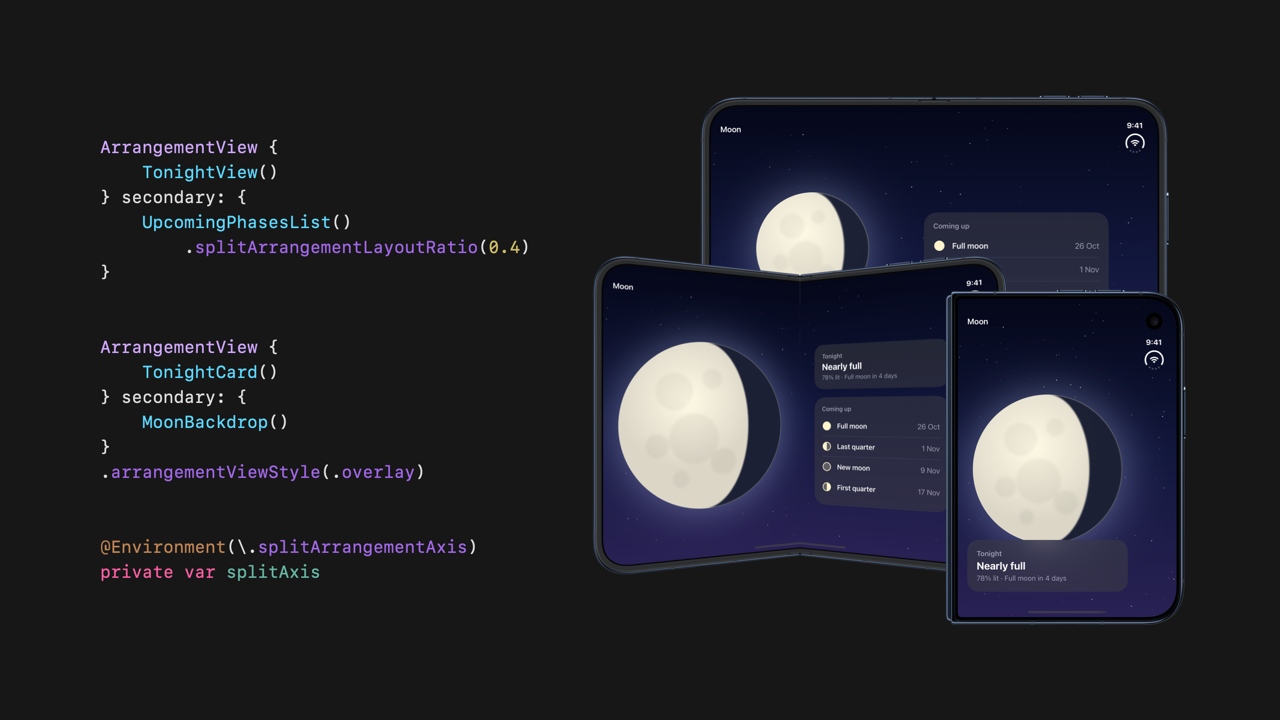
SwiftUI .task vs .onAppear - Async Work Done Right
Sagar compares .task and .onAppear in SwiftUI, explaining how they handle asynchronous work, task cancellation, and view lifecycle management, and when to use each approach.
 Sagar Unagar
Assistive Access — iOS Easy Mode, Revisited
Bas revisits Assistive Access and the new APIs introduced in iOS 26, showing how developers can create dedicated, simplified app experiences with larger interface elements and easier navigation.
 Bas' Blog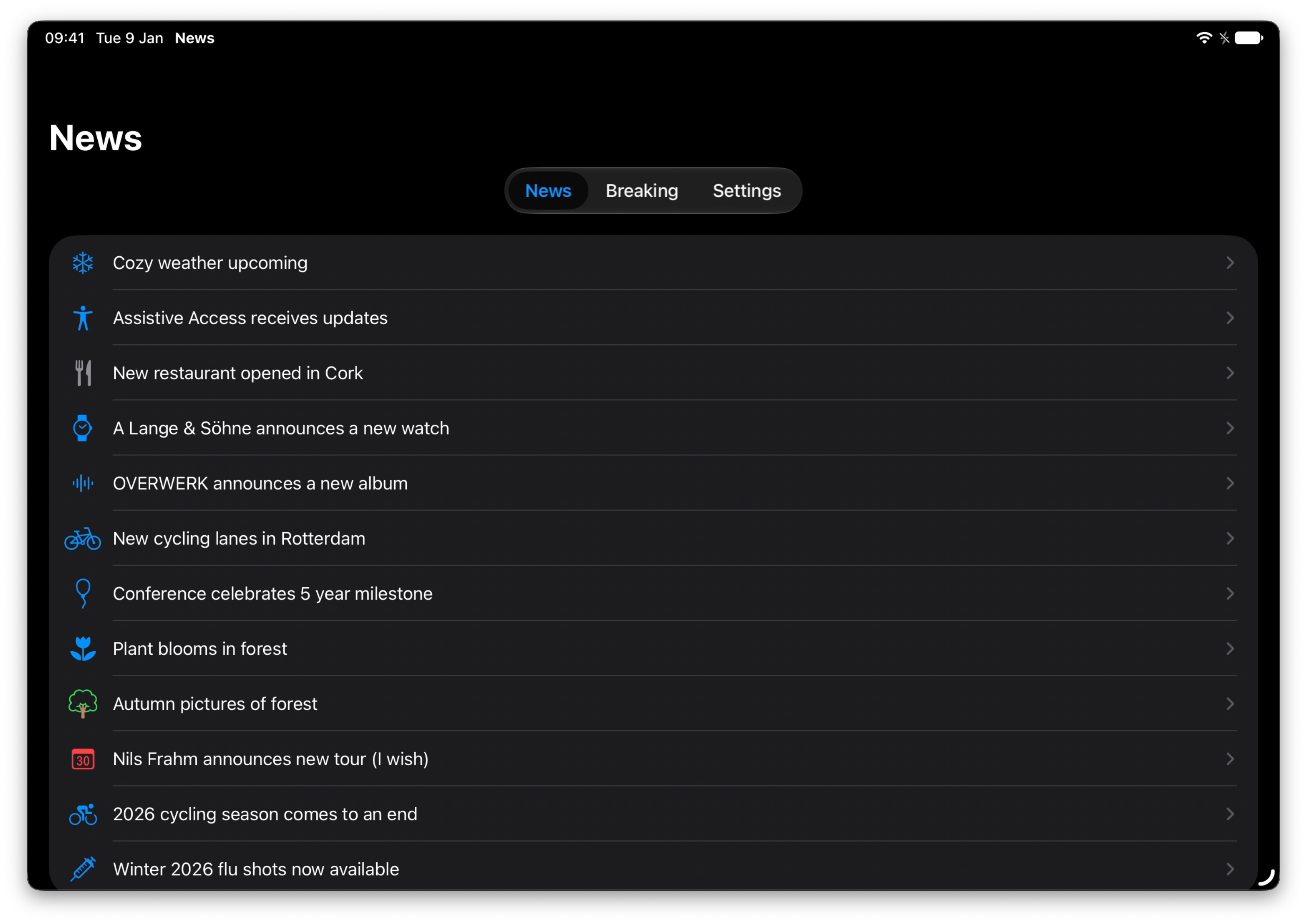
Indie App of the Week
Keepsweeper
Minesweeper has always been about figuring out what lies beneath a grid, using numbers to decide which squares are safe to uncover. But what if those squares contained more than just mines, and clearing them was only the beginning of something much bigger?
Keepsweeper, developed by Michael Flarup, combines the familiar logic of Minesweeper with kingdom building, turning each uncovered tile into a chance to discover resources, treasures, or enemies. Workers gather materials, farms and windmills support your growing settlement, and soldiers defend it against goblins and dragons, all while the numbers on the grid guide your next move. There are different quest paths to follow, daily realms to explore, and multiplayer modes where friends can build together or compete for the last kingdom standing.
 Flarup Industries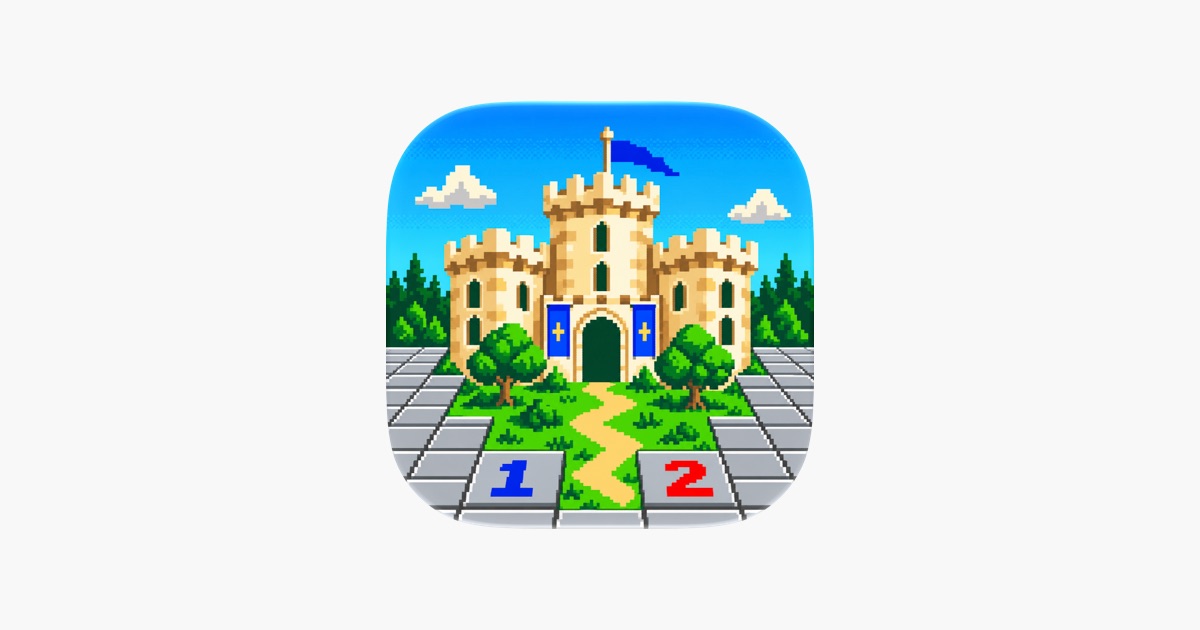
That’s all for this week!
With iPhone Duo arriving next Friday, it’s time to put our layouts to the test and get ready for a whole new form factor and as always...
We can’t wait to see what you will Create with Swift.
See you next week!