EventKit Setting alarms for calendar events Learn how to add an alarm to an event that notify users before an event starts.
EventKit Fetching events from the user’s calendar Learn how to retrieve events between specific dates from the calendar.
EventKit Creating and saving calendar events Create and configure calendar events to save them to the user calendar.
EventKit Getting access to the user’s calendar Learn how to request access and efficiently interact with a user’s calendar and reminder data.
AlarmKit Designing custom AlarmKit interfaces in SwiftUI Discover how to create and personalize user interfaces for alarms using AlarmKit with SwiftUI.
AlarmKit Scheduling and Managing Alarms in SwiftUI with AlarmKit Learn how to schedule and manage alarms within your application using AlarmKit
SwiftUI Define the scroll edge effect style of a scroll view for Liquid Glass Learn how to change the edge effect of the scrolling view behavior in areas where the scroll view intersects with the safe area.
SwiftUI Define how scrolling behaves with Scroll Target Behavior in SwiftUI Learn how to customize the way the scroll behavior ends and the content aligns when scrolling in SwiftUI
SwiftUI Scroll to a specific item using a ScrollViewReader Learn how to programmatically jump to a specific item inside long scrollable content by using ScrollViewReader.
SwiftUI Enable horizontal and vertical scrolling with ScrollView Learn how to make content that exceeds the screen size scrollable using the ScrollView.
SwiftUI Mastering Forms in SwiftUI: Sliders and Steppers Learn how to use sliders and steppers in forms in SwiftUI apps.
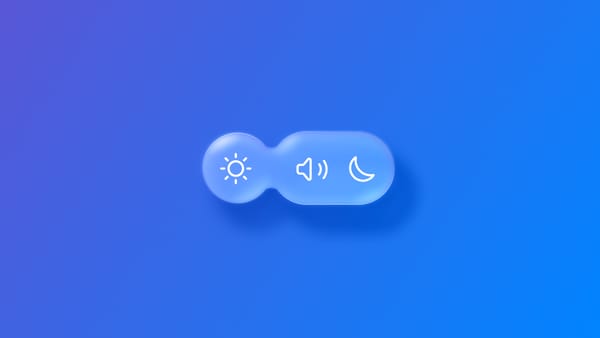
SwiftUI Morphing glass effect elements into one another with glassEffectID Learn how to blend grouped glass effect components into a unique one during transitions using glassEffectID modifier.
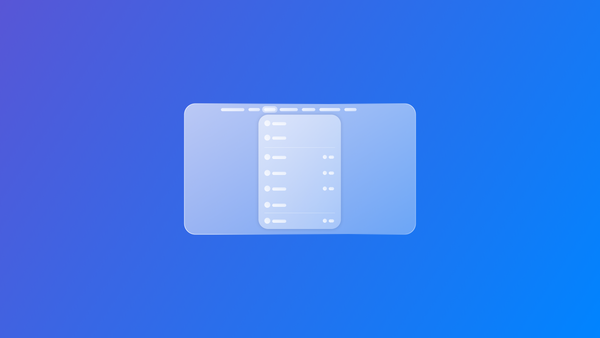
SwiftUI Creating and customizing the Menu Bar of a SwiftUI app Learn how to create and customize the menu bar of your SwiftUI app to improve navigation for your SwiftUI app on iPadOS and macOS.
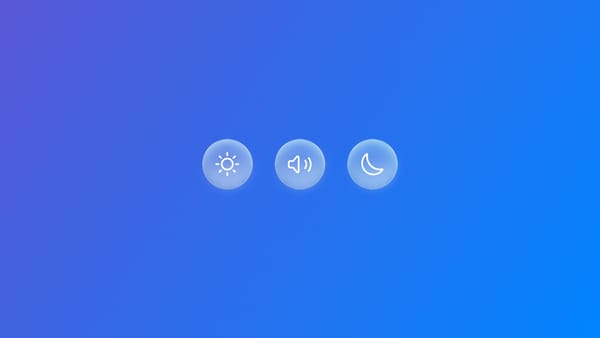
SwiftUI Grouping elements within a Glass Effect Container in SwiftUI Learn how to group items with a glass effect using the GlassEffectContainer view.
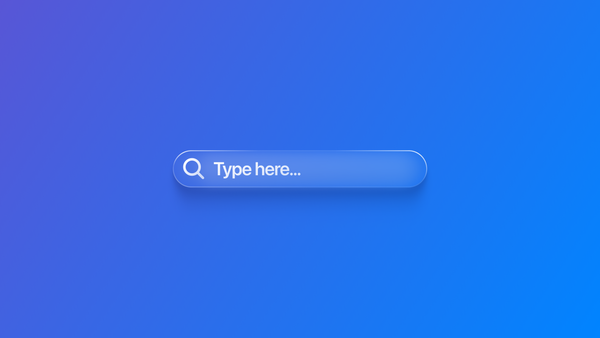
SwiftUI Adapting Search to the Liquid Glass Design System Discover how search behaves within the new Apple design system within a SwiftUI app.
SwiftUI Responding to gestures: Dragging Learn how to implement drag gestures in SwiftUI to create fluid and intuitive draggable interface elements.
SwiftUI Responding to gestures: Magnifying Learn how to implement magnify gestures in your SwiftUI app to allow users to zoom in and out of content with intuitive pinch controls
SwiftUI Responding to gestures: Long pressing Discover how to respond to long press gestures in a SwiftUI app to create interactive elements
Creative Coding Creating shapes using Path in the SwiftUI Canvas view Learn how to combine basic shapes to build custom visualizations and layouts using SwiftUI and the Canvas view.
SwiftUI Combining gestures and animations with SwiftUI Learn the first steps on how to implement gestures and animations together in a SwiftUI app.
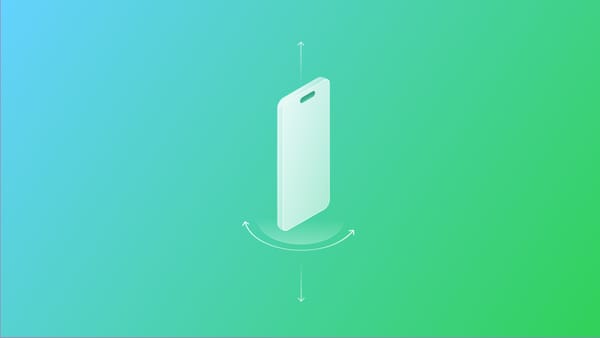
SwiftUI Using Core Motion within a SwiftUI application Understand how to use sensor data in your SwiftUI app using the Core Motion framework.
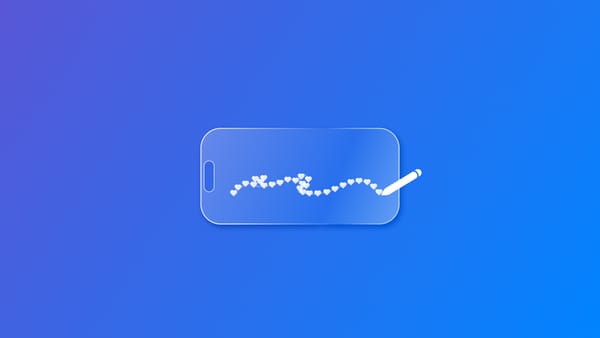
SwiftUI Drawing symbols with Canvas Learn how to use the Canvas view to render graphics in the form of symbols within a SwiftUI app.
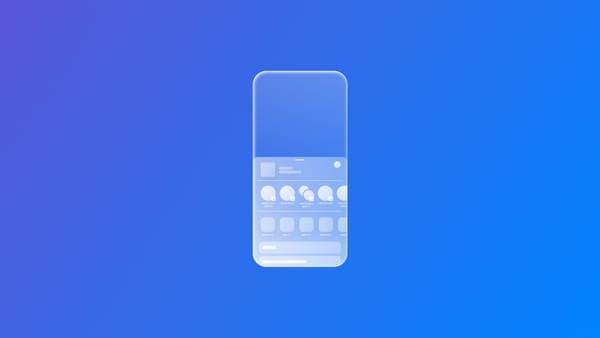
SwiftUI Using the share sheet to share content in a SwiftUI app Enable sharing content from your app using the system share sheet within a SwiftUI app
SwiftUI Drawing graphics with Canvas Learn how to use the Canvas view to render graphics within a SwiftUI app.
SwiftUI Responding to gestures: Tapping Discover how to respond to tap gestures and get the location of the tap in a SwiftUI app