Weekly Newsletter Issue 101
Weekly newsletter summing up our publications and showcasing app developers and their amazing creations.


Welcome to this week's edition of our newsletter.
We're back after celebrating our 100th edition, and what a week it's been. From the WWDC26 announcement to the Swift Student Challenge winners (congratulations to the winners and to everyone who took on the challenge), and yesterday the invites to join the event at Apple Park!
If you got chance to attend in person, it’s truly an incredible opportunity, not just to attend, but to connect with the community. There’s nothing quite like being surrounded by people who share the same passion for building on Apple platforms.
And if you didn’t get the chance this time, don’t worry. WWDC week is still filled with amazing community events, side gatherings, and opportunities to connect.
Support us by becoming a sponsor!
Whether your goal is to raise brand awareness or promote your product or service, we offer flexible sponsorship options. We offer weeks, blocks of weeks, and even months to help you find your audience where they are.
 Create with Swift
For information about the current availability of weeks, send us an email.
From
The Community
XCTest in iOS: interview essentials
Artem provides, in one of this interview-focused articles, an overview of XCTest fundamentals covering key concepts and their use in real iOS projects to help you prepare for interviews.
 Livsy
Livsy
Animatable in SwiftUI Explained - Complete Guide with Examples & Deep Dive
Sagar explains how the Animatable protocol works in SwiftUI, showing how to animate custom values, combine multiple properties, and build more precise animations beyond the default system ones.
 Sagar Unagar
Corner concentricity in SwiftUI on iOS 26
Natalia explores the new ConcentricRectangle API, showing how concentric corners are resolved from their container and highlighting important considerations when shapes are contained within sheets, popovers, or custom containers.
 Natalia Panferova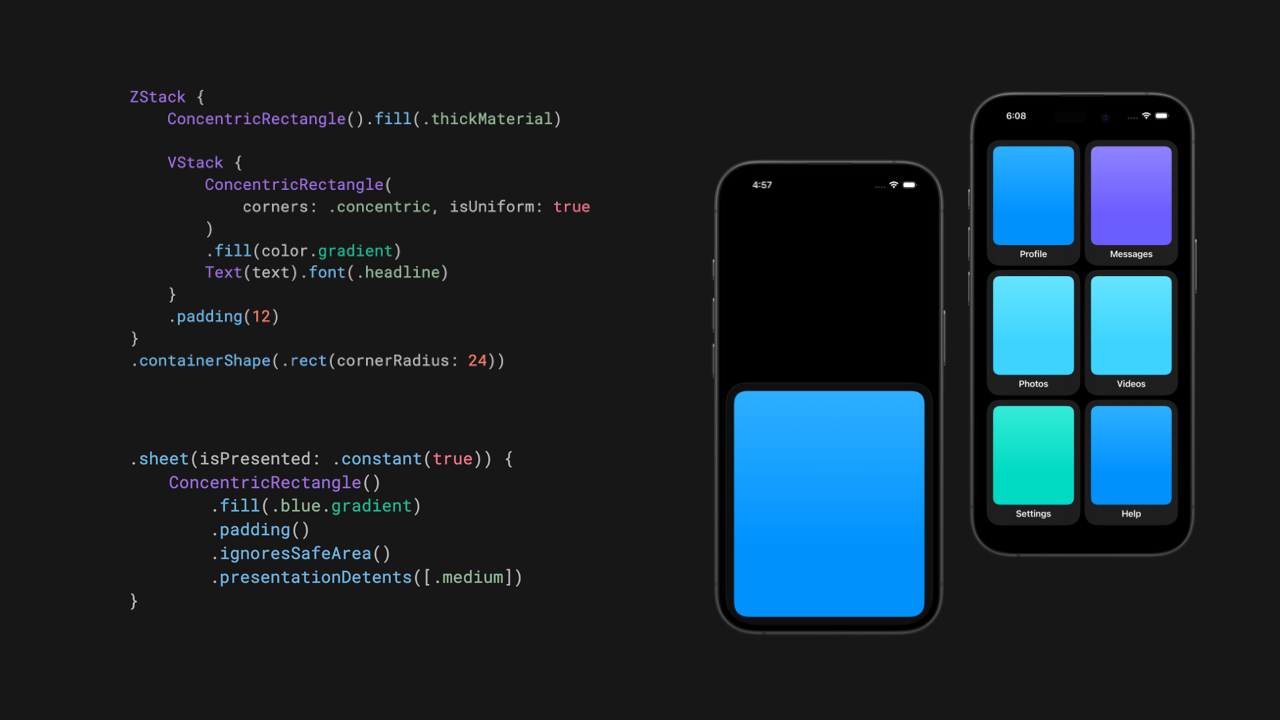
Indie App of the Week
Xarra
Xarra turns articles, documents, and other text into audio, while keeping them visible and synchronized on screen. With support for line and word highlighting, chapter navigation, automatic resume, and flexible import from URLs, pasted text, and documents to make longer reading more manageable.
The app developed by Daniel is well integrated into the system. The Share extension lets you send content from Safari, Notes, or any other app, iCloud sync keeps your progress across devices and platforms and it ties into system playback controls through Now Playing, the Lock Screen, and Control Center. Automatic chapter detection makes longer documents easy to navigate while content stays on device and works offline once imported. Accessibility runs through the whole experience rather than sitting on top of it and it's well integrated into the features, with support for assistive technologies and user preferences.
 Daniel Devesa Derksen-Staats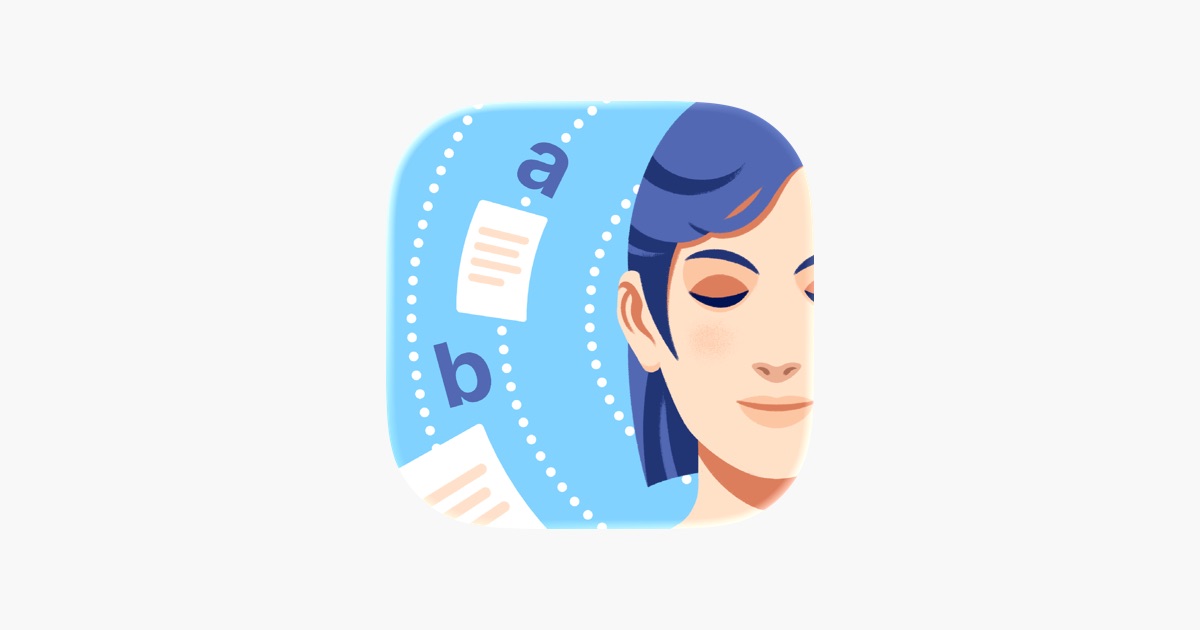
Apple updated the documentation for the coding intelligence features in Xcode, a feature that has become increasingly central since Xcode gained support for agents.

This latest addition takes it a step further, allowing external agents to interact with Xcode and enabling a more integrated, automated development workflow.

We can’t wait to see what you will Create with Swift.
See you next week!