Weekly Newsletter Issue 102
Weekly newsletter summing up our publications and showcasing app developers and their amazing creations.


Welcome to this week's edition of our newsletter.
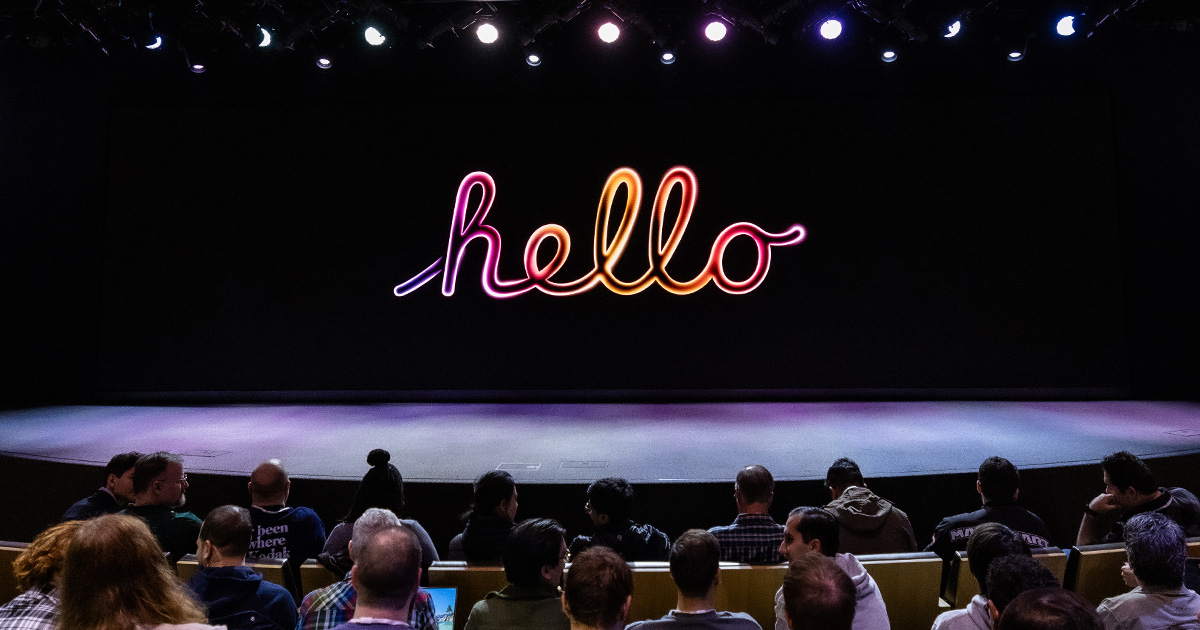
As WWDC26 approaches, the first community events for Apple developers are beginning to take shape. This year, for the first time, Apple itself has organized an event specifically for the developer community, particularly exciting for those attending without a conference ticket, who will still have the opportunity to connect and engage with fellow developers.

Create with Swift Napoli Meetup #8
We’re excited to announce that Create with Swift Napoli Meetup #8 is coming on April 22nd in the center of Naples!
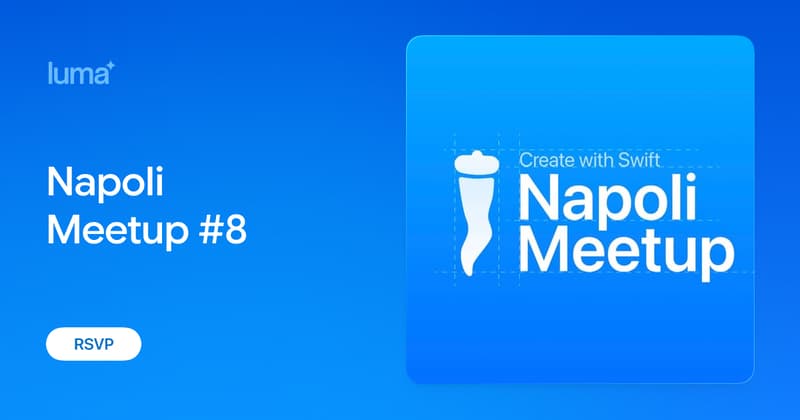
Reserve a spot on Luma!
The first edition of the year with community speakers! Tim Condon and Ipek Erten will share their experience developing for the Apple ecosystem from two completely different angles.
Another highlight is our first Community App Spotlight! A dedicated space for people in the developer community to share their projects, in development or on the store, in a public space! If you have an app on the App Store or on Testflight, get in touch with us on Discord by joining our community server.
We are also celebrating 5 years of Create with Swift this month! We won’t let this milestone go unnoticed and expect to celebrate it in big style with our local community.
It’s going to be a great event… the best meetup we've ever held.
From
The Community
Working with files and directories in iOS
Natascha gives a practical overview of how the iOS file system works, explaining the app sandbox, the main system directories your app can access, and the rules around storing files safely and appropriately within an iOS app.

Offline Storage with SwiftData
Kyle shows how to use SwiftData to persist user data while keeping cached server data separate, creating a clear and scalable approach to offline storage

SwiftUI Custom Popover
Artem explains how to build a reusable custom popover in SwiftUI using matchedGeometryEffect, allowing you to attach an overlay to any view without dealing with frames or coordinate spaces
 Livsy
Livsy
Embedding SF Symbols in SwiftUI Text
Natalia explains how to embed SF Symbols directly inside Text using LocalizedStringKey interpolation, covering its limitations and how to work around them.
 Natalia Panferova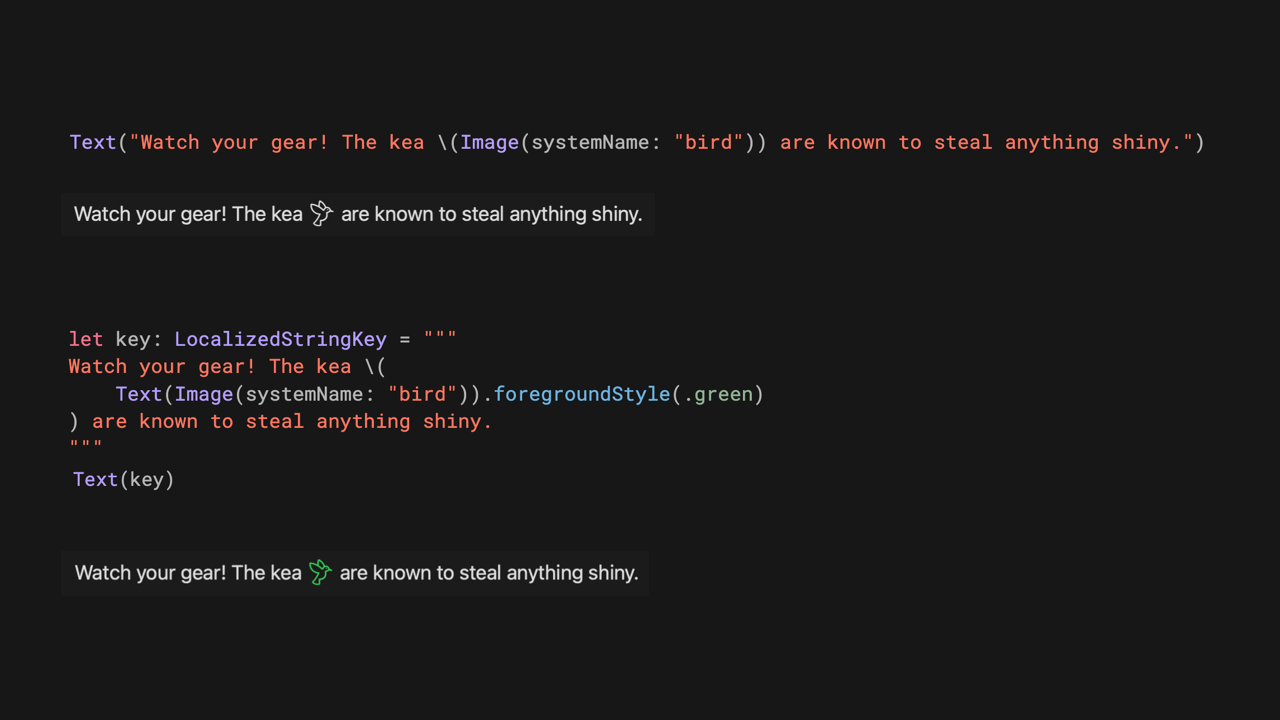
No, SwiftUI is not "Accessible by default"
Rob challenges the idea that SwiftUI automatically produces accessible apps, showing that developers still need to actively define accessibility to avoid common pitfalls.
 Mobile A11y
Indie App of the Week
Stargaze
Stargaze is a simple and clear habit-tracking app that reimagines your progress as constellations, turning familiar habit charts into something more personal, playful, and visually memorable.
The app, developed by Hazel, takes a straightforward idea and makes it feel special through its nice aesthetics, thoughtful micro-animations, delightful haptics throughout the app, and careful attention to reduced animations for users who need a calmer experience.
 Hazel’s Garden LLC
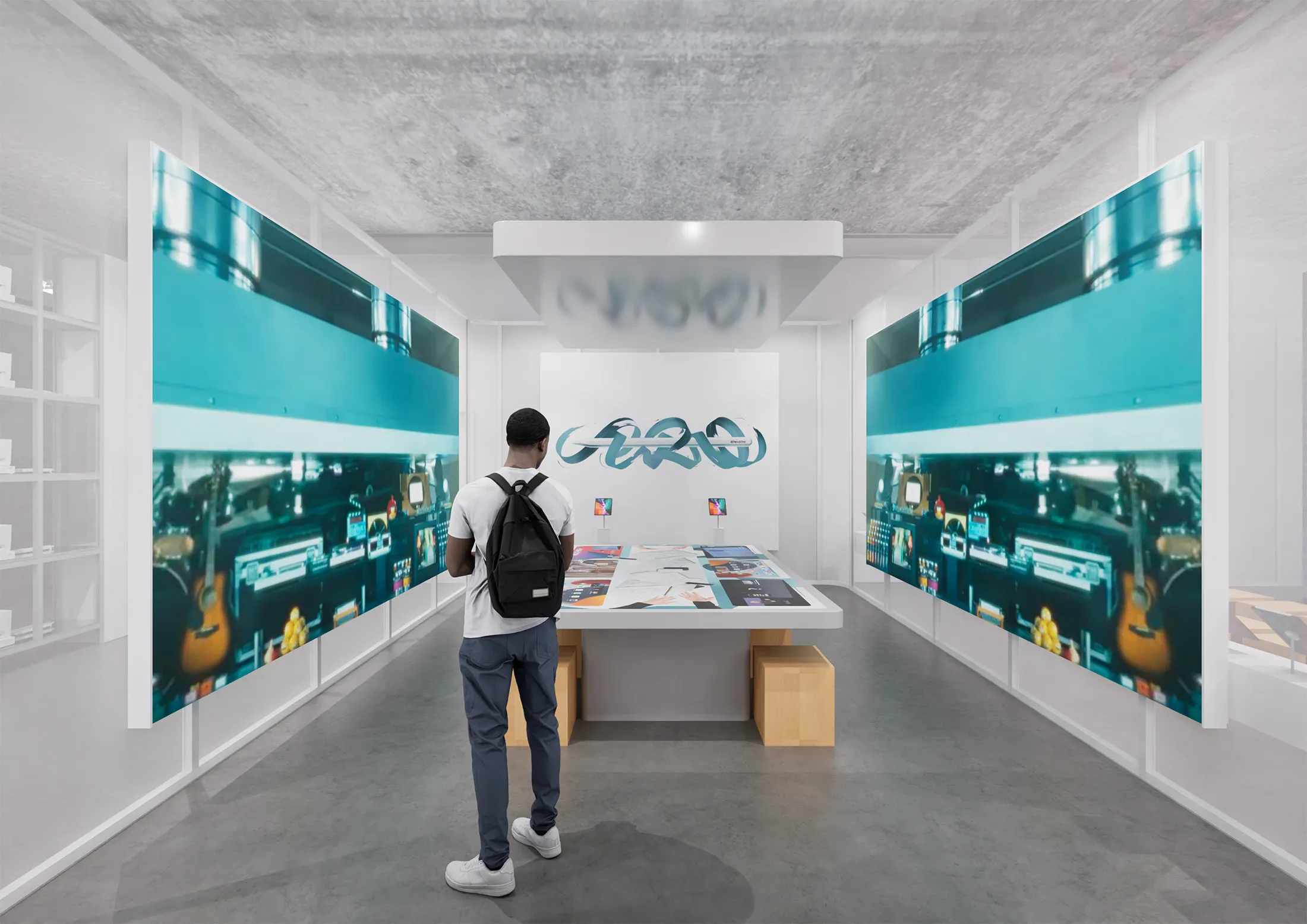
As Apple celebrates 50 years, Europe's largest Apple Museum just opened its doors in Utrecht, Netherlands. A stunning 2,000m² immersive journey through 50 years of Apple history, from a recreation of Steve Jobs' iconic garage all the way to the iPhone. It looks like one of those rare spaces where years of ambition, design, rebellion, and reinvention all snap back to life. A must-visit for any Apple enthusiast.

We can’t wait to see what you will Create with Swift.
See you next week!