Weekly Newsletter Issue 103
Weekly newsletter summing up our publications and showcasing app developers and their amazing creations.


Welcome to this week's edition of our newsletter.
Apple has updated the Analytics section in App Store Connect with over 100 new metrics, bringing deeper insights into monetization and subscription performance, new cohort capabilities, and expanded peer group benchmarks to help developers better understand how their app is performing on the App Store.


Support us by becoming a sponsor!
Whether your goal is to raise brand awareness or promote your product or service, we offer flexible sponsorship options. We offer weeks, blocks of weeks, and even months to help you find your audience where they are.
 Create with Swift
For information about the current availability of weeks, send us an email.
From
The Community
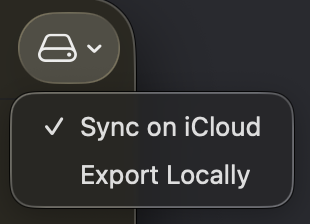
Indicating Selection in macOS Menus Using SwiftUI
Gabriel explores how to reflect selection state in macOS menu items using SwiftUI, allowing menus to visually communicate which option is currently active.
Building List replacement in SwiftUI
Majid explores when List is not the right tool for the job and how to build a custom scrollable container in SwiftUI with full control over its look and feel.
Majid Jabrayilov
How to test in-app purchases locally using StoreKit
Natascha walks you through how to set up StoreKit's local testing environment in Xcode to simulate in-app purchases and subscriptions without connecting to App Store Connect.
Indie App of the Week
OneStamp
Postage stamps have always been small windows onto the world. Their compact frames highlight a single subject, a landmark, a portrait, a flower, stripping everything else away and turning ordinary images into collectible objects worthy of close attention.
OneStamp, developed by Sanster, brings that same sensibility to your photo library. The app was inspired by a Figmatelia interactive prototype created by Matteo Salvati, and the idea is as simple as it is effective: crop any photo into a stamp-shaped frame and something shifts. Its minimalist aesthetic is elevated by smooth, well-crafted animations and transitions that make the experience feel especially polished. A fragment of a landscape, a plant, or an unremarkable corner of daily life becomes its own quiet composition, and details you never paid attention to finally get their moment.
尉卿 褚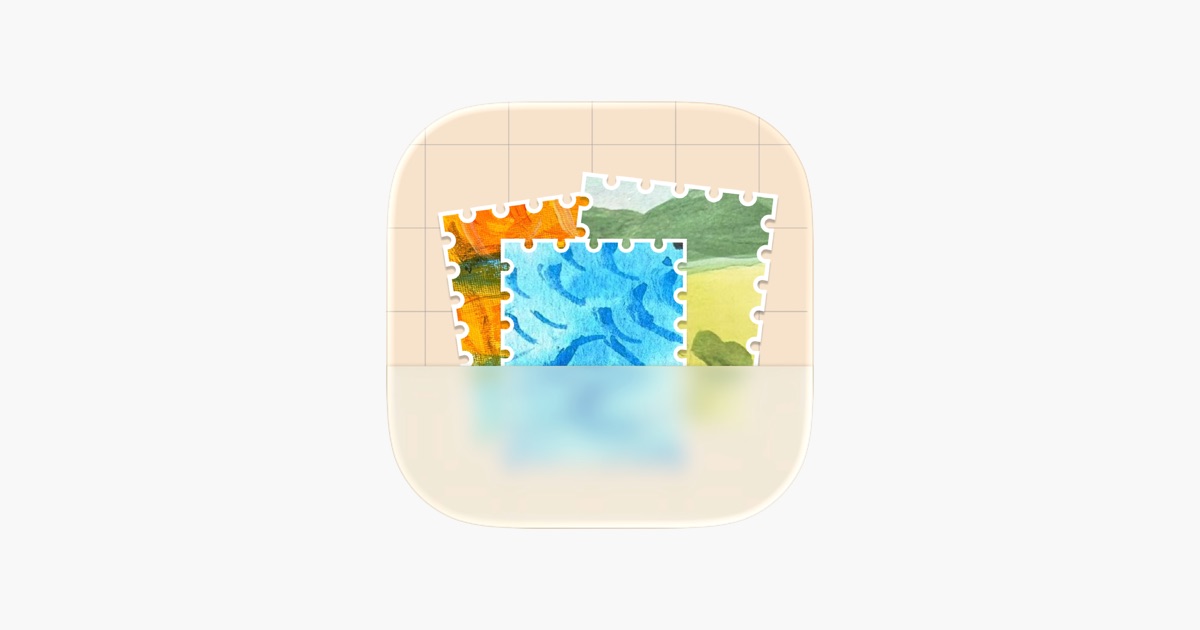
With WWDC26 just around the corner, Apple has added two new tutorials to its Develop in Swift series, “Meet Xcode” and “Discover Coding Intelligence”, highlighting the new coding intelligence features in Xcode 26.

We can’t wait to see what you will Create with Swift.
See you next week!