Weekly Newsletter Issue 104
Weekly newsletter summing up our publications and showcasing app developers and their amazing creations.


Welcome to this week's edition of our newsletter.
Apple is entering one of those moments that feels both significant and full of possibility. Tim Cook is stepping into the role of Executive Chairman, and John Ternus will become Apple’s next CEO in September, closing one important chapter in the company’s history and opening another with a leader who has long been at the center of its product story.

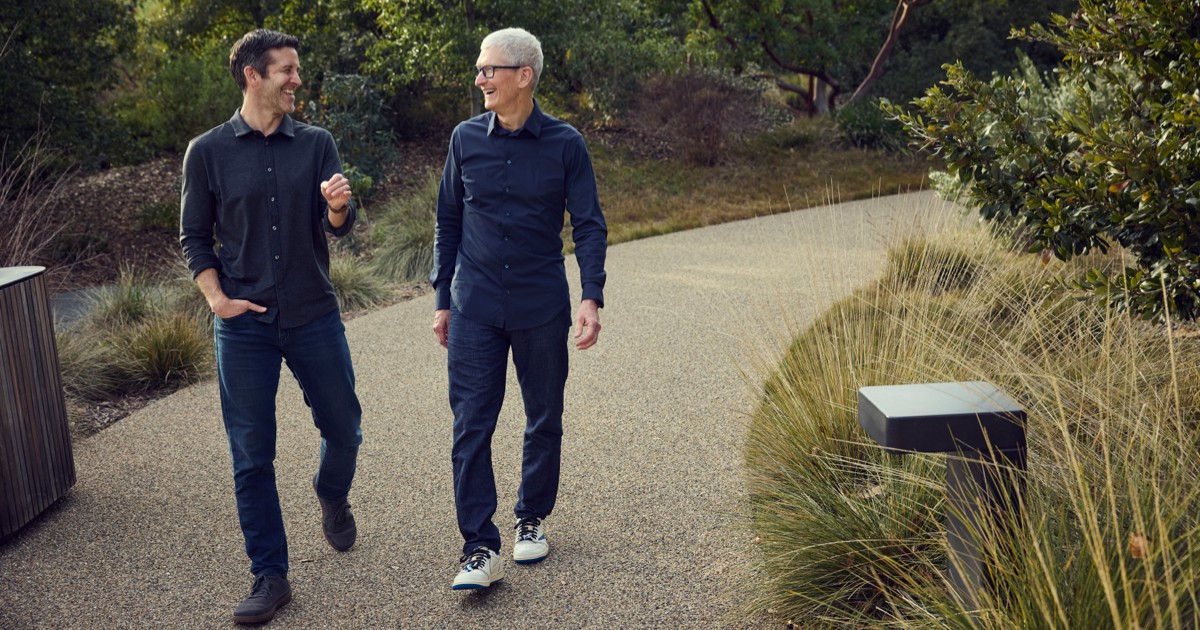
What gives the moment its real tone, though, is Cook’s letter. He begins not with titles or milestones, but with the emails he has read from Apple users over the past 15 years, and from there the message becomes something simpler and more direct: gratitude for having led Apple, and genuine belief that Ternus is the right person to carry that work forward.

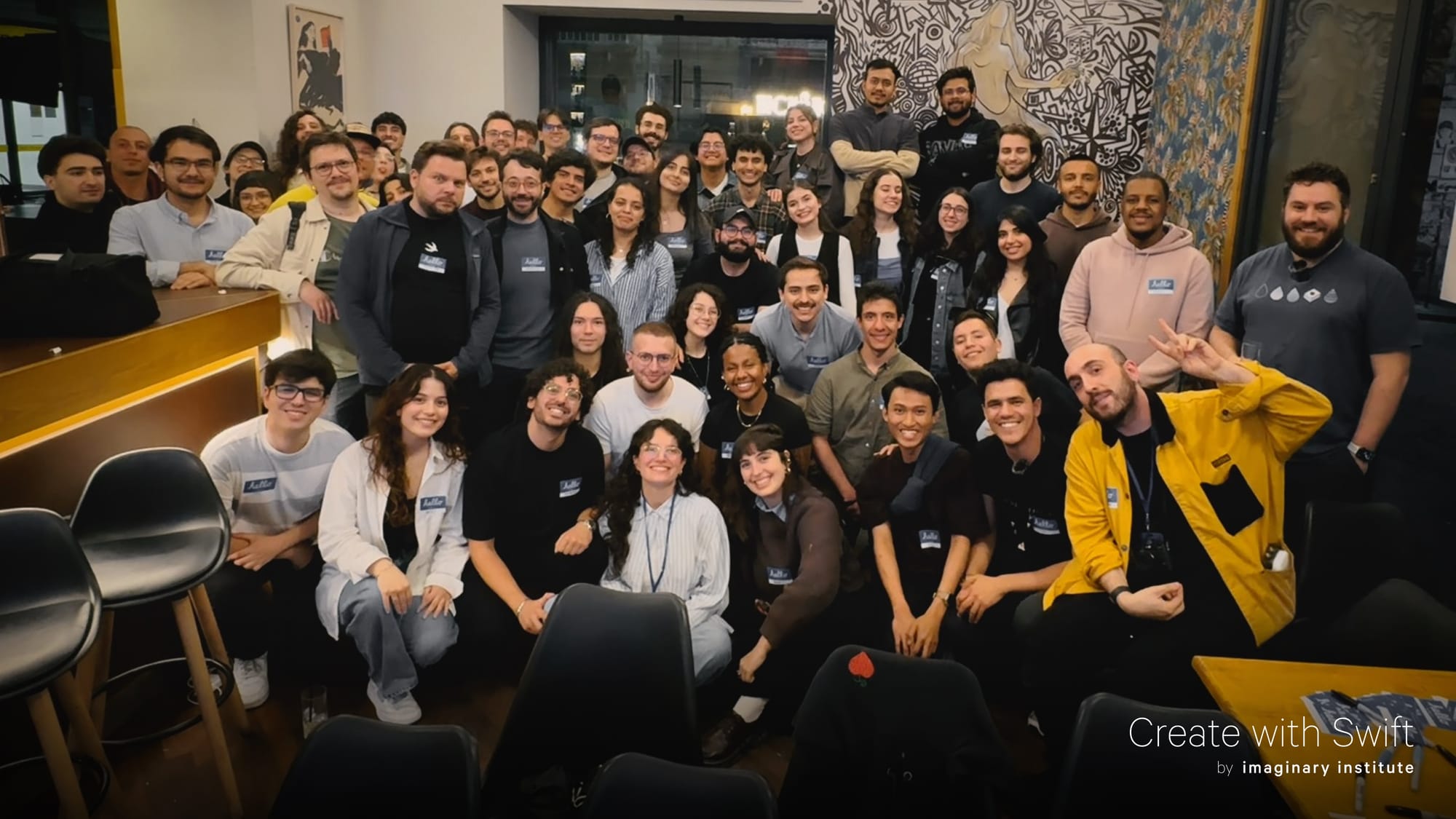
Create with Swift Napoli Meetup #8
This week we hosted the eighth Create with Swift Napoli Meetup and it was a blast!
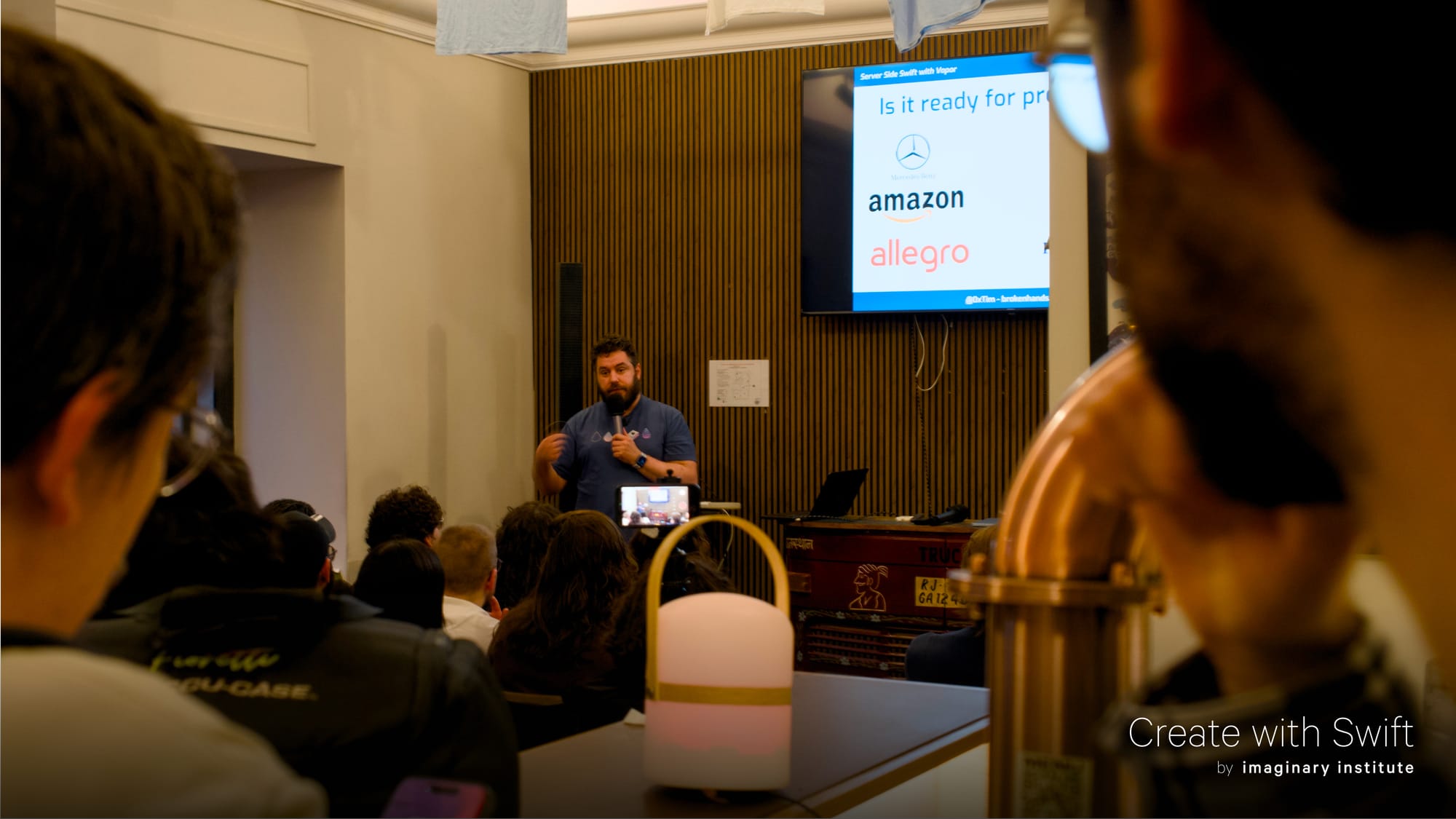
Tim Condon joined us to give an introductory talk about Server Side Swift with Vapor, with a live demo, and Ipek Erten shared her experience exploring creative coding and creating Kreo (available on TestFlight for iPad), a node-based app for creating beautiful visuals and get the code behind them.
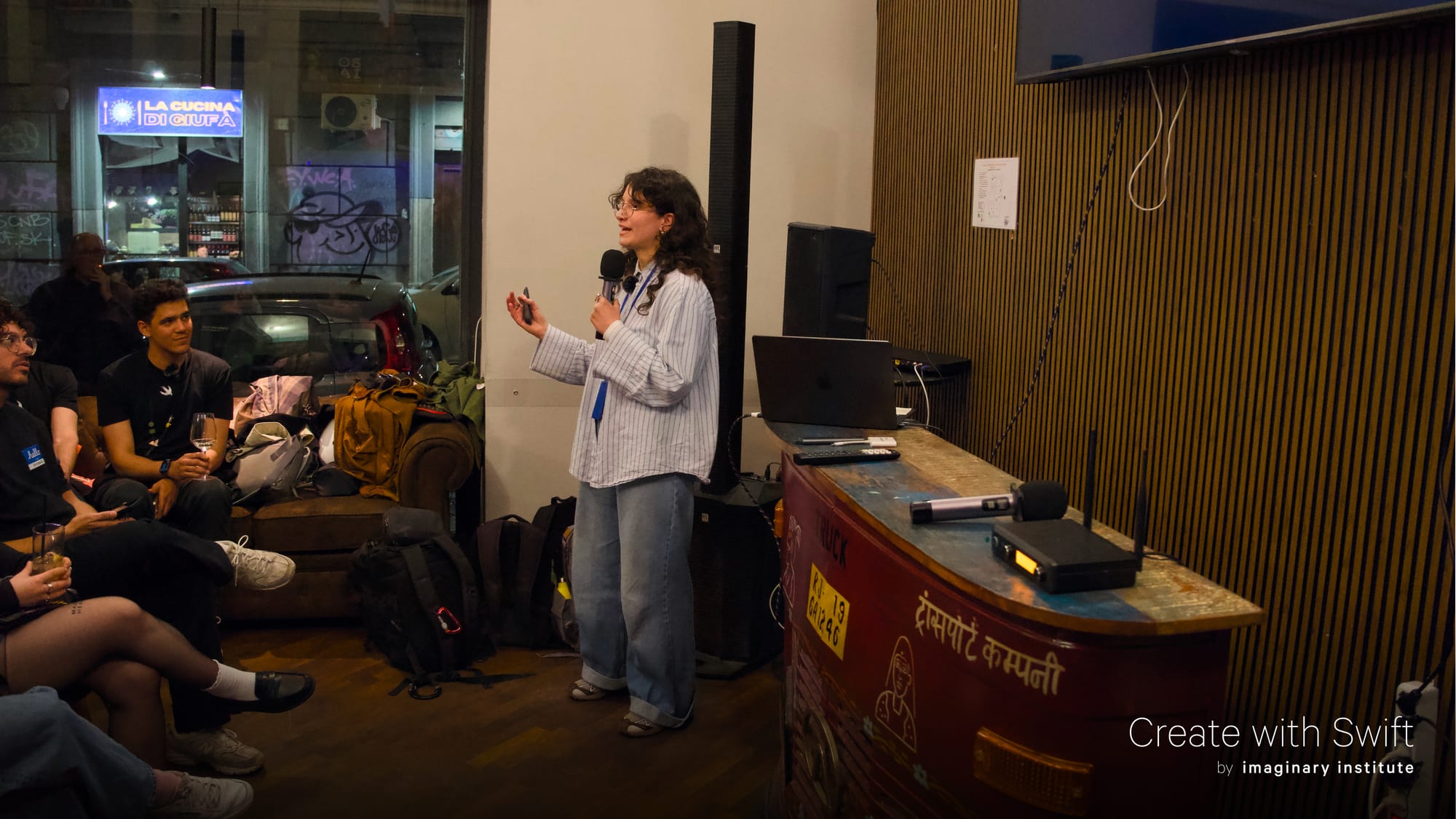
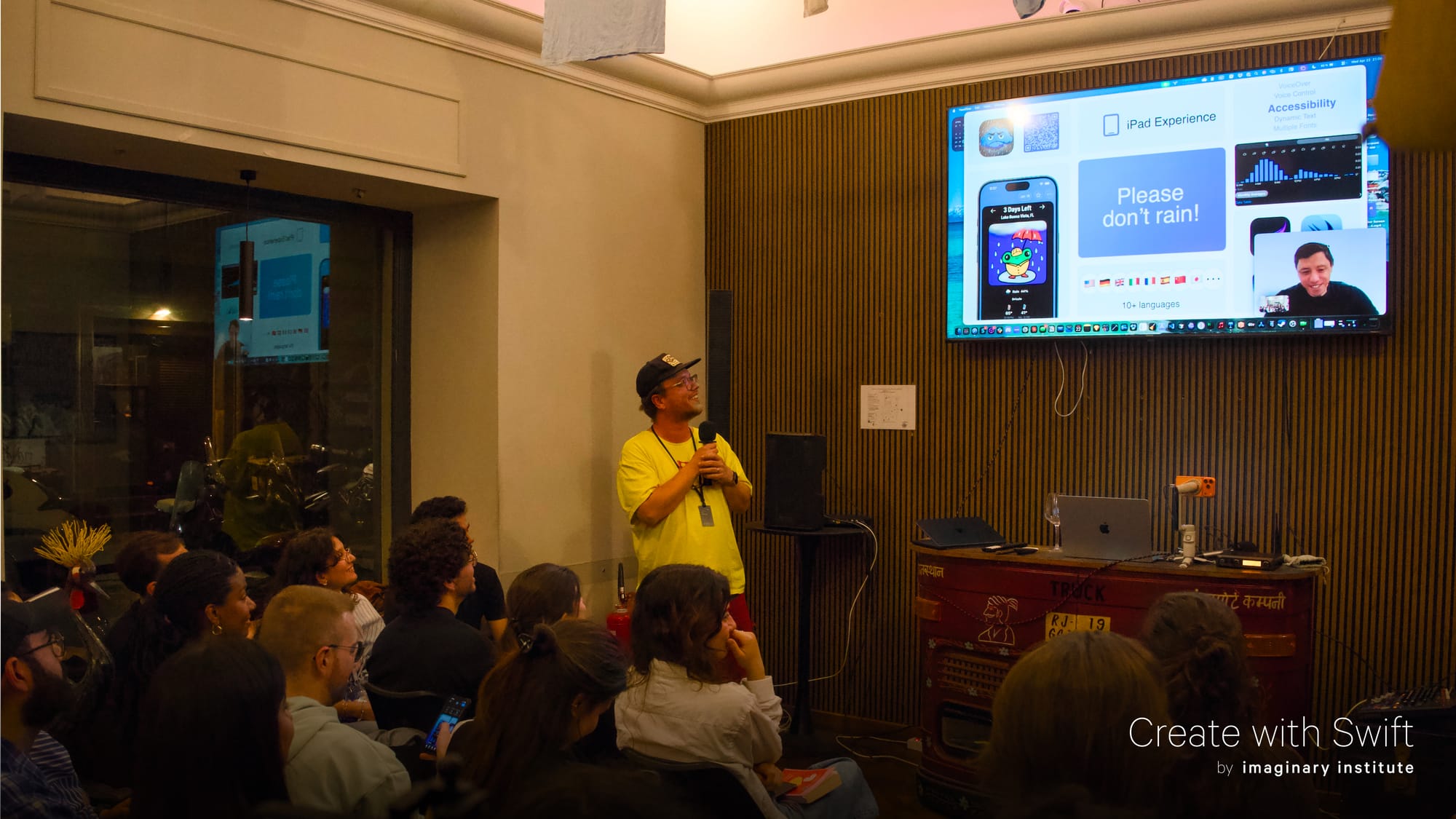
Chris Wu joined us online from the US in our first App Spotlight, sharing with our community the history behind creating Please Don’t Rain and how when exploring new technologies and solving a problem that you think only you have might create value for people all over the world.
If you want to know more about our meetups and get notified about future dates, follow our Luma calendar and join our Discord server, you can find all the info in our dedicated page of the website.
Create with Swift
From
The Community
associatedtype in Swift Explained
Sagar explains what associatedtype is and why it exists, clarifying how it differs from generics and how it enables flexible, type-safe abstractions in protocols.
Sagar Unagar
Performance Profiling with Instruments
Kyle shows how to use Xcode’s Instruments to profile real SwiftUI performance issues like image loading, view updates, memory growth, list rendering, and network calls, then fix and verify them.
A Reusable Spotlight Onboarding Component in SwiftUI
Artem shares how to build a reusable SwiftUI spotlight onboarding component that highlights views with a rounded cutout, positions an overlay card, and supports multi-step flows using anchors and PreferenceKey.
Livsy
Indie App of the Week
Cat On Chair
Cat On Chair begins with a simple idea: focusing feels better when you are not doing it alone. When you start a focus session, a hand-drawn cat appears on a chair, quietly keeping you company with ambient sounds while you work, study, read, or try to stay away from distractions.
Its charm comes from the details: warm colors, playful animations, and a cozy reward loop where completed sessions earn gifts that can be traded for fish to unlock furniture, decorations, and new room items, or the cat may leave you with a little trash if you fail your focus session instead. Depending on how much structure you need, the app can also help you stay focused more actively, with app and website blocking, and whitelists for the tools you still need.
The app developed by Ryan is a full-featured focus app with app and website blocking, whitelists, iCloud sync, Live Activities, Widgets, Shortcuts and Apple Watch support. Cat On Chair turns productivity into a small ritual: focused, cozy, and full of personality.
Ryan Yao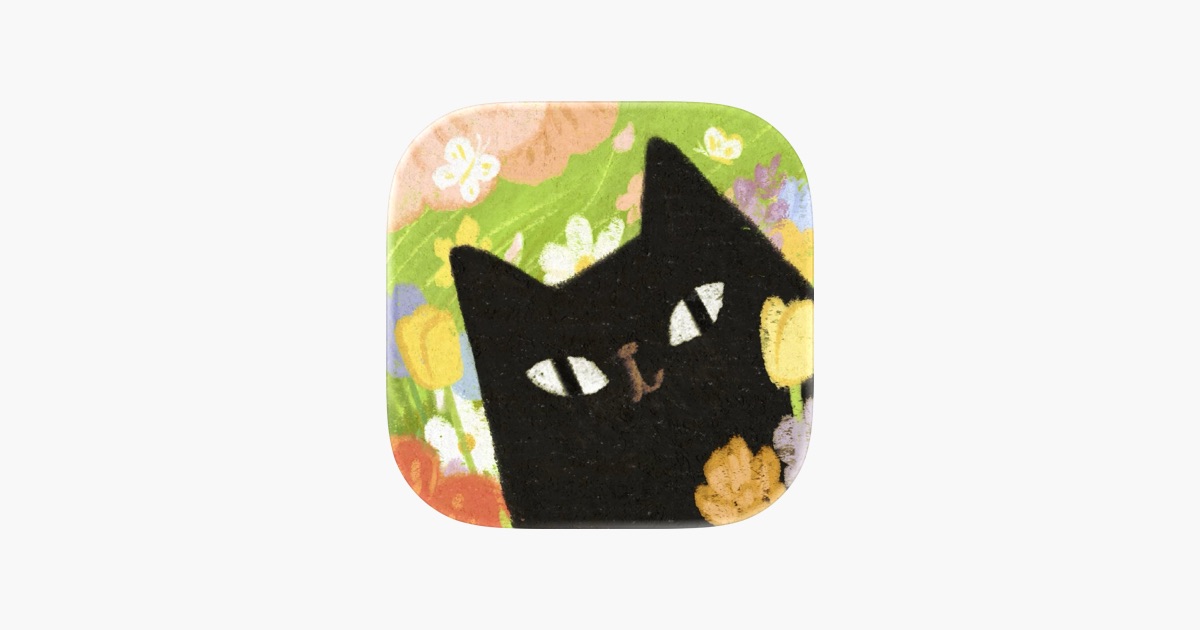
We can’t wait to see what you will Create with Swift.
See you next week!