Weekly Newsletter Issue 105
Weekly newsletter summing up our publications and showcasing app developers and their amazing creations.


Welcome to this week's edition of our newsletter.
April just ended, and it is always a special month. It marks the beginning of spring, a season that already feels full of new ideas, fresh energy, and growth. But for us, this April had an even deeper meaning: it marked five years of Create with Swift.
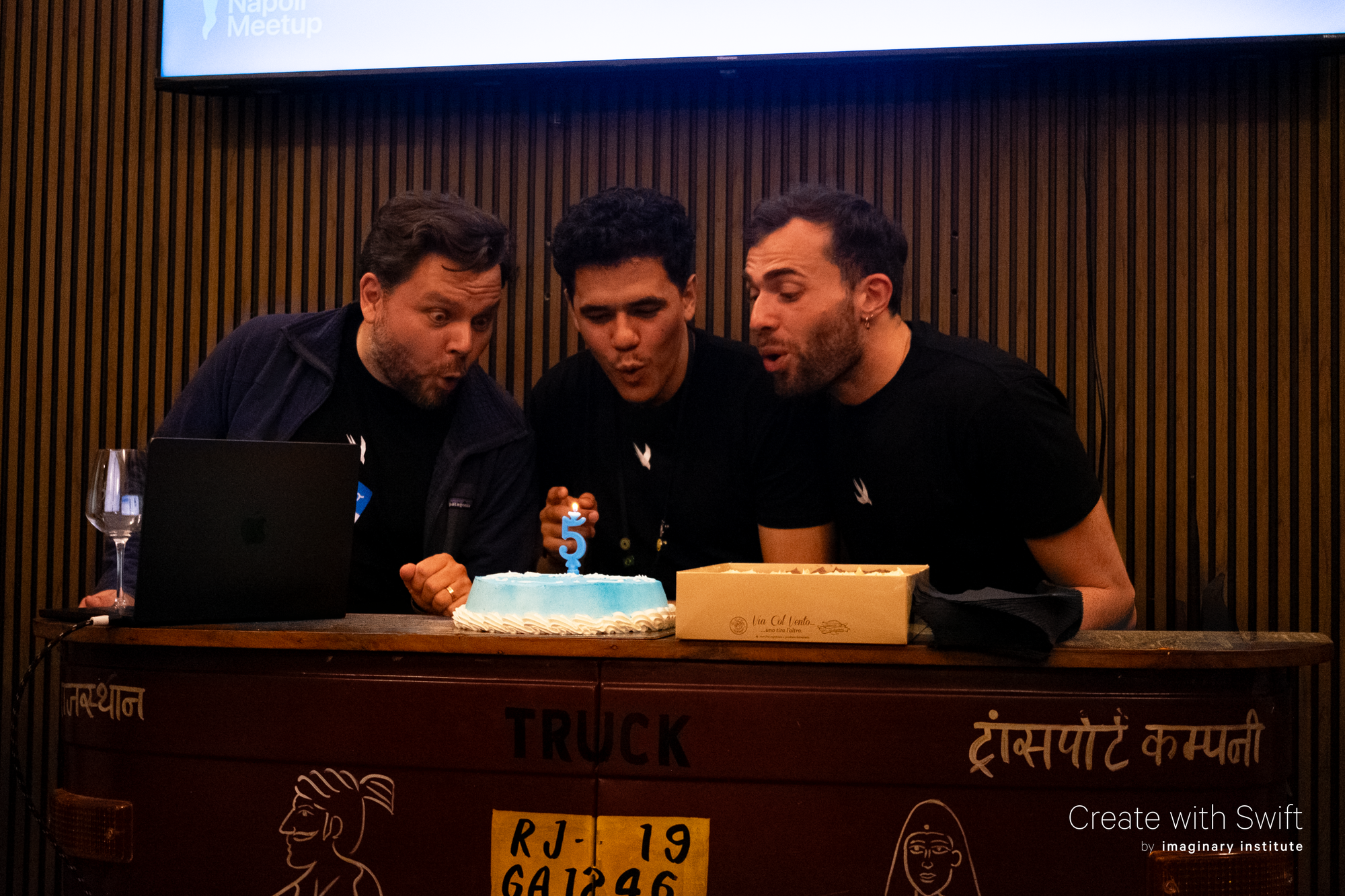
Five years ago, in 2021, everything started with a simple idea between Tiago, Giovanni, and Moritz:
Why don’t we write about Swift and iOS development?
There was no big plan, no strategy, and no expectation that it would become something bigger. It started simply from passion, curiosity, and the desire to share knowledge with the community. It was something built in the free time, driven by curiosity, conversations, and the joy of creating something useful for others.
And somehow, from that small beginning, Create with Swift grew into what it is today.
A place for articles and tutorials,
A newsletter for our beloved community,
Joining conferences,
Hosting meetups that bring people together,
Apps, resources, and materials created under its umbrella.
It became a space shaped by many behind it: everyone who has contributed, supported, joined a meetup, opened a newsletter, read an article or simply believed in the idea.
Five years later, we are still here for the same reason we started: to learn, to create, and to share with the community.
From
The Community
Checking accessibility with SwiftUI Previews
Rob shows how SwiftUI Previews can be used as a lightweight accessibility testing tool, letting you quickly inspect UI variations before testing on a device.
 Mobile A11y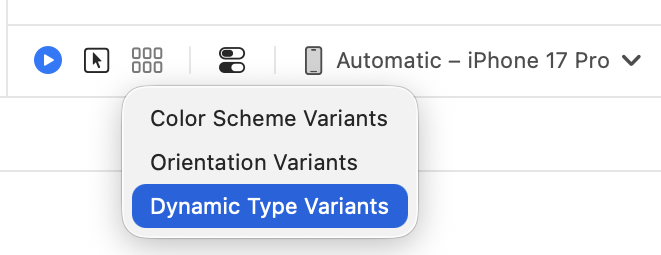
Synchronization in Swift: Actors vs Queues vs Locks
Artem compares actors, queues, and locks in Swift, showing when each is useful for safely synchronizing shared state and what trade-offs they bring.
Livsy
Concurrency Step-by-Step: Designing Protocols
Matt walks you through designing Swift protocols under Swift concurrency, explaining how choices like async requirements, nonisolated, and more specific constraints can make protocols safer and easier.
Matt MassicotteImmediate tasks in Swift Concurrency explained
Antoine explains Swift’s new immediate tasks, showing how they work, when they help preserve ordering with actor-isolated state, and why they should be used carefully to avoid blocking or accidentally serializing work.
Antoine van der LeeIndie App of the Week
OKURI
The himekuri is a Japanese tear-off calendar where each page is pulled away at the end of the day, a small, deliberate gesture that marks time passing. There is something grounding about that ritual, the way it turns an abstract number into a physical act.
OKURI, developed by Obed with a meticulous attention to details, takes that idea and builds a daily companion around it. A realistic page-flipping animation sets the tone, and widgets for zodiac signs, constellations, and sunrise and sunset times add a layer of cultural depth that clearly comes from careful research. Events, todos, and a daily luck reading all find their place within the same clean, relaxing interface, making it one of those rare calendar apps that actually invites you to open it.
Obed Willhem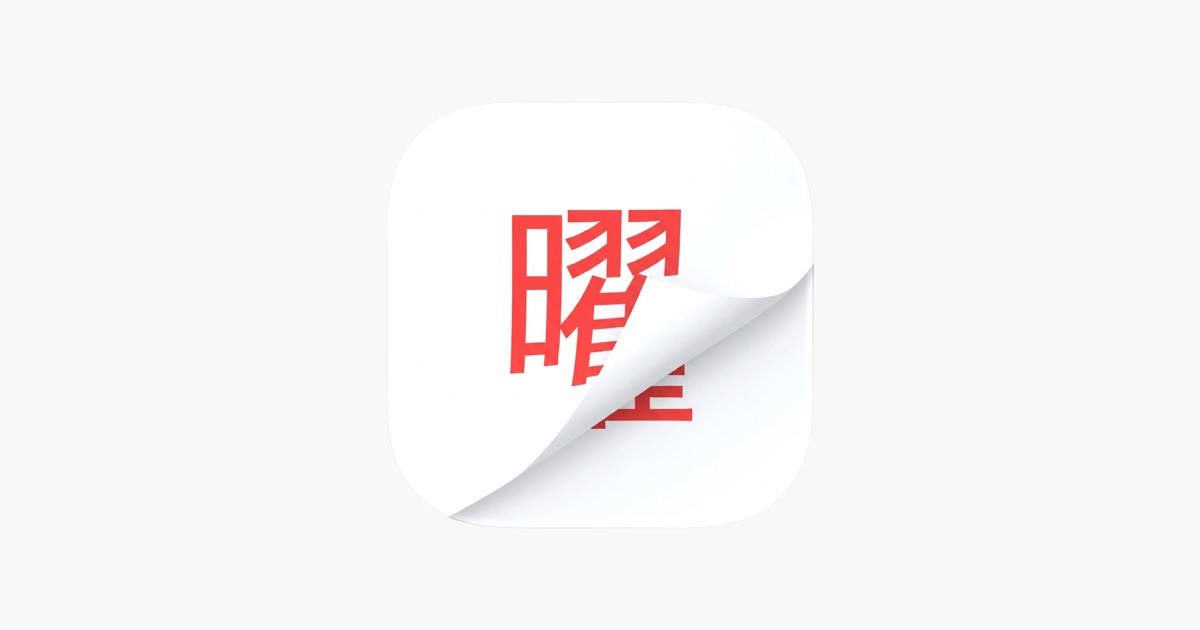
Here’s to the next five years of Create with Swift.
Thank you for being part of this journey.
We can’t wait to see what you will Create with Swift.
See you next week!