Weekly Newsletter Issue 115
Weekly newsletter summing up our publications and showcasing app developers and their amazing creations.


Welcome to this week's edition of our newsletter.
Apple has updated its official Figma UI kits for iOS, iPadOS, and macOS 27, giving designers and developers a refreshed set of components, styles, materials, and templates that reflect the latest platform updates. The new kits are useful for creating more accurate mockups, user flows, and design handoffs.
https://www.figma.com/community/file/1651309003795292092/ios-and-ipados-27
https://www.figma.com/community/file/1651309434229735362/macos-27
Support us by becoming a sponsor!
Whether your goal is to raise brand awareness or promote your product or service, we offer flexible sponsorship options. We offer weeks, blocks of weeks, and even months to help you find your audience where they are.
 Create with Swift
For information about the current availability of weeks, send us an email.
From
The Community
Image Playground Sheet in SwiftUI
Artem shows how to present Apple’s Image Playground experience in SwiftUI using the new sheet-based API, handling image generation, user interaction, and the generated results.
 Livsy
Livsy
Custom bindings in SwiftUI: closures vs subscripts
Natalia explains why creating custom bindings with Binding(get:set:) can trigger unnecessary view updates, and shows how using labeled subscripts instead gives SwiftUI a more stable way to track dependencies and improve rendering performance.
 Natalia Panferova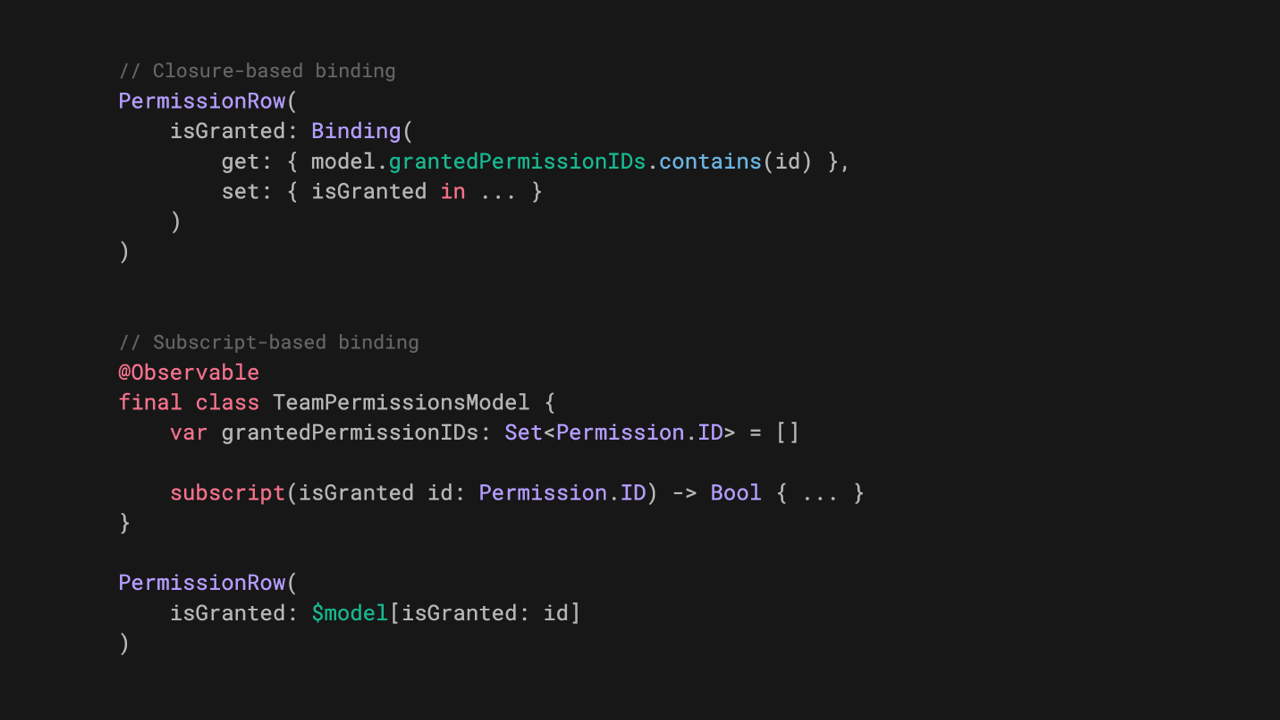
SwiftUI .crossFade Navigation Transition in iOS 27
Sagar explores SwiftUI’s new crossFade navigation transition, showing how to apply it and when it’s a better fit than zoom transitions for smooth, context-independent navigation.
 Sagar Unagar
SwiftUI Adaptable Sheet's | Landscape Pinned Sheet's
Kavsoft shows how to replicate the Apple Find My App sheet which is pinned to leading side in landscape mode.
Indie App of the Week
oh my hours
All screen time reports tell the same story: how many minutes you spent, in which apps, compared to last week. The numbers pile up, the limits get snoozed, and somehow knowing exactly how long you scrolled never quite makes you scroll less.
Oh my hours, developed by Yaroslav, asks a different question: how many hours of your day stayed distraction-free? You pick the apps you would rather avoid, and each hour of the day appears as a single mark on a grid. The hour is yours if you stayed away, lost if you opened one of them, even for a second. It's a simple concept, but a very effective one: there's no blocking, no bypass popup, no shaming, just the grid, sitting on your home or lock screen widget, quietly showing how the day went and the name it's literally what you'll say the first time you look at it.
 Yaroslav Neznaradko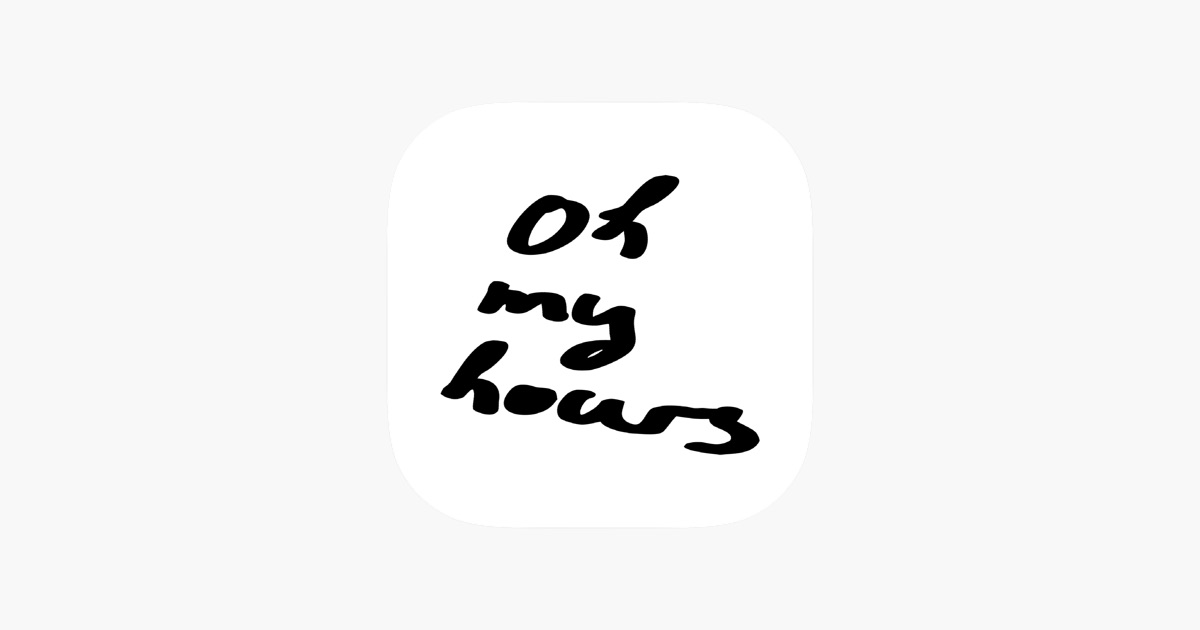
That's all for this week.
We can’t wait to see what you will Create with Swift.
See you next week!