
Weekly Newsletter Issue 120
Weekly newsletter summing up our publications and showcasing app developers and their amazing creations.


Welcome to this week's edition of our newsletter.
Xcode 27 is out and Xcode 27.2 beta is already here.
Curiously, though, if you’re looking for iPhone Duo support, you’ll have to wait for Xcode 27.1.
Versioning oddities aside, there are two Xcode changes that caught our attention. First, Xcode 27.2 introduces a new JSON-based project format, designed to be more human-readable and, explicitly, easier for coding agents to work with.
And second, a much smaller feature that might make developers disproportionately happy:
Have you noticed the new “Delete Derived Data” button?
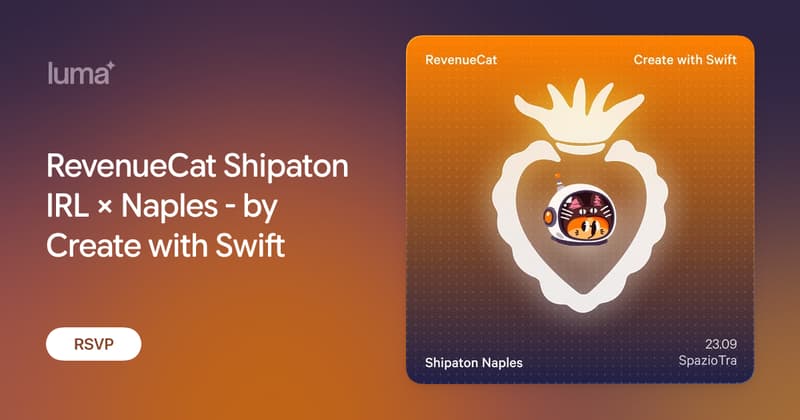
RevenueCat Shipaton IRL × Naples - by Create with Swift
We're happy to announce that we are hosting a Shipaton IRL event in Naples, a local stop for RevenueCat's global mobile hackathon.
This isn't a build night; it's the starting line.
Whether you're an indie developer, a designer, a student, or just curious about shipping your first app... you belong here!

From
The Community
From pbxproj to xcproj: Xcode Project Configuration Gets a JSON Format
Fatbobman takes a closer look at Xcode 27.2’s new JSON-based project.xcproj format, comparing it with the decades-old pbxproj and exploring how its more readable structure can reduce merge conflicts and make Xcode projects easier for both developers and coding agents to work with.
 Fatbobman
Reusable SwiftUI Previews with PreviewModifier
Artem covers how PreviewModifier can keep SwiftUI previews clean and reusable by separating shared setup from preview content.
 Livsy
Livsy
Designing for iPhone Duo - HIG Guide in 5 Minutes
Sagar breaks down Apple’s Human Interface Guidelines for iPhone Duo, focusing on how to design adaptive interfaces that respond naturally to its different poses while accounting for the unique layout challenges introduced by a foldable display.
 Sagar Unagar
Building a sunburst diagram in Swift Charts
Matthaus shows how to build a three-level sunburst diagram with Swift Charts, turning hierarchical activity data into concentric rings while tackling labeling, visual grouping and accessibility along the way.
 Matthaus Woolard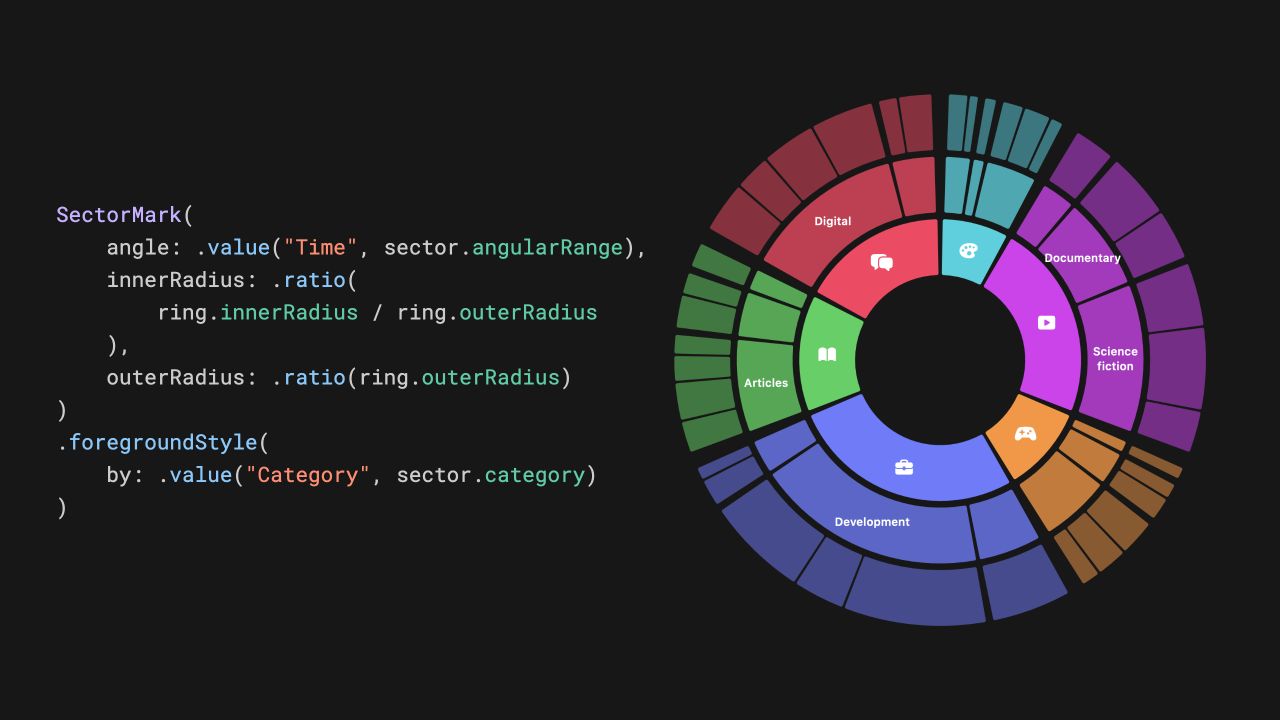
Indie App of the Week
Cibby
Every collector knows the care that goes into a collection: the search for the piece still missing from the shelf, and the quiet satisfaction of keeping something that means more than the object itself, carrying with it the memory of when it was first bought or played.
Cibby, developed by Michael, goes beyond the idea of simply logging every game you own. Using the app feels a little like using a console itself, with sounds and animations that turn adding a game into its own small ritual, all inside an experience that never stops feeling native to iPhone. A game can be added with a barcode, a quick search, or by scanning the box itself through a 3D capture, and once it's in the collection, it can be viewed as a full 3D model with everything attached to it, or set aside in the Discover tab for the next thing worth adding to the shelf.
 Flarup Industries
We may not have iPhone Duo support in Xcode just yet but at least we can start designing for it.
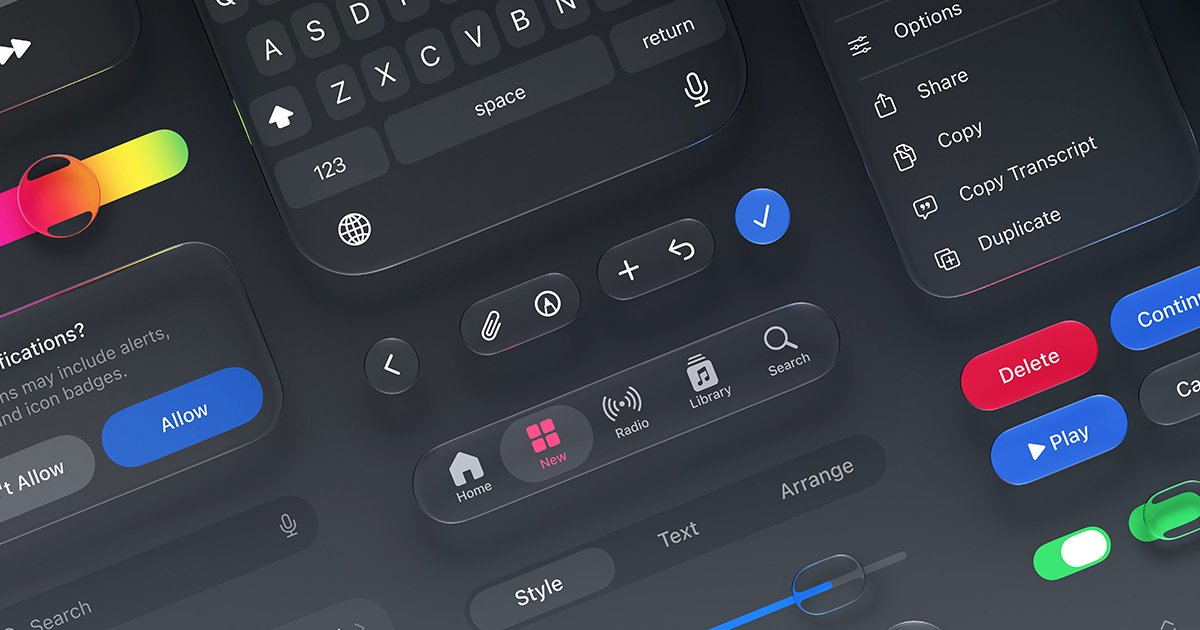
Apple just updated its Figma and Sketch design kits with iPhone Duo resources, alongside new guidance for adapting interfaces to it.

We can’t wait to see what you will Create with Swift.
See you next week!