Weekly Newsletter Issue 121
Weekly newsletter summing up our publications and showcasing app developers and their amazing creations.


Welcome to this week's edition of our newsletter.
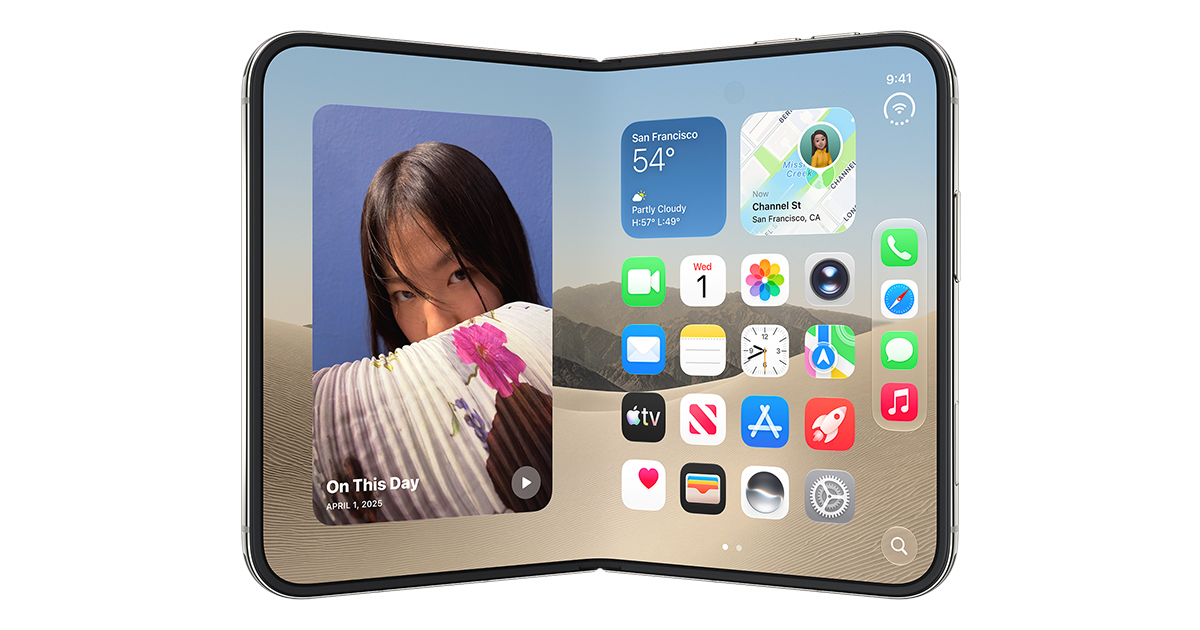
Last week, we wrote that if you were looking for iPhone Duo support, you’d have to wait for Xcode 27.1.
We love to think that Apple was reading because just a few hours after we hit send, Xcode 27.1 beta arrived, bringing iPhone Duo support with it.


Now that developers can finally get their hands on it, we’re starting to see what building for a foldable iPhone actually means in practice.
And, as you might know, there’s more to it than making sure your app looks good on two screens.

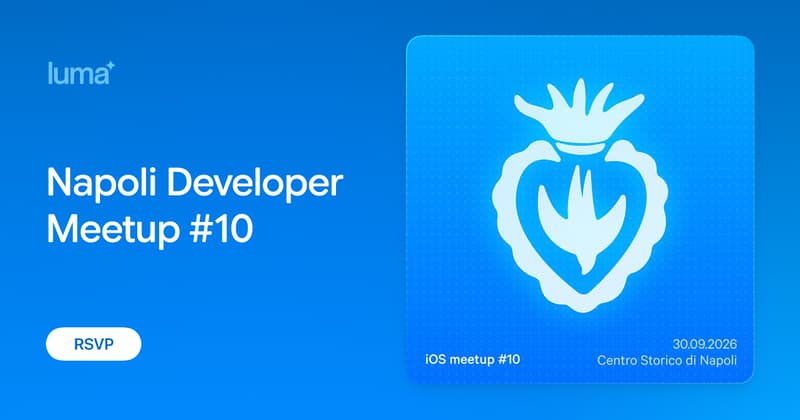
Napoli Developer Meetup #10
September is here, and so is our favorite excuse to gather...
The Create with Swift Napoli Meetup #10 is coming!
After the summer break, we're ready to bring the community back together for an evening built around app development, sharing, and connection. It's the kind of evening where a quick chat over a drink turns into your next collaboration.
If you are around Naples, Italy, join us on September 30th! Whether you're a seasoned iOS developer or just curious about the Apple ecosystem, this meetup is for you.
All information is on our event page on Luma.

From
The Community
iPhone Duo Simulator: Testing and optimizing your SwiftUI app
Antoine walks through testing and optimizing SwiftUI apps for iPhone Duo, starting with adaptive, resizable layouts and progressively adopting features like hinge interactions, vertical toolbars and more.
 Antoine van der Lee
SwiftUI Charts: Dynamic Masking
Anton explores dynamic masking in Swift Charts, building a TradingView-style interaction where selecting a point keeps the preceding portion of a chart fully visible while dimming what follows, without slicing the dataset or manually redrawing the chart.
 Anton Gubarenko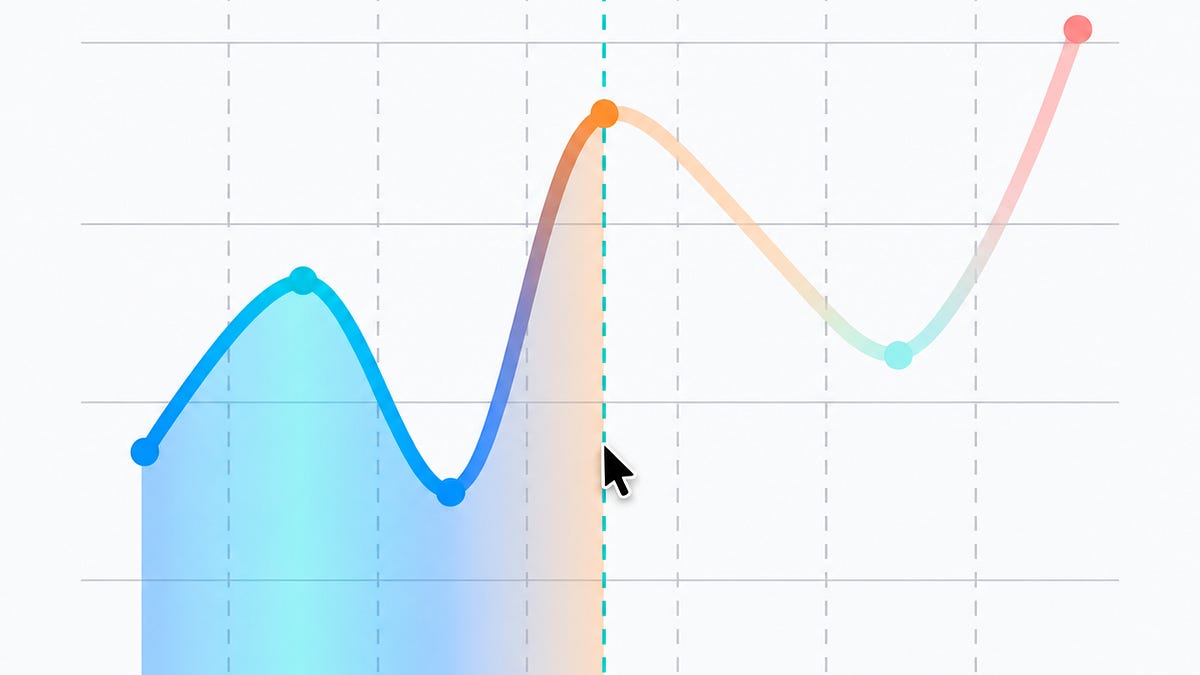
ArrangementView: Think Before You Arrange
Fatbobman breaks down SwiftUI's new ArrangementView, covering its split and overlay modes and where the container genuinely pays off on foldable devices like the iPhone Duo.
 Fatbobman
Configuring SwiftUI toolbars on iPhone Duo
Natalia explores how to adapt SwiftUI toolbars to iPhone Duo’s vertical layout, showing how to control where toolbar items appear, make custom content respond to its placement, and manage limited space between toolbar actions and tabs.
 Natalia Panferova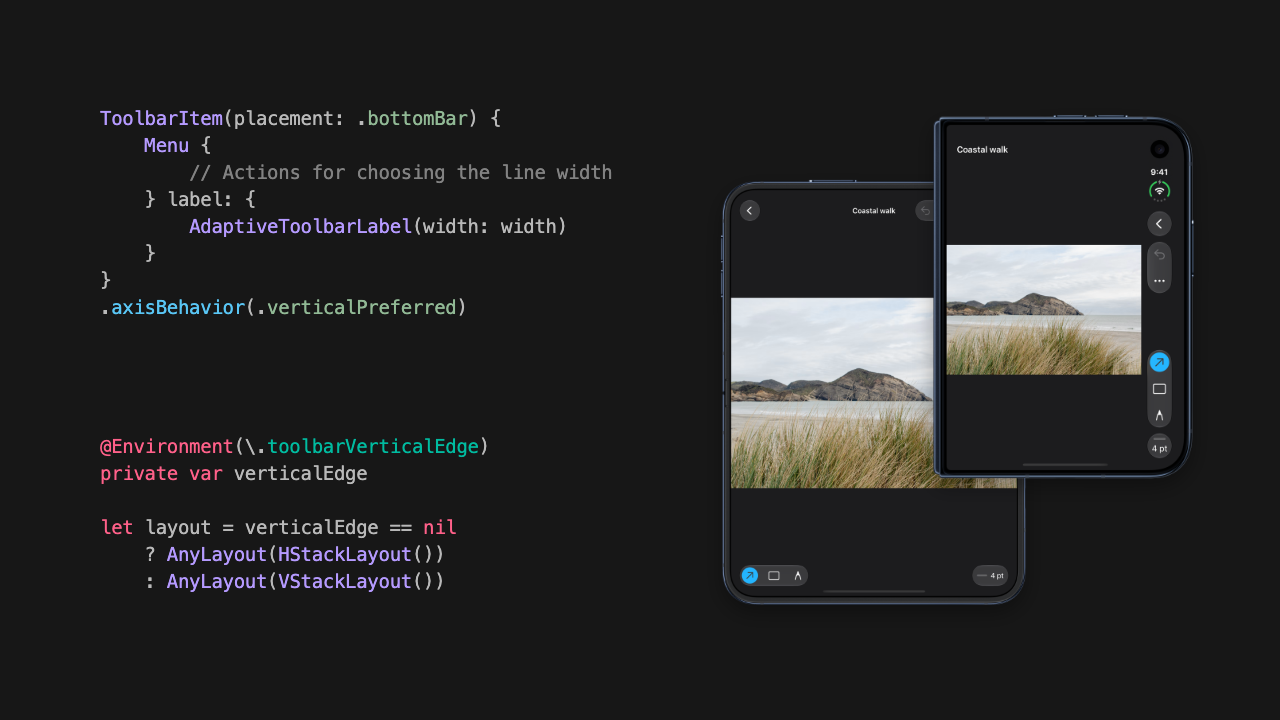
Support us by becoming a sponsor!
Whether your goal is to raise brand awareness or promote your product or service, we offer flexible sponsorship options. We offer weeks, blocks of weeks, and even months to help you find your audience where they are.
 Create with Swift
For information about the current availability of weeks, send us an email.
Indie App of the Week
Tinker
The Home Screen has quietly become something like an apartment: some people leave it with the stock furniture, others spend hours picking the right tinted icons, placing widgets down to the pixel, hunting for the wallpaper that ties the whole thing together.
Tinker, developed by Rasmus, treats that clock as something worth building rather than picking. Backgrounds, hands, and centerpieces are separate layers you combine freely, and how the hands move is its own choice too, a smooth continuous sweep, a mechanical tick, or a chronograph-style motion. The results sit on the home screen as widgets, and if none of the built-in assets fit, you can import your own and build something that exists nowhere else.
 Rasmus Nielsen
Unfortunately, this week we also have some sad news for anyone who has made a visit to Apple Park: the Visitor Center’s 3D model of the campus is gone...
After almost nine years of letting visitors explore Apple Park in augmented reality.
We’ll miss it.
We can’t wait to see what you will Create with Swift.
See you next week!