Weekly Newsletter Issue 125
Weekly newsletter summing up our publications and showcasing app developers and their amazing creations.


Welcome to this week's edition of our newsletter.
First things first, a quick apology for missing last week’s newsletter!
A busy schedule got the better of us, but we’re back with plenty to share. This week is packed with exciting news, updates, and articles from the community, so let’s dive right in!
The month is almost over, and we have to be honest: it has been techtober in every sense. Over a series of announcements, Apple refreshed the iPad mini lineup with new OLED displays, brought new processors to the MacBook Pro and iMac, and introduced a new MacBook Pro series with a redesigned look and an OLED display, sorry, PROLED, and most notably a touch screen!
Steve Jobs once said that “touch surfaces don’t want to be vertical.” And he had a point. But technology evolves, habits change, and what once seemed unnecessary might find its place today.
We’re definitely curious to see what creators and developers will do with it.
Support us by becoming a sponsor!
Whether your goal is to raise brand awareness or promote your product or service, we offer flexible sponsorship options. We offer weeks, blocks of weeks, and even months to help you find your audience where they are.
 Create with Swift

For information about the current availability of weeks, send us an email.
From
The Community
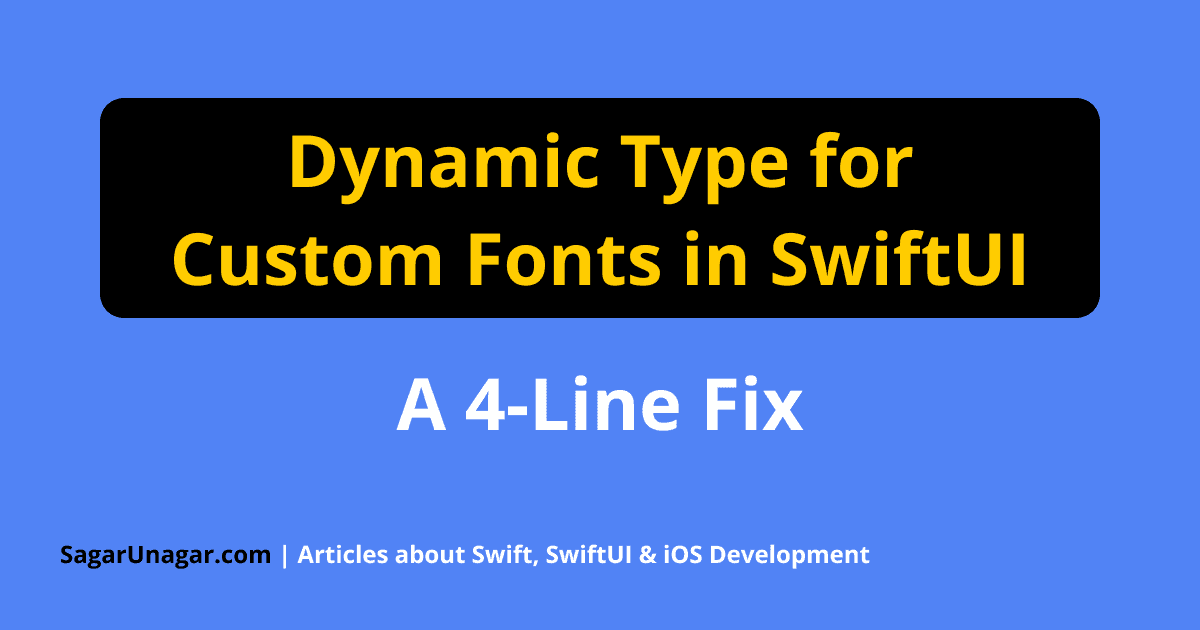
Dynamic Type for Custom Fonts in SwiftUI - A 4-Line Fix
Sagar walks through making custom fonts support Dynamic Type in SwiftUI using @ScaledMetric, building a reusable modifier that scales text appropriately while preserving consistent styling and accessibility across different text sizes.
 Sagar Unagar
Apple App Attest in iOS Development
Artem explores how Apple’s App Attest helps protect iOS apps by allowing servers to verify legitimate app instances through cryptographic attestation and assertions, covering practical implementation considerations and new capabilities introduced in iOS 27.
 Livsy
Interesting ways of using Swift optionals
John highlights les known features of Swift optionals, showing how pattern matching, functional chaining, and custom extensions can simplify common coding patterns and make Swift code more expressive and readable.
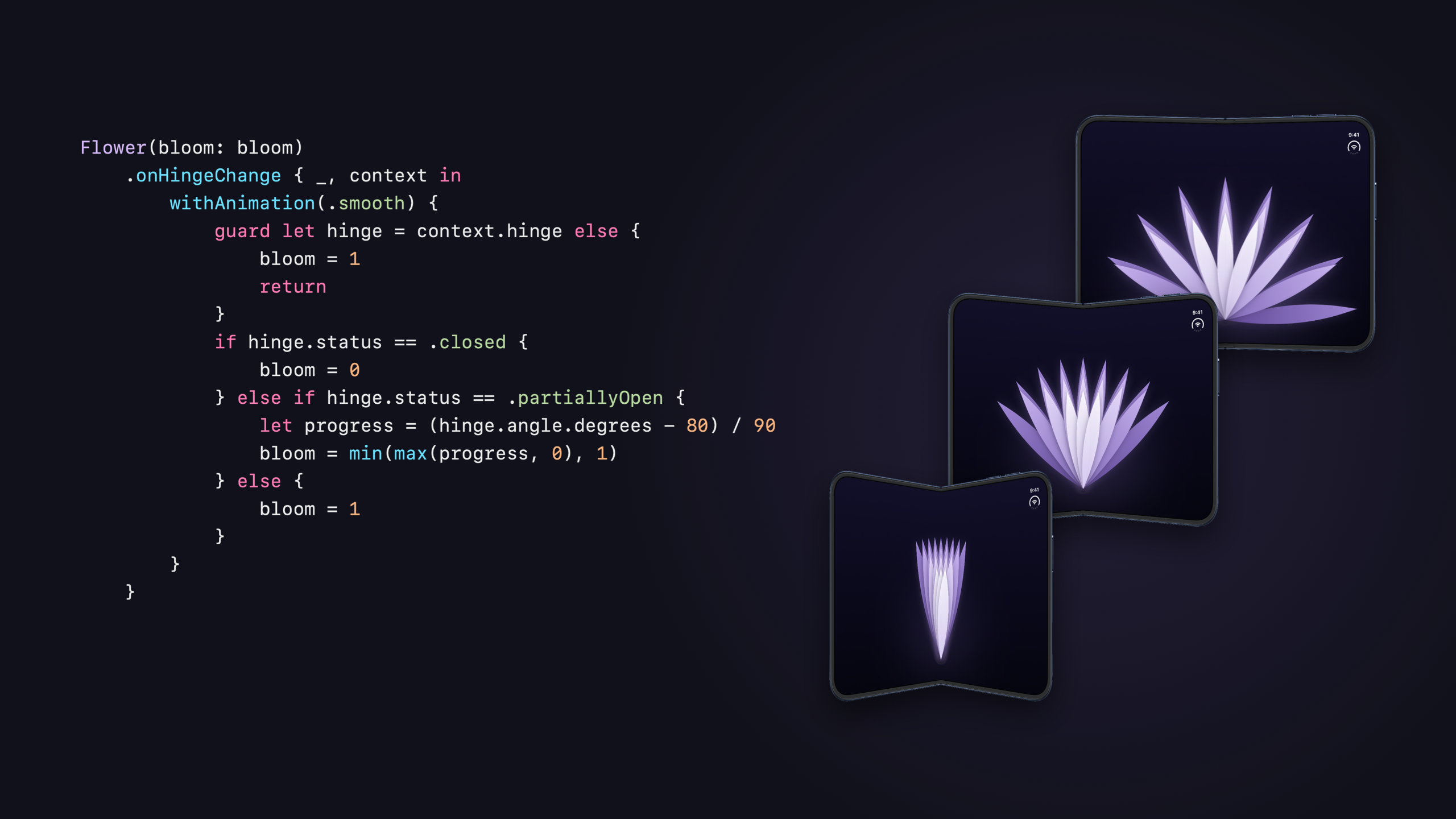
Driving SwiftUI animations with the hinge angle on iPhone Duo
Natalia shows how to create SwiftUI animations that respond to iPhone Duo’s folding motion using onHingeChange(), highlighting when to use this API instead of layout-specific alternatives.
 Natalia Panferova
Indie App of the Week
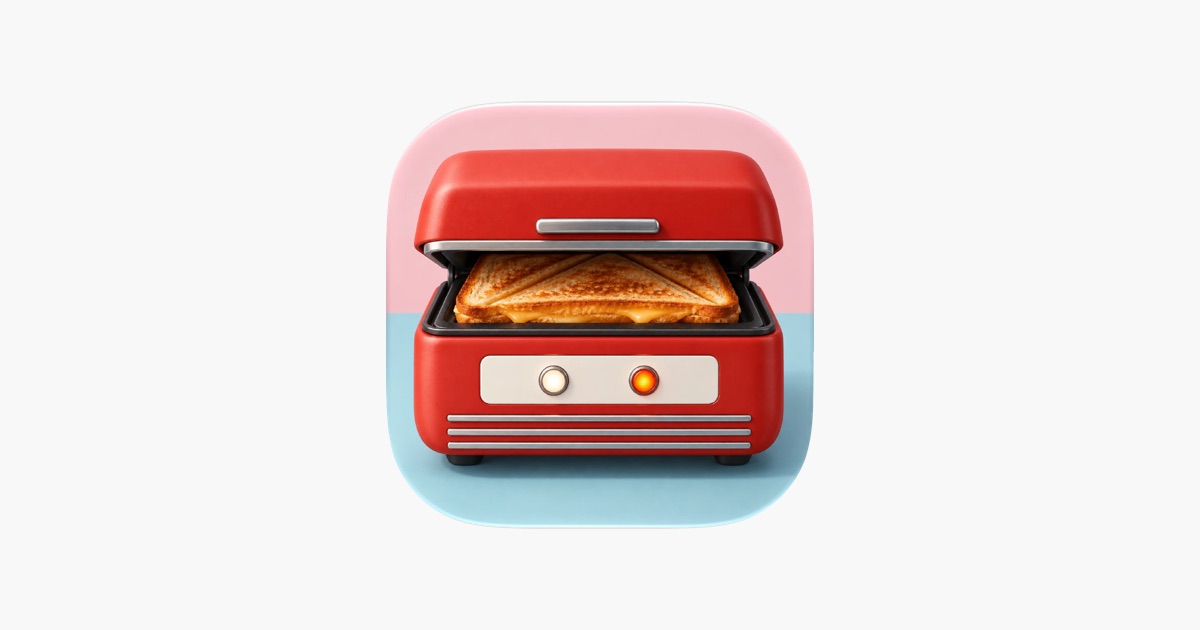
Toastie
Honestly, the developer community hasn't felt this much excitement in a long time, with this forceful return to skeuomorphism and to recreating real-life objects as fun, original digital experiences. It's a return so enjoyable that we now catch ourselves looking at everyday objects and wondering whether they could be an app for iPhone Duo.
Toastie, developed by Tom, is an example of that, taking the toaster and recreating it with real care. You butter the bread with your finger, drag on cheese and fillings following one of ten recipes, then press GRILL and shut the lid. There is no timer, only the sizzle, so you open it when you think the cheese has melted and before it burns. On iPhone Duo the phone itself becomes the toaster, folding shut to close the lid, and it plays on any iPhone and iPad too. Four stars unlock the next recipe, five turn the score card gold, and the developer's own description sums it up best: "the world's most expensive toaster", but an incredibly fun and well-executed one.
 Tomasz Szykulski
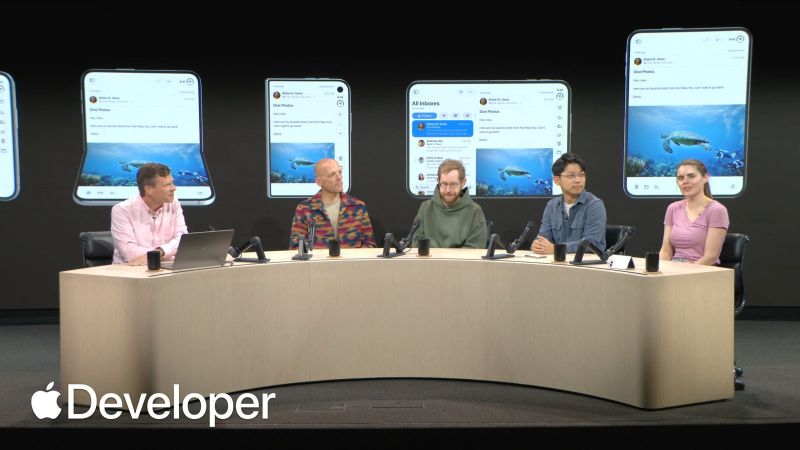
If you missed Apple’s Group Labs on the iPhone Duo, the recordings are now available! They’re packed with valuable insights and practical tips straight from Apple’s engineers and designers.
 Apple Developer
And make sure you don’t miss the session on Apple Intelligence!

We can’t wait to see what you will Create with Swift.
See you next week!