Weekly Newsletter Issue 126
Weekly newsletter summing up our publications and showcasing app developers and their amazing creations.


Welcome to this week's edition of our newsletter.
With the release of Xcode 27.3 beta and the new Siri AI Developer Preview, Apple is opening the door for third-party apps to embed more complex, natural-language interactions.

Developers can expose custom actions and content through App Intents, while the new app skills allow Siri AI to orchestrate multiple actions to accomplish complex tasks.

It feels like we’re moving toward a shift in how people interact with apps: instead of navigating them step by step, users could simply describe what they want to accomplish and let Siri AI coordinate the necessary actions.
Support us by becoming a sponsor!
Whether your goal is to raise brand awareness or promote your product or service, we offer flexible sponsorship options. We offer weeks, blocks of weeks, and even months to help you find your audience where they are.
 Create with Swift

For information about the current availability of weeks, send us an email.
From
The Community
Xcode Code Snippets - Automate Boilerplate with Placeholders
Sagar walks through creating reusable Xcode code snippets with placeholders and completion shortcuts, showing how to eliminate repetitive boilerplate, streamline SwiftUI and testing workflows, and share snippets across projects and teams.
 Sagar Unagar
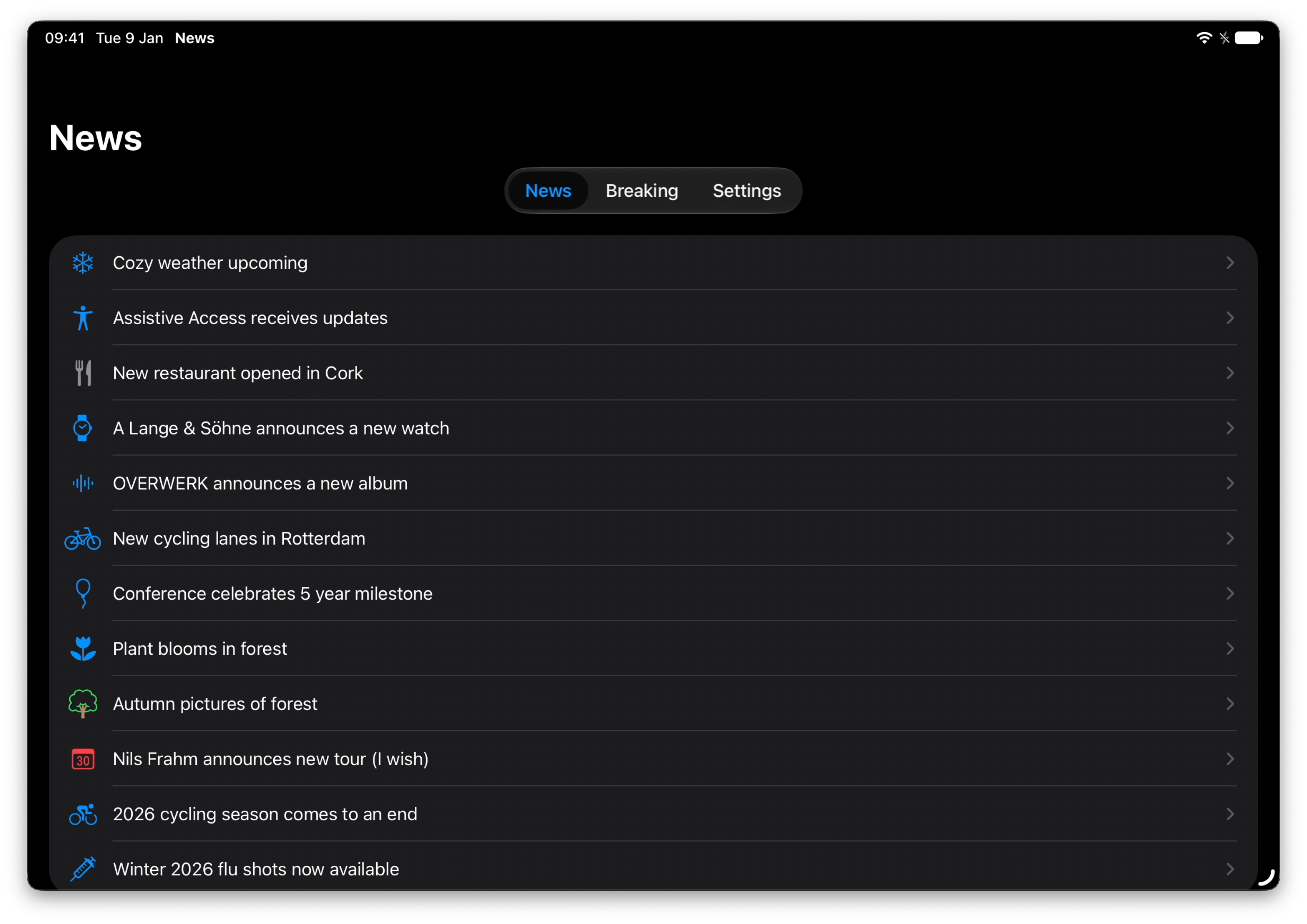
Assistive Access — iOS Easy Mode, Revisited
Bas demonstrates how the new APIs allow developers to create dedicated, simplified app experiences while highlighting the importance of rethinking navigation and workflows to better support users’ needs.
 Bas' Blog
Retention Messaging in App Store Subscriptions
Artem explores Apple’s new Retention Messaging feature for App Store subscriptions, showing how developers can present messages and offers during cancellation, configure them through App Store Connect, or use a real-time API to deliver personalized retention experiences.
 Livsy

Indie App of the Week
Puntokus
In 2019, a software development student scrolling the App Store on a bus glanced at a screenshot of a small puzzle game and decided it was about placing dots on a grid according to the numbers around it. It wasn't, but the misreading became her class project, and then sat in a drawer for years, as described in this article.
Puntokus, developed by Ángela, is that misread puzzle finally on App Store. It looks easy at first: each number says how many dots go in its row or column, and every dot connects to another close one. Then the levels grow, from 3×3 up to 10×10, each with a single solution reachable by logic alone, and you end up competing with nobody but yourself to solve them cleanly. Probably tricky to describe but for sure fun to play.
 Angela Vazquez Dominguez
We really like the Meet with Apple events. This time Apple is hosting a new session on creating immersive media experiences.

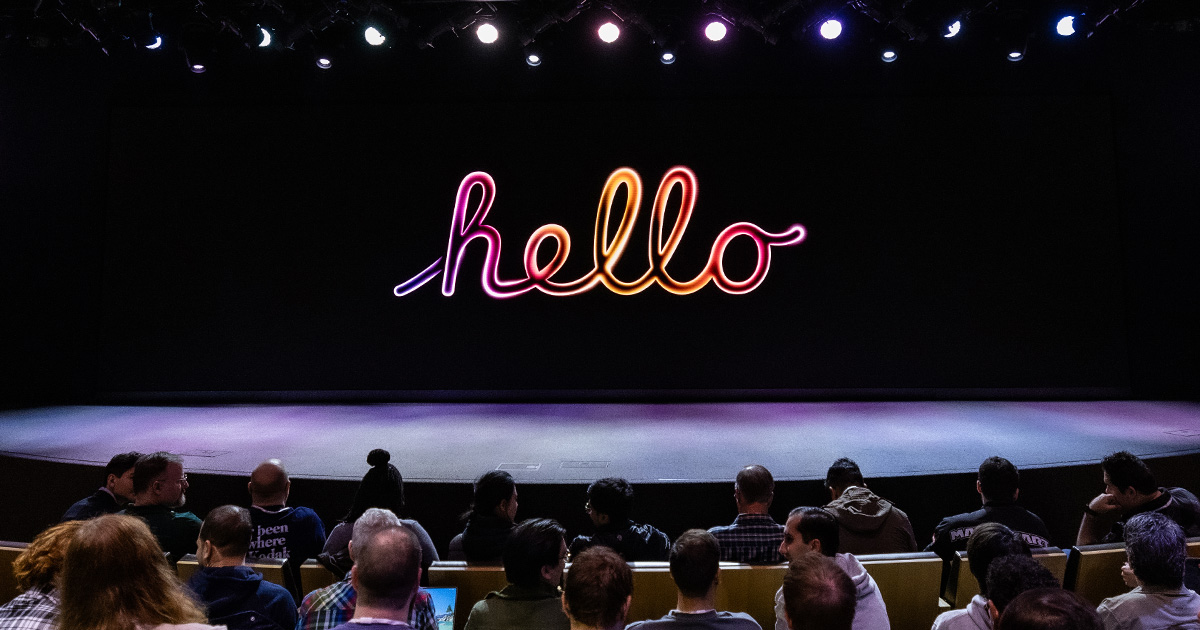
They’re a great opportunity to learn directly from Apple’s engineers, explore new technologies, and get inspired by what’s possible on Apple platforms.
We can’t wait to see what you will Create with Swift.
See you next week!