Weekly Newsletter Issue 127
Weekly newsletter summing up our publications and showcasing app developers and their amazing creations.


Welcome to this week's edition of our newsletter.
Some news deserves more than just a quick mention.
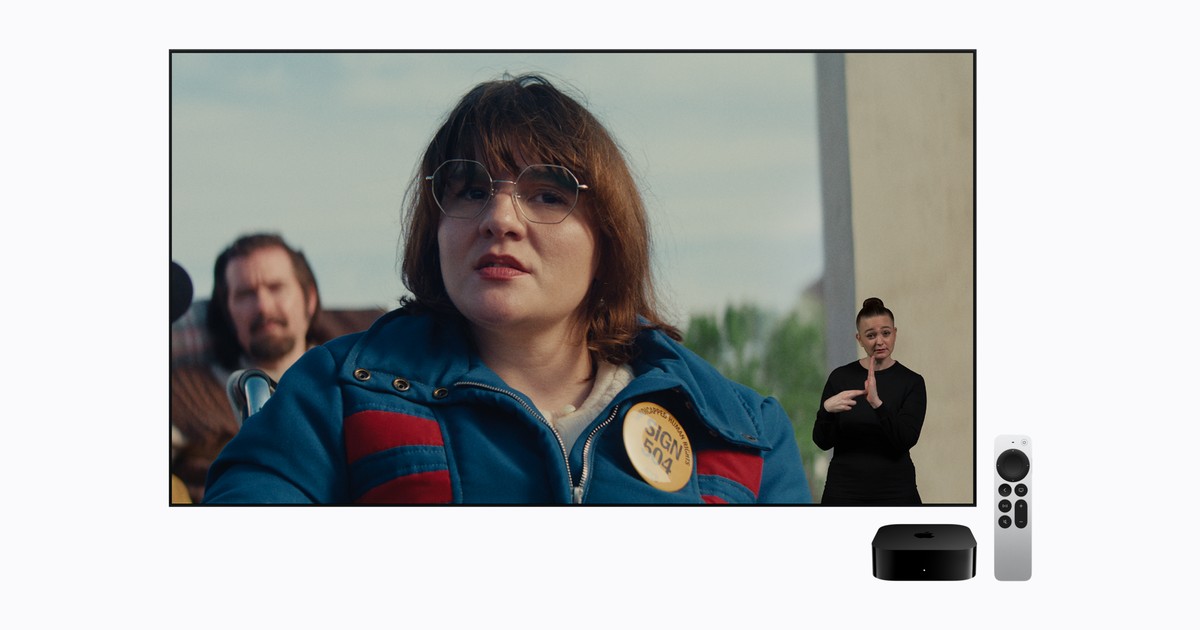
Apple just announced a new Sign Language feature for Apple TV, bringing American Sign Language (ASL) and British Sign Language (BSL) interpretation to supported movies.
Accessibility is something all of us at Create with Swift (Pasquale, Matteo and everyone involved) deeply care about. Through the articles we write, the work we do every day, and the inspiring stories, articles, and apps we highlight from our community, we try to do our part in making technology more inclusive.
We’re sharing this not just to share the news, but also in the hope that it inspires you. After all, we all have a role to play in creating experiences that everyone can enjoy.

Support us by becoming a sponsor!
Whether your goal is to raise brand awareness or promote your product or service, we offer flexible sponsorship options. We offer weeks, blocks of weeks, and even months to help you find your audience where they are.
 Create with Swift

For information about the current availability of weeks, send us an email.
From
The Community
What is GlassEffectContainer in SwiftUI and how to use it
Sarun walks through using SwiftUI’s GlassEffectContainer to make Liquid Glass views interact naturally, demonstrating how to control how they blend, merge separate shapes, and animate transitions between them.
 Sarun Wongpatcharapakorn
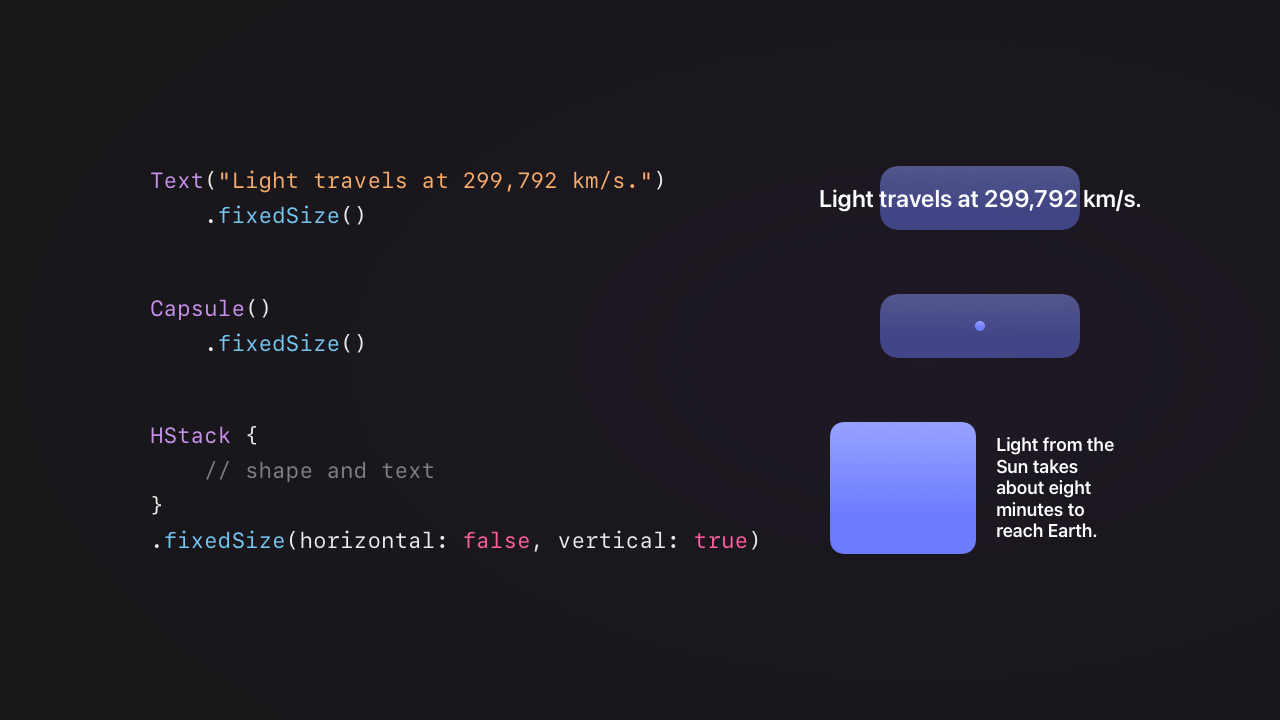
The effect of fixedSize() on view sizing and layout in SwiftUI
Natalia breaks down how SwiftUI’s fixedSize() modifier affects view sizing and layout, demonstrating how ideal sizes, parent size proposals, and alignment influence text wrapping, layout behavior, and content overflow.
 Natalia Panferova
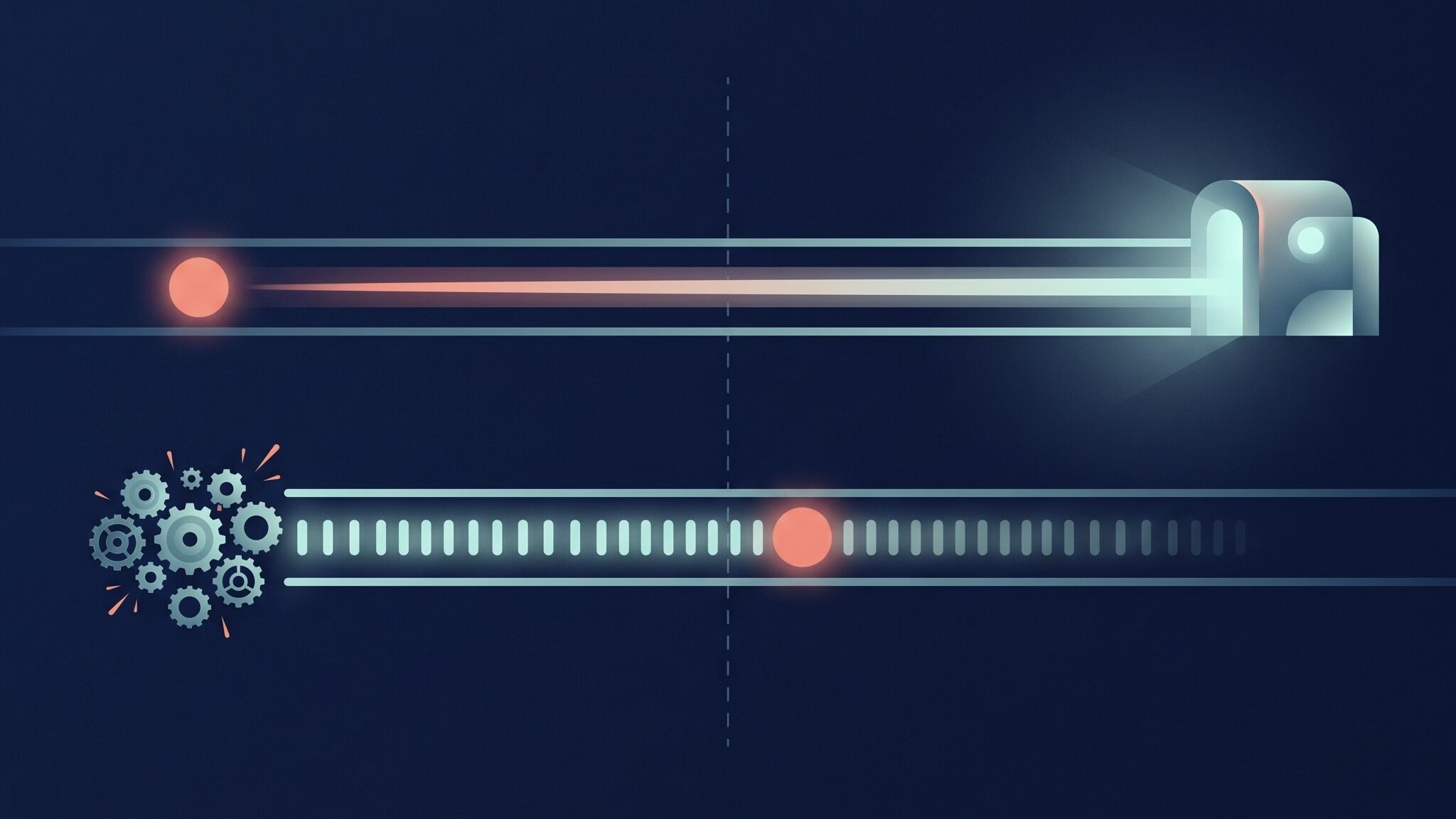
How SwiftUI Animates, and Where It Is Not Like UIKit
Mihaela investigates how SwiftUI animations work under the hood, using detailed experiments to reveal why they depend on the main thread on macOS but run on a dedicated rendering thread on iPhone and iPad, highlighting key differences from UIKit and AppKit.

Indie App of the Week
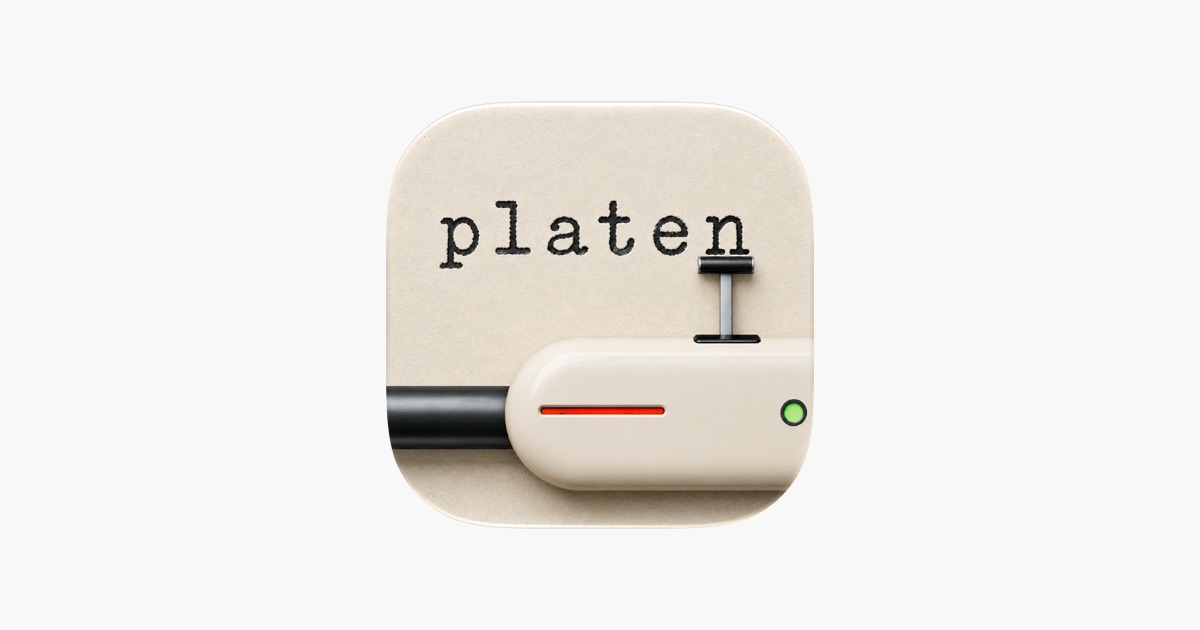
Platen
A notes app gives you a cursor on a flat white screen and a backspace key that erases every trace of a mistake. A typewriter works the other way: a typo stays on the page as a struck-over letter, the uneven ink and the sound of every key leave a page that looks like someone actually sat down and wrote it.
Platen, by Jerry, is built with a care for the typewriter experience that shows in even the smallest detail. Text lands on textured paper, flat or curved, in ink that runs from fresh to worn, with mechanical key sounds and a small capsule that follows the cursor. A mistake can stay as a crossed-out letter or be erased cleanly. At night, a lamp can be switched on over the page, with its warmth, intensity and beam all adjustable, and notes are filed in a box with named dividers and flower bookmark tabs.
 Jerry Munyoka Nkongolo
In our recent issues, we shared Apple’s latest Group Labs. We also came across Anton Gubarenko’s work, where he collects and organizes questions and answers from Apple engineers, making them easier to explore and revisit. Check out his articles on Apple Intelligence and iPhone Duo group labs. Definitely worth bookmarking!
We can’t wait to see what you will Create with Swift.
See you next week!