Weekly Newsletter Issue 82
Weekly newsletter summing up our publications and showcasing app developers and their amazing creations.


Welcome to this week's edition of our newsletter.
Apple is shaking up the App Store ecosystem with its new Mini Apps Partner Program. Developers who build HTML5/JS mini-apps inside a host app and implement the required APIs can benefit from a reduced 15% App Store commission on qualifying in-app purchases.

Published
This Week
This week we have covered HealthKit, StoreKit and Multipeer Connectivity.
Tracking workouts with HealthKit in iOS apps
Letizia explains how to use HealthKit in a SwiftUI app to read and write workout data covering requesting permissions, creating workout sessions, tracking live metrics and saving completed workouts to the health store.
 Letizia Granata
Prompting users to review your app
Jan demonstrates how to utilize StoreKit 2 requestReview environment action in SwiftUI to prompt users for a rating, when to show the rating prompt and track the prompting behavior across different app versions.
 Jan Armbrust
Building Peer-to-Peer Sessions: Advertising and Browsing Devices
Gabriel and Tiago show how to use Apple’s MultipeerConnectivity framework in SwiftUI to establish peer-to-peer sessions covering advertising, browsing, connecting devices and exchanging data between them.
 Gabriel Fernandes Thomaz
Support us by becoming a sponsor!
Whether your goal is to raise brand awareness or promote your product or service, we offer flexible sponsorship options. We offer weeks, blocks of weeks, and even months to help you find your audience where they are.
 Create with Swift
For information about the current availability of weeks, send us an email.
From
The Community
Grow on iOS 26: Liquid Glass Adaptation in UIKit + SwiftUI Hybrid Architecture
Fatbobman invites Shuhari, one of the developers behind Grow app, to share how they adapted its complex UIKit + SwiftUI hybrid codebase for iOS 26’s new Liquid Glass design language.
 Shuhari
Generating images in Swift using Image Playground
Majid shares how to use the Image Playground framework in Swift, specifically the ImageCreator API, to generate images from text or visuals in a SwiftUI app using AsyncSequence-based loops and style parameters.
 Majid Jabrayilov
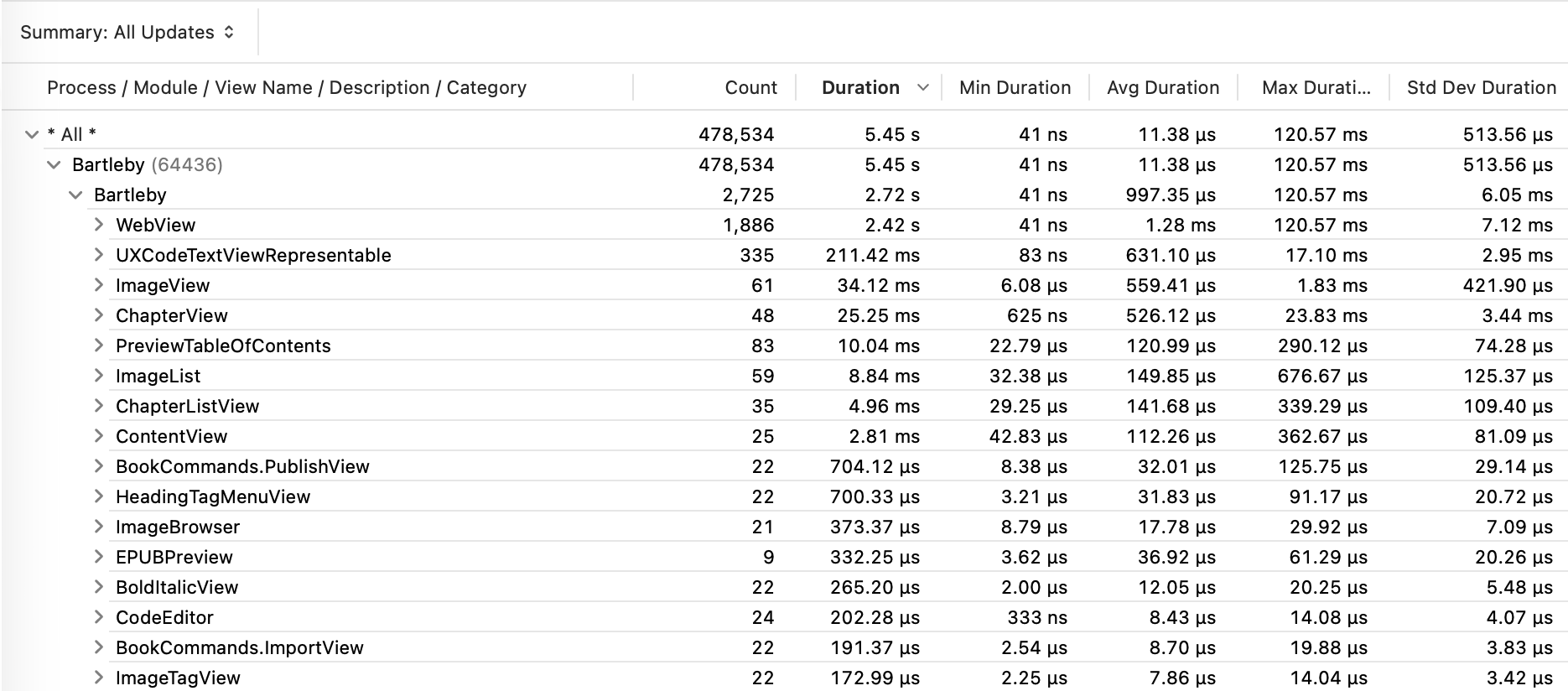
Find the SwiftUI Views that Update the Most Using Instruments
Mark shows how to use instrument to profile your app, spot views with high update frequency and investigate the roots of unnecessary re-renders.

MainActorMessage & AsyncMessage: Concurrency-safe notifications
Antoine explains how to use the new MainActorMessage and AsyncMessage protocols to make NotificationCenter usage in Swift concurrency-safe, covering when to use each and how to migrate from old APIs.
 Antoine van der Lee
Indie App of the Week
QuickPod
This app developed by Vedant brings your music within instant reach everywhere on your iPhone and iPad. With deep support for Apple Music, it lets you pin favorite playlists, albums, artists and stations to the Home Screen, Lock Screen, and even Control Center.
Built with a fresh design, QuickPod includes a full Apple Music browsing experience to discover and add new music as widgets in a single flow and with great flexibility and personalization, offering compact 1-item tiles or rich multiple items layouts with custom images, text and symbols.
 Vedant Malhotra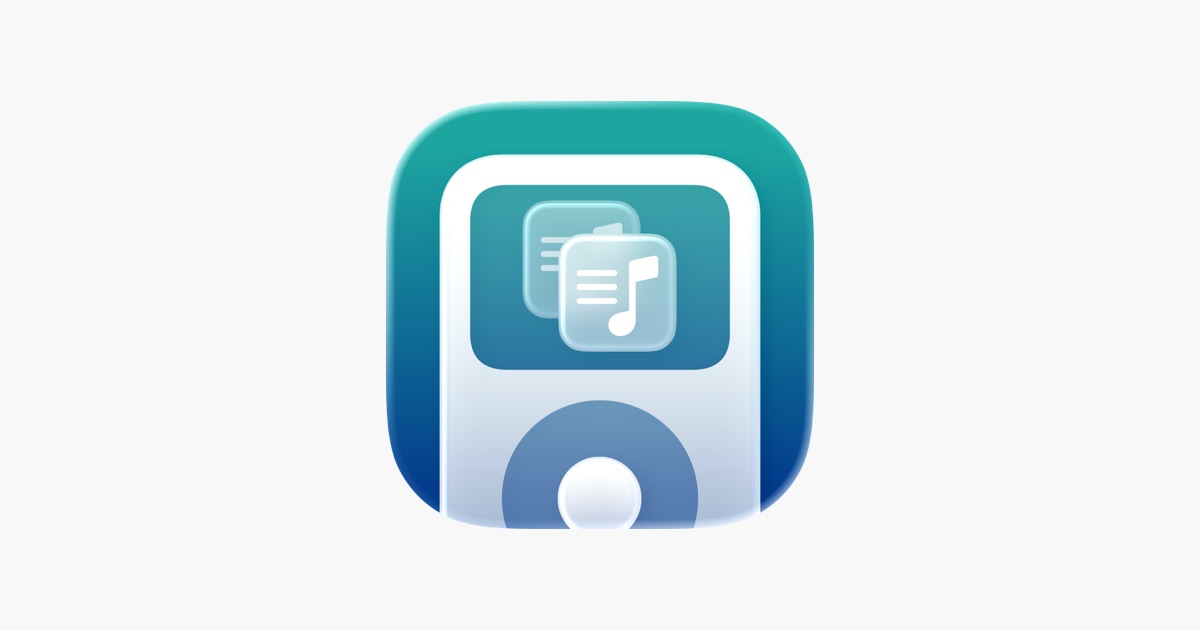
Apple is tightening its App Review Guidelines and the changes are significant. Apps are now required to enforce stricter age-gating, be fully transparent about any sharing of personal data, particularly with third-party AI, and avoid any form of “copycat” behavior. Reusing another app’s icon, name or brand without explicit permission will now result in a rejection.

We can’t wait to see what you will Create with Swift.
See you next week!