Weekly Newsletter Issue 87
Weekly newsletter summing up our publications and showcasing app developers and their amazing creations.


Welcome to this week's edition of our newsletter.
Just minutes after sending the previous issue, which previewed the imminent release of iOS 26.2, you may have received a notification prompting you to update your iPhone.
Apple didn’t slow down.
This week, iOS 26.3 beta 1 is already in developers’ hands, giving us an early look at what’s coming next. Among the changes are a new direct iOS-to-Android transfer tool, expanded notification forwarding to third-party devices, and updated Weather wallpapers in the lock screen customization options.
Published
This Week
This week we have covered StoreKit 2 and Contacts.
Implementing subscriptions In-App Purchases with StoreKit 2
Jan walks you through setting up and managing auto-renewable subscriptions in your SwiftUI app, covering product retrieval, purchase flow, transaction updates, and receipt validation to manage subscription states reliably.
 Jan Armbrust
Implementing Consumable In-App Purchases with StoreKit 2
Jan walks you through setting up and managing consumable in-app purchases in your SwiftUI app, covering product retrieval, purchase flow, transaction updates, and reliable item consumption.
 Jan Armbrust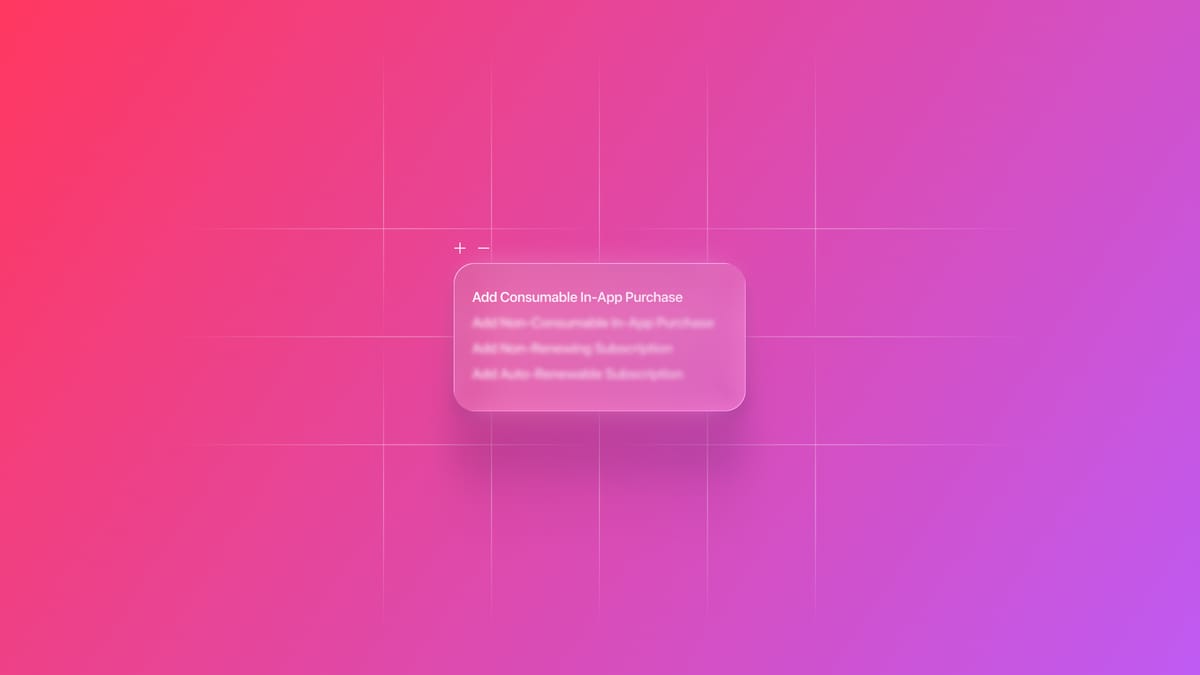
Contact Management: Working with the Contact Picker View Controller
Gabriel and Tiago cover the default UI components in the ContactsUI framework to enable contact selection within your SwiftUI app.
 Gabriel Fernandes Thomaz
Support us by becoming a sponsor!
Whether your goal is to raise brand awareness or promote your product or service, we offer flexible sponsorship options. We offer weeks, blocks of weeks, and even months to help you find your audience where they are.
 Create with Swift
For information about the current availability of weeks, send us an email.
From
The Community
Non-Sendable First Design
Matt argues for designing Swift code around non-Sendable types by default, introducing Sendable and actors only when crossing isolation boundaries to keep concurrency simpler and more intentional.
 Matt Massicotte
Stretchable Header in SwiftUI for Vertical and Horizontal ScrollView
Artem explains how to build a stretchable header in SwiftUI that enlarges or shrinks based on scroll position, whether in a vertical or horizontal ScrollView, using geometry readers and view offset tracking.
 Livsy
Livsy
Animating SF Symbols in SwiftUI
Natalia explains how to bring SF Symbols to life in SwiftUI by animating their variable properties, like weight, scale, and rendering mode, using SwiftUI’s built-in animation APIs.
 Natalia Panferova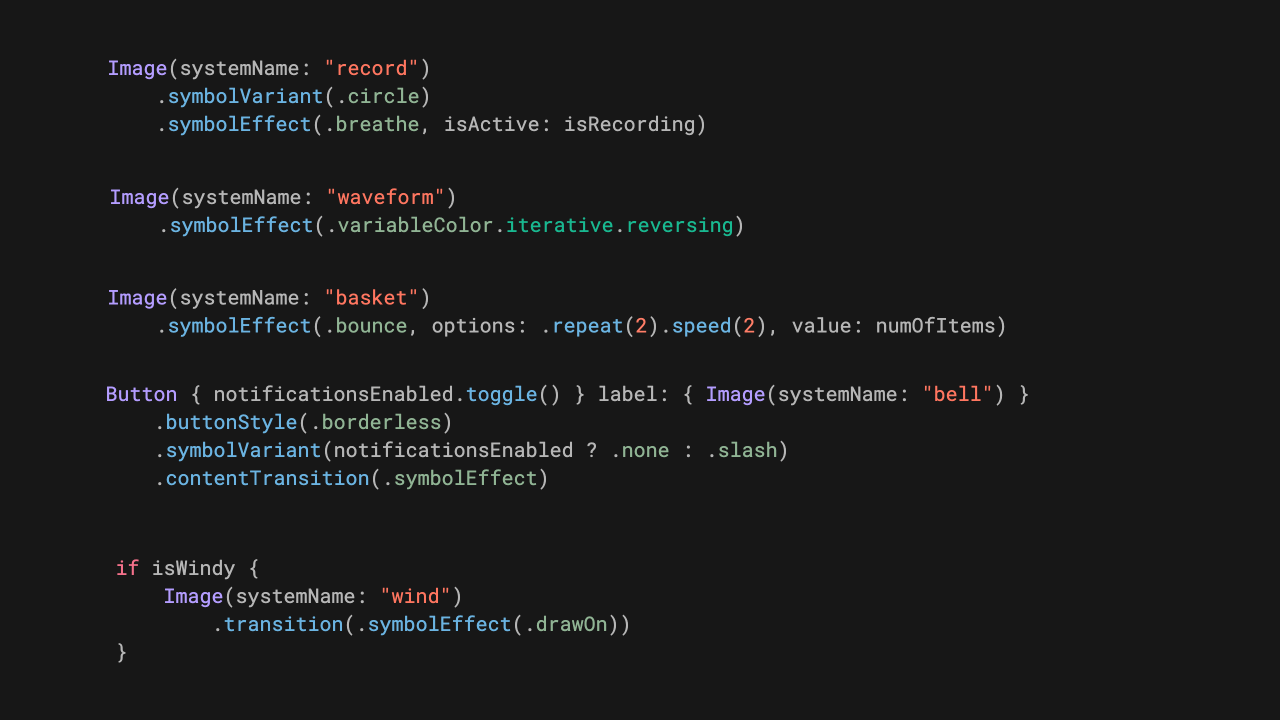
Indie App of the Week
Prefume
The amount of work that goes into creating a single perfume often goes unnoticed, especially by those who aren’t deeply immersed in the world of fragrance. This can make it difficult to understand the real differences between scents, how long they last, and even when we last wore a particular one.
Prefume, developed by Anatole, is a perfect example of what we like to call a focused app: an app built for a niche audience that sparks curiosity, inspires passion, and elevates a specific hobby. The interface is simple and clean, enriched with subtle animations that make the experience both enjoyable and intuitive. Every aspect is presented clearly and thoughtfully, resulting in an app that feels personal, intentional, and made with care.
 Anatole Ayadi
That’s all for this issue and we’ve got one more coming: a special year-end wrap-up edition, our final newsletter of the year.
After that, we’ll take a short break and be back in your inbox on January 9th with the next one.
We can’t wait to see what you will Create with Swift.
See you next week!