Weekly Newsletter Issue 97
Weekly newsletter summing up our publications and showcasing app developers and their amazing creations.


Welcome to this week's edition of our newsletter.
This week Apple rolled out a series of announcements, introducing new devices aimed at both the premium and more affordable segments of its ecosystem. Among them there is the iPhone 17e, a mid-range iPhone powered by the A19 chip and with Apple Intelligence capabilities. Apple also refreshed the iPad Air, now powered by the M4 chip for improved performance and AI features.
On the Mac side, the company updated the MacBook Air and MacBook Pro lines with the new M5 family of chips and introduced refreshed Studio Displays. The biggest surprise, however, was the debut of the latest addition to the MacBook line-up, the MacBook Neo. Powerd by the A18 Pro chip, it is the perfect entry point into Apple's laptop category.
Published
This Week
This week we have covered MapKit.
Creating overlays on a map in a SwiftUI app in iOS 26
Tiago shows how to draw map overlays in SwiftUI with MapKit using shapes that conform to MapContent, includingMapPolygon, MapPolyline, and MapCircle.
 Tiago Gomes Pereira
Support us by becoming a sponsor!
Whether your goal is to raise brand awareness or promote your product or service, we offer flexible sponsorship options. We offer weeks, blocks of weeks, and even months to help you find your audience where they are.
 Create with Swift
For information about the current availability of weeks, send us an email.
From
The Community
MVVM and the Cost of Carrying Old Patterns Forward
Azam explores how continuing to apply the MVVM pattern in SwiftUI can add unnecessary complexity and overhead, arguing that developers should rethink older architectural habits and instead leverage SwiftUI’s built-in state management and simpler design principles.
 Mohammad Azam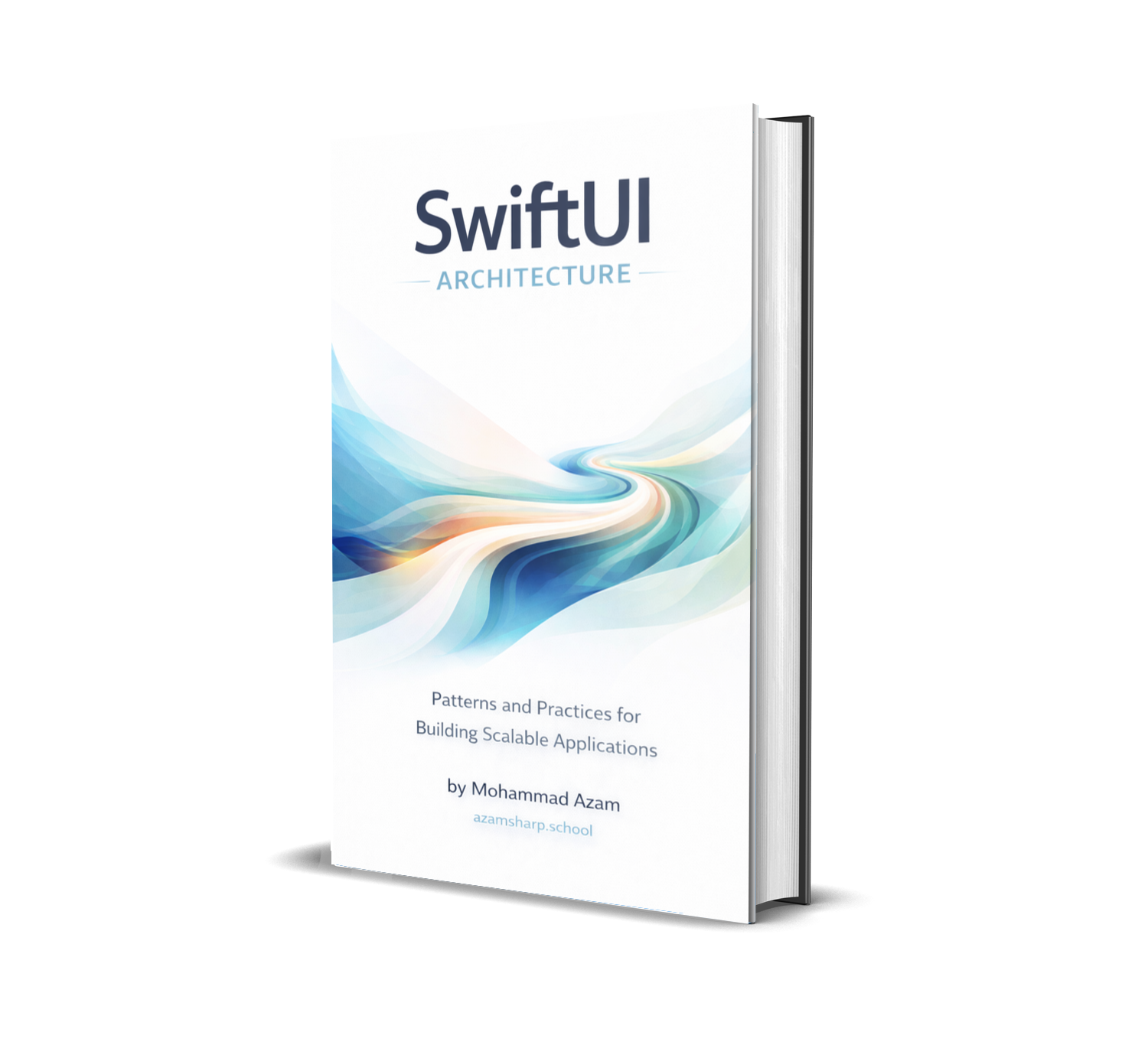
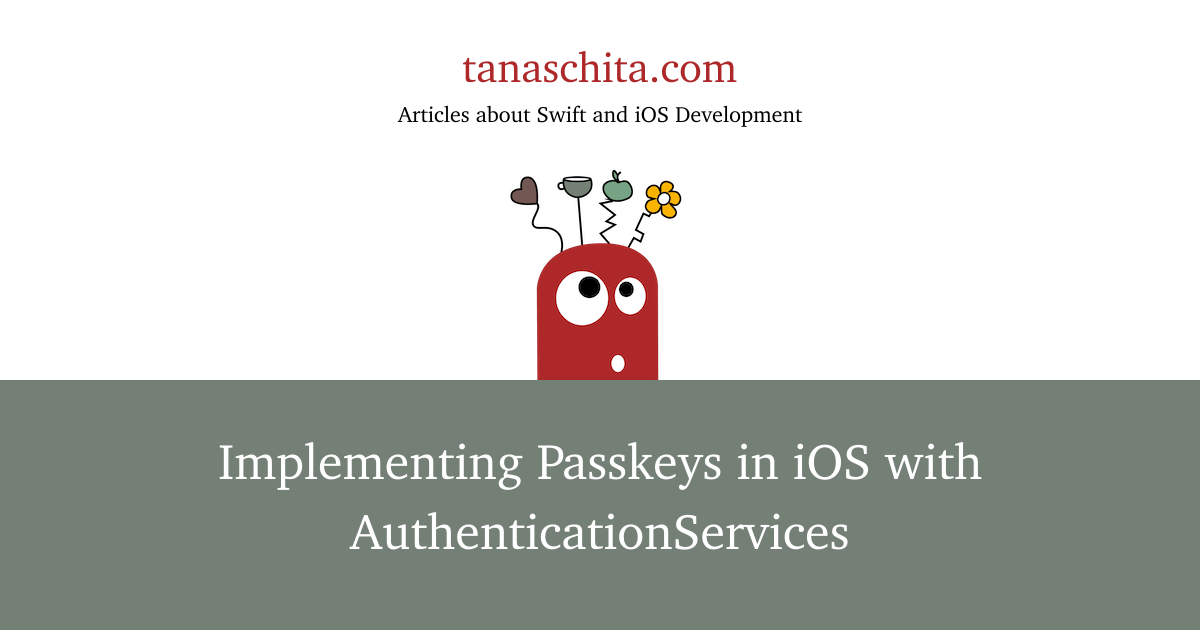
Implementing Passkeys in iOS with AuthenticationServices
Natascha introduces how to implement passkey-based authentication in iOS, explaining how passkeys work and how to integrate registration and login flows using the AuthenticationServices framework.

NSCache in Swift: A Practical Guide
Artem practical guide to using NSCache in Swift, explaining how it works, when it’s preferable to dictionaries for in-memory caching, and how to use it safely to improve performance.
 Livsy
Livsy
Indie App of the Week
Binge
Keeping track of movies and shows has never been simple. Between scattered watchlists, forgotten release dates, and the endless question of where something is actually streaming, it's easy to lose the thread entirely.
Binge, developed by Shihab, brings everything together in one beautifully crafted place. With Liquid Glass UI, it surfaces detailed insights for any movie or show. Your watchlist, library, and custom collections stay in sync across all your devices via iCloud, while push notifications and Live Activities make sure you never miss a premiere or the next episode in a series you're following.
 Shihab Mehboob
Last week also marked the official close of submissions for the Swift Student Challenge. As always, we can’t wait to see what you’ve built, your creative Swift projects could inspire the next generation of developers.
Last weekend closed the #SwiftStudentChallenge submissions and now it's time to celebrate what the community has built!🍎
— Create with Swift (@createwithswift) March 6, 2026
Behind every app are hours of problem-solving, late nights, and a whole lot of passion. We'd love to shine a light on that.
Drop your project in the…
We can’t wait to see what you will Create with Swift.
See you next week!