Weekly Newsletter Issue 85
Weekly newsletter summing up our publications and showcasing app developers and their amazing creations.


Welcome to this week's edition of our newsletter.
Two weeks ago, we shared Apple unveiling the nominees for the prestigious App Store Awards, a list filled with apps we use every day and a few we’d already celebrated in this newsletter.
With the year quickly coming to a close, Apple has entered that familiar season of wrapping things up, officially announcing the winners. With the spotlight now on the best apps and games of 2025, we can finally see which of those early contenders rose to the top. It’s a great moment to look back at our favorites, discover some unexpected standouts, and explore what Apple considers the year’s most impactful digital experiences.


Published
This Week
This week we have covered SwiftUI, StoreKit 2 and Contacts Framework.
Enabling drag-and-drop and clipboard operations with the Transferable protocol
Gabriel and Tiago show how to use the Transferable protocol to enable drag-and-drop and clipboard (copy/paste) operations in a SwiftUI app, by defining how your model types should be serialized and deserialized so they can be transferred as data between views, app sections, or even different apps.
 Gabriel Fernandes Thomaz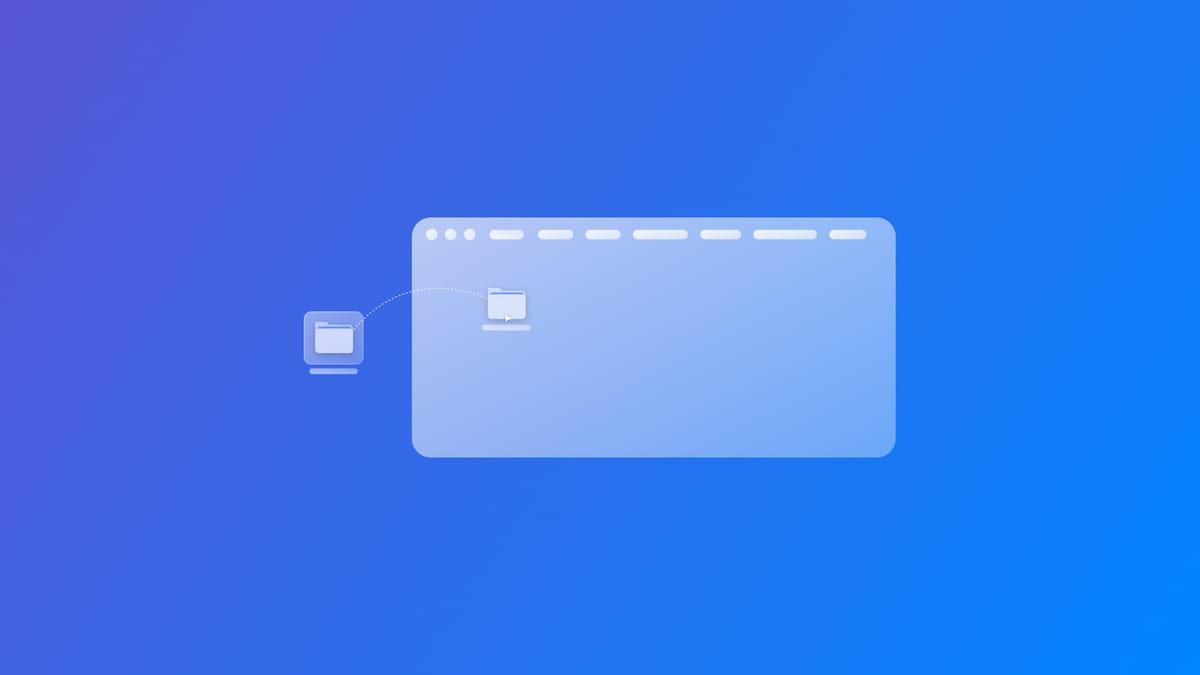
Implementing Non-Consumable In-App Purchases with StoreKit 2
Jan shows how to implement non-consumable in-app purchases with StoreKit 2, outlining how to load products, process purchases, and unlock content that users keep permanently.
 Jan Armbrust
Creating Contacts with SwiftUI
Gabriel and Tiago explain how to integrate the Contacts framework into a SwiftUI app, guiding you through creating a contact model, collecting user input, and saving new entries to the device’s address book.
 Gabriel Fernandes Thomaz
Support us by becoming a sponsor!
Whether your goal is to raise brand awareness or promote your product or service, we offer flexible sponsorship options. We offer weeks, blocks of weeks, and even months to help you find your audience where they are.
 Create with Swift
For information about the current availability of weeks, send us an email.
From
The Community
Initializing @Observable classes within the SwiftUI hierarchy
Natalia shows how to correctly initialize and inject @Observable classes inside a SwiftUI view hierarchy and highlights common pitfalls when observable state is managed incorrectly.
 Natalia Panferova
What to fix in AI-generated Swift code
Paul Hudson lays out common issues you may encounter when using AI-generated Swift code and points out what you should check or fix.
 Paul Hudson twostraws
Organizing SwiftUI Views with TabContent and @TabContentBuilder
Artem explains how to organize a SwiftUI project by using a custom @TabContentBuilder to cleanly structure and manage tab-based navigation/components making your code more modular and easier to maintain.
 Livsy
Livsy
Understanding associated domains in iOS
Natascha explains how to set up and configure associated domains in iOS, a mechanism that links a website and an app so you can support things like universal links, shared web-credentials, and App Clips.

Indie App of the Week
ToMe
Having a dedicated place to save useful material as text, links, images, or files can easily become confusing when everything ends up scattered across different apps. That’s why having a single, well-organized space to capture and categorize everything becomes essential.
ToMe developed by Francisco provides a clean and organized environment for storing and organizing important items. Each item can be placed in a clear, card-based space, which can also be added as a widget for instant access while Siri actions make it easy to save new items with just your voice. The app’s simple and intuitive interface prioritizes immediacy and clarity, helping you stay organized and retrieve what you need without any friction.
 Francisco Martinez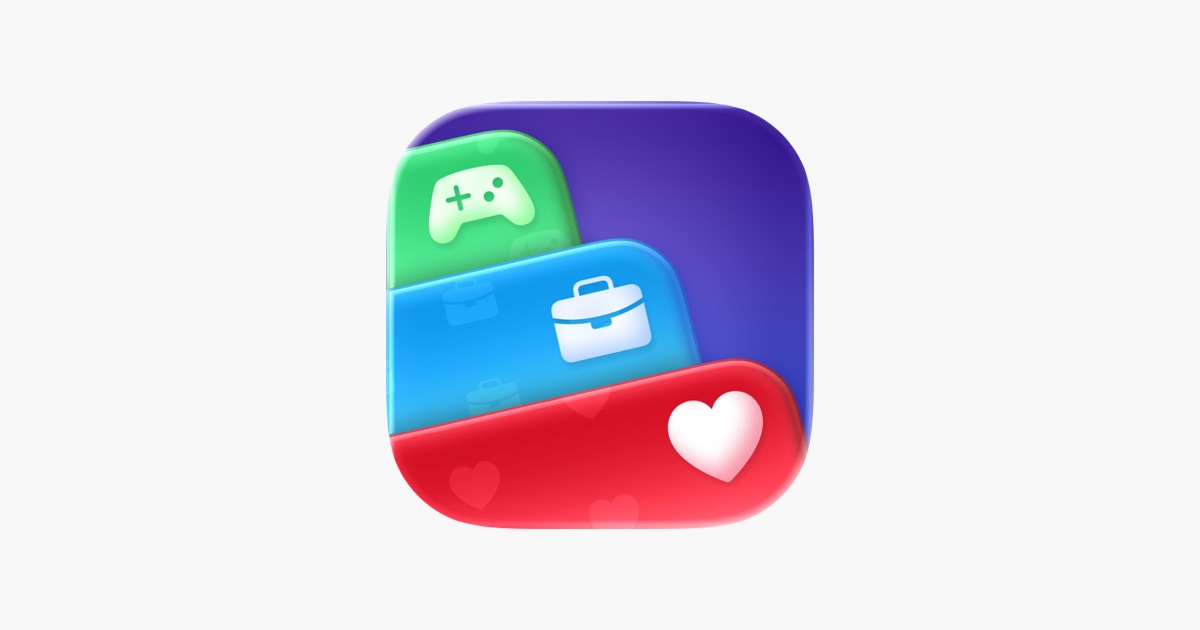
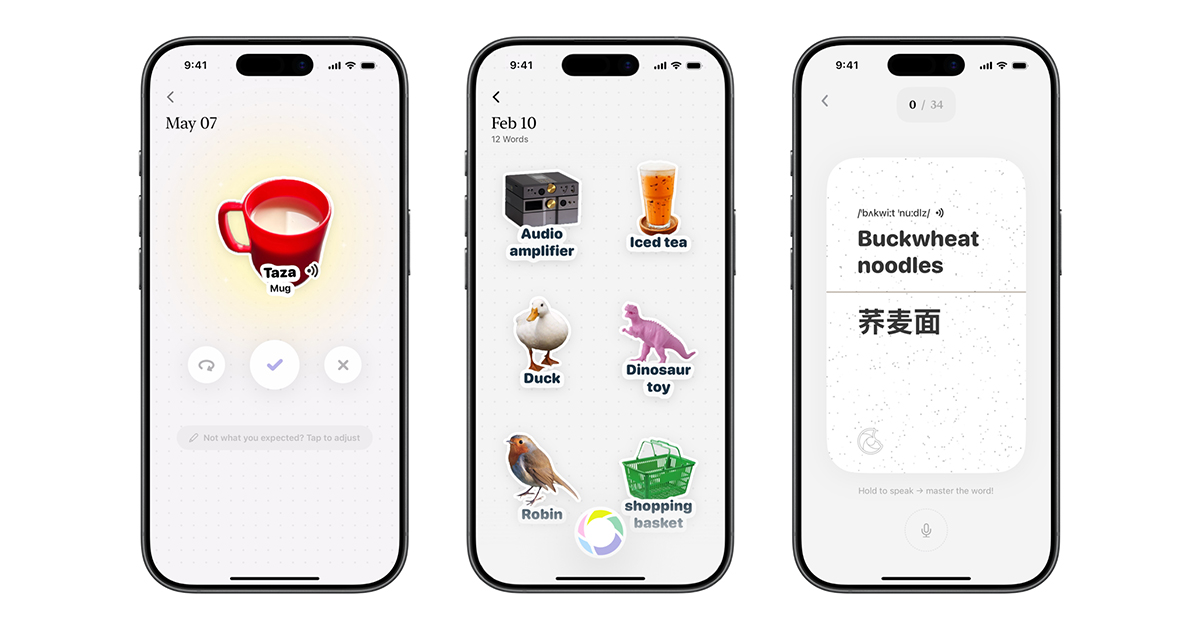
Taking inspiration from great apps, understanding the process that brings them to life, and learning about the challenges developers face is essential for anyone who wants to turn indie development into a career, and the story of CapWords is a perfect example of this journey.

We can’t wait to see what you will Create with Swift.
See you next week!