Weekly Newsletter Issue 90
Weekly newsletter summing up our publications and showcasing app developers and their amazing creations.


Welcome to this week's edition of our newsletter.
We haven’t seen such a week full of announcements in a long time, with perhaps unexpected collaborations and a new service for creatives.
After a long time since the announcement of its collaboration with OpenAI, Apple is changing the game once again, this time by relying on Google to improve its Foundation Models through the power of Google’s Gemini family. This also means that (according to the statement) the long-awaited new Siri is coming this year.

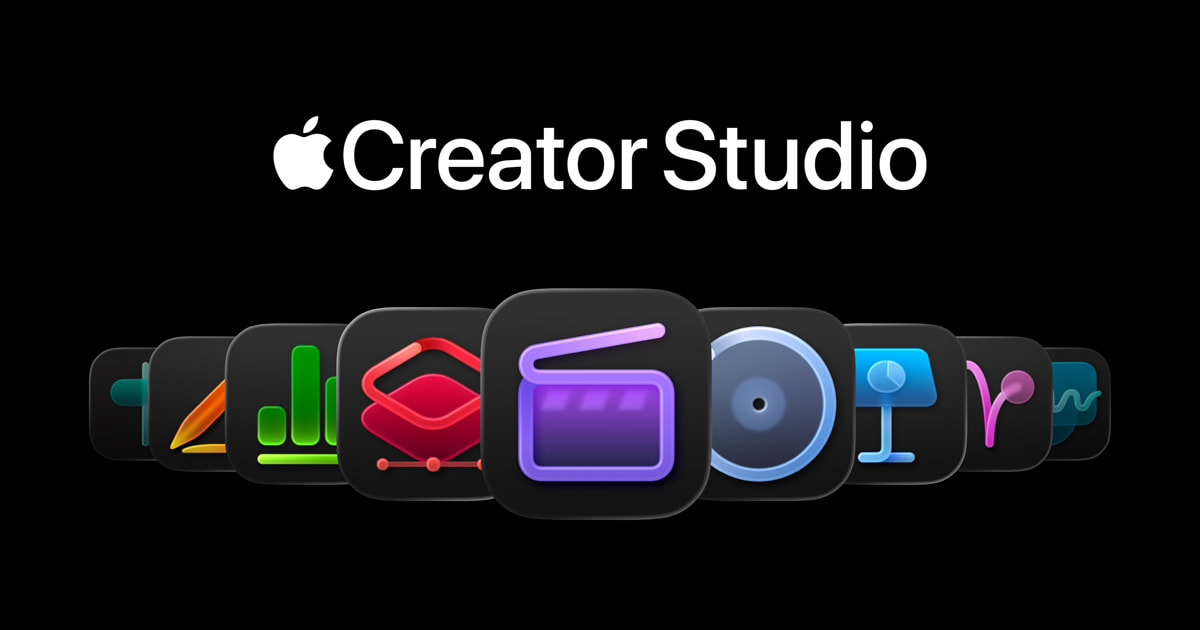
But the week didn’t end there. Apple also announced Apple Creator Studio, a service that will provide access to Apple’s creative suite of revamped apps such as Final Cut Pro, Logic Pro, and the newest member of the family, Pixelmator Pro, along with new AI features for Keynote, Pages, and Numbers.

Published
This Week
This week we have covered EventKit, SwiftUI and Document-based apps.
Creating reminder lists with EventKit from your app
Gabriel and Tiago show how to use EventKit to create and manage reminder lists from your SwiftUI app covering how to request permission, define reminders, and save them.
 Gabriel Fernandes Thomaz
Crafting document-based apps in SwiftUI
Alfonso explains what a document-based app is and how SwiftUI supports it with DocumentGroup, FileDocument and ReferenceFileDocument differences, and correctly defining UTTypes so your files integrate with system workflows.
 Alfonso Tarallo
Support us by becoming a sponsor!
Whether your goal is to raise brand awareness or promote your product or service, we offer flexible sponsorship options. We offer weeks, blocks of weeks, and even months to help you find your audience where they are.
 Create with Swift
For information about the current availability of weeks, send us an email.
From
The Community
Rendering Markdown in SwiftUI
Artem shows how to display Markdown content in SwiftUI using Apple’s Markdown support from basic rich text formatting to handling links, lists, and custom styles.


Agent Skills explained: Replacing AGENTS.md with reusable AI knowledge
Antoine explores a new standard for organizing AI agent knowledge by modeling them as Agent Skills, reusable chunks of logic and knowledge that replace monolithic Markdown files.
 Antoine van der Lee
CKSyncEngine questions and answers
Christian dives into his experience using Apple’s new CKSyncEngine API for CloudKit syncing, answering common questions and sharing practical insights on real-world issues.
 Christian Selig
Indie App of the Week
Daft Music
Listening to music on a Mac is something many of us do every day, yet the experience often feels heavier and more complicated than it needs to be. Large music apps try to do everything at once, which can make simple actions like browsing your library, starting a playlist, or just enjoying an album feel slower and less intentional than they should.
Daft Music, developed by Oliver, is a great alternative to the native client, with a clean and minimal interface, smooth animation and an organization of the content that feels more intuitive, making navigating in our playlist simpler. It is worth noting that the app icon perfectly reflects the personality of Daft Music itself: playful, modern, and instantly recognizable.
 OBRHOFF Software Labs GmbH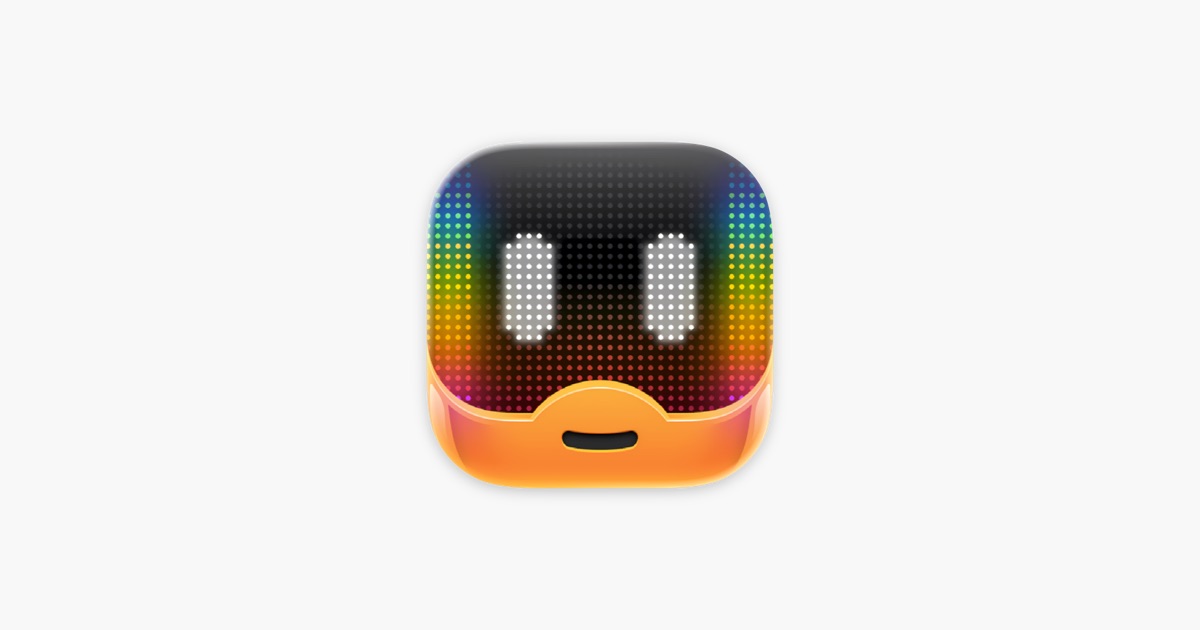
Looking at the big picture, this week's two announcements appear closely connected: tools that have long helped creatives are now becoming even more powerful, probably also thanks to more advanced models enabled through this new collaboration.
We can’t wait to see what you will Create with Swift.
See you next week!