Weekly Newsletter Issue 94
Weekly newsletter summing up our publications and showcasing app developers and their amazing creations.


Welcome to this week's edition of our newsletter.
Submissions for the 2026 Swift Student Challenge are open, an exciting opportunity for students around the world to showcase their creativity, build original Swift Playgrounds, and make a meaningful impact while joining the global community of developers.

At the same time, the Apple Developer Academy 2026/27 in Naples, Italy, at the University of Naples Federico II, is accepting applications for its immersive nine-month program in app development, design, and entrepreneurship.
 Tiago Gomes Pereira
Participating in the Swift Student Challenge or choosing to enroll in the Apple Developer Academy are powerful opportunities for anyone who wants to pursue their passion and dive deeper into the world of app development. Whether you’re showcasing your ideas on a global stage or joining a new immersive learning experience, this is your chance to grow, create, and stand out.
Best of luck to all applicants!
Published
This Week
This week, we have covered Metal.
Taking First Steps into Metal Shaders
Letizia shows how to work with Metal shaders in SwiftUI, explaining what shaders are, how to create a simple one, and how to integrate it into SwiftUI views to produce custom visual effects.
 Letizia Granata
Support us by becoming a sponsor!
Whether your goal is to raise brand awareness or promote your product or service, we offer flexible sponsorship options. We offer weeks, blocks of weeks, and even months to help you find your audience where they are.
 Create with Swift
For information about the current availability of weeks, send us an email.
From
The Community
How to use SwiftUI Coordinators to communicate with UIKit
Natascha explains how to use SwiftUI coordinators to communicate with UIKit when wrapping a UIViewControllerRepresentable, handling delegate/callback events and passing data back into SwiftUI state.

Morphing Sheets Out of Buttons in SwiftUI
Gabriel shows how to create interactive, animated transitions in SwiftUI where a button morphs into a sheet.

On-demand resources in iOS app
Majid shares how to use On-Demand Resources (ODR) in an iOS app to keep the initial download small and fetch large assets like images, sounds, level data, or ML models only when needed.
 Majid Jabrayilov
Indie App of the Week
Flashback
Change happens slowly; in our faces, our routines, our passions, and the projects we return to day after day. Yet those transformations are often too subtle to notice in the moment.
Flashback, created by Nao, captures exactly that idea. The app lets you document changes over time, taking a photo everyday by layering a translucent version of your previous photo with a built-in grid for perfect alignment. The result is seamless, satisfying time-based videos that reveal progress you might otherwise miss.
What really caught our attention is the clarity of the concept and how it’s executed. Beyond its thoughtful functionality, Flashback shines through its bold yet delightful animations (especially in the onboarding), adding personality and craft to an already compelling idea.
 Nao Enomoto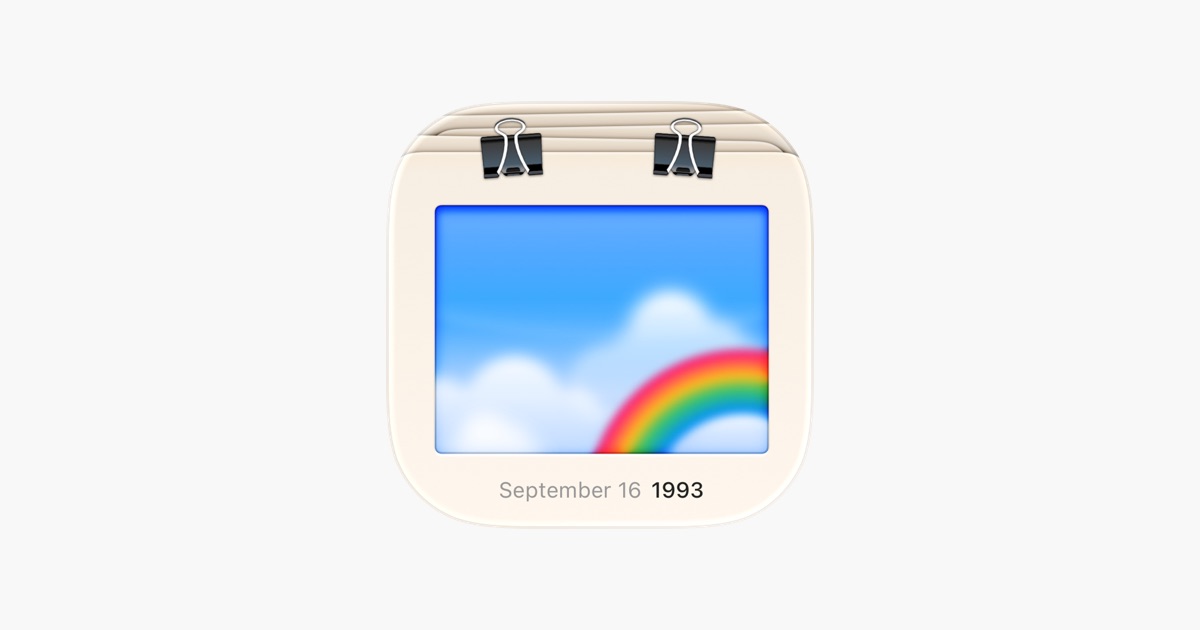
Missed the all-day SwiftUI event streamed from the Apple Developer Center in Cupertino?
The full session is now available to watch on demand. The Meet with Apple event delivered a deep dive into SwiftUI fundamentals. A highlight of the day was James Graham, CTO of AllTrails, sharing how his team leveraged SwiftUI to drive momentum without a complete rewrite. The event wrapped up with an insightful panel discussion featuring members of the SwiftUI engineering team.
This session is for sure worth catching up on.
We can’t wait to see what you will Create with Swift...UI.
See you next week!