Weekly Newsletter Issue 95
Weekly newsletter summing up our publications and showcasing app developers and their amazing creations.


Welcome to this week's edition of our newsletter.
This week Apple released the first iOS 26.4 beta with dozens of refinements and new experiences. Text-prompt playlist creator in Apple Music, redesigned wallpaper section, enhanced Podcasts video support, Reminders improvements, new Home Screen widgets and more.
While the awaited AI powered Siri features haven’t landed yet, the beta shows a broad set of enhancements that touch many core areas.
Published
This Week
This week we have covered MapKit.
Creating Maps in SwiftUI apps with MapKit
Tiago covers how to embed maps in SwiftUI using the Map view, configuring camera position and bounds to control both the initial framing and the user's interaction with the map.
 Tiago Gomes Pereira
Create with Swift Napoli Meetup #7
We’re excited to announce that Create with Swift Napoli Meet Up #7 is coming February 25th in the center of Naples!

This gathering brings together the vibrant Apple Developer community of Naples for an evening of learning, collaboration, and connection.
A new opportunity to reconnect, share ideas, network, and keep growing our amazing community of Swift enthusiasts.


Support us by becoming a sponsor!
Whether your goal is to raise brand awareness or promote your product or service, we offer flexible sponsorship options. We offer weeks, blocks of weeks, and even months to help you find your audience where they are.
 Create with Swift
For information about the current availability of weeks, send us an email.
From
The Community
Tracking token usage in Foundation Models
Artem explains how to measure the tokens Foundation Models consume for instructions, prompts, tools, and full session transcripts, helping you understand context limits and optimize prompt design.


If You’re Not Versioning Your SwiftData Schema, You’re Gambling
Azam explains why schema versioning in SwiftData is essential once your app stores real user data and shows how to define VersionedSchema, implement custom migrations, and evolve models.
 Mohammad Azam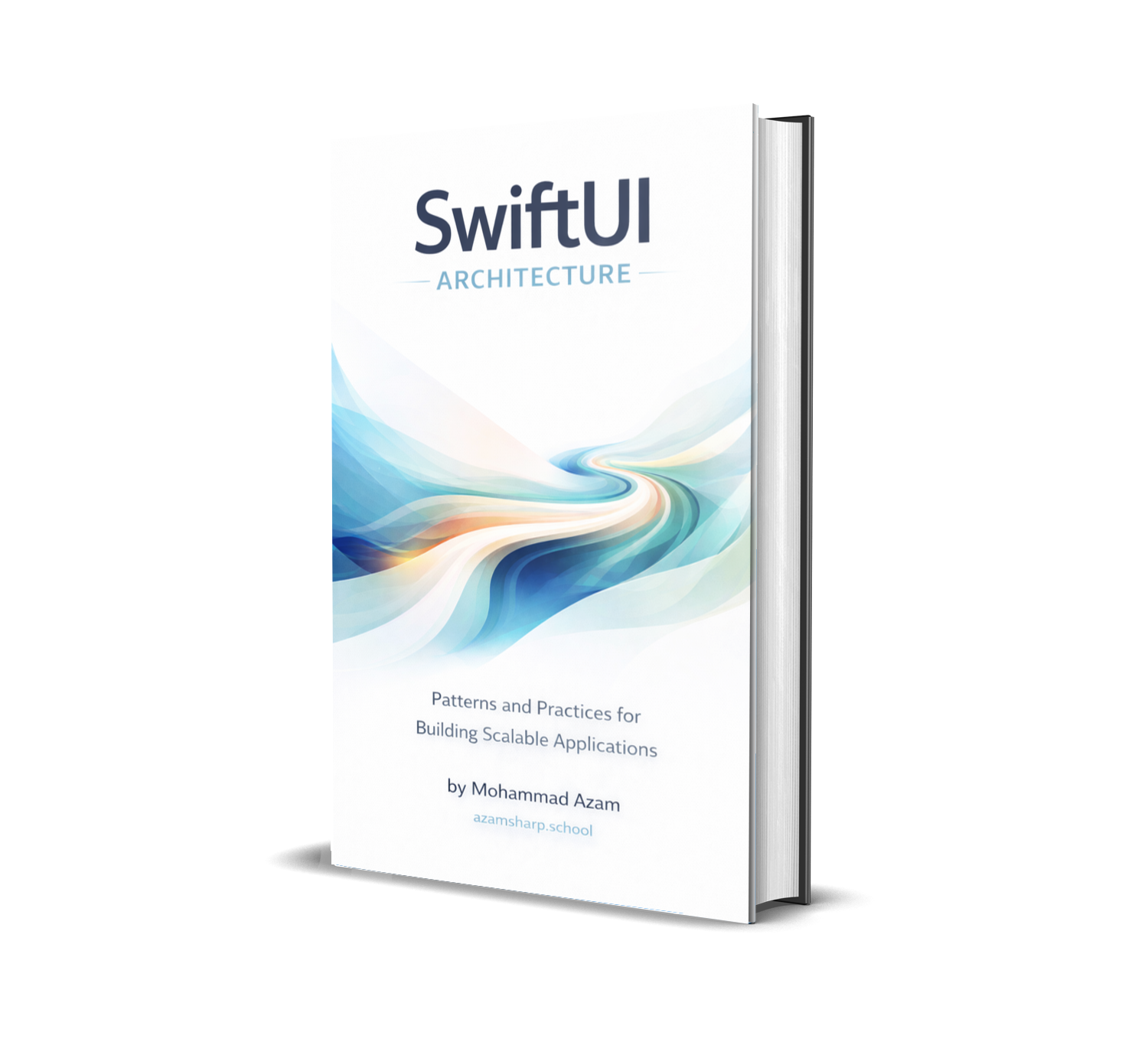
How Your Views Actually Move
Omar dives deep on how animations actually work in SwiftUI from implicit and explicit animations to animation placement, the Animatable protocol for custom motion, transitions, transactions, and performance tips.
 Omar Elsayed
Indie App of the Week
Eraser
In development, storage chaos reigns and it always gets in the way.
Xcode quietly accumulates caches, build data, simulators, and archives that pile up gigabytes of disk space, making it harder to build, test, and iterate without worrying about what’s filling your drive.
Eraser, developed by Sean, turns cleanup into a thoughtful, effortless part of your coding routine. Living right in your macOS Menu Bar, it shows exactly what’s taking up space so you can decide what belongs on your drive before removing it. Automatic rescans keep storage insights up to date after each cleanup, while scheduled automations keep Xcode clutter under control in the background.
 Creator View, L.L.C.
Have you ever noticed that in iOS 26 the Clock app icon ticks like a quartz watch in Low Power Mode, but switches to a smoother, mechanical movement in normal mode?
iPhone iOS 26 Clock on Low Mode and Normal Mode 😍 pic.twitter.com/0ZZT6LiToo
— Rajesh Rajput (Technobuzz) (@iRaj_r) February 19, 2026
If you didn’t, now you can’t help but notice it!
Every second counts when developing a new app and...
We can’t wait to see what you will Create with Swift.
See you next week!