Weekly Newsletter Issue 91
Weekly newsletter summing up our publications and showcasing app developers and their amazing creations.


Welcome to this week's edition of our newsletter.
Seems like Apple has invited a select group of creators to a multi-day “Apple Experience” taking place next week in Los Angeles. Details are still under wraps, but the timing suggests it could be connected to the launch of Apple Creator Studio.
 Chance Miller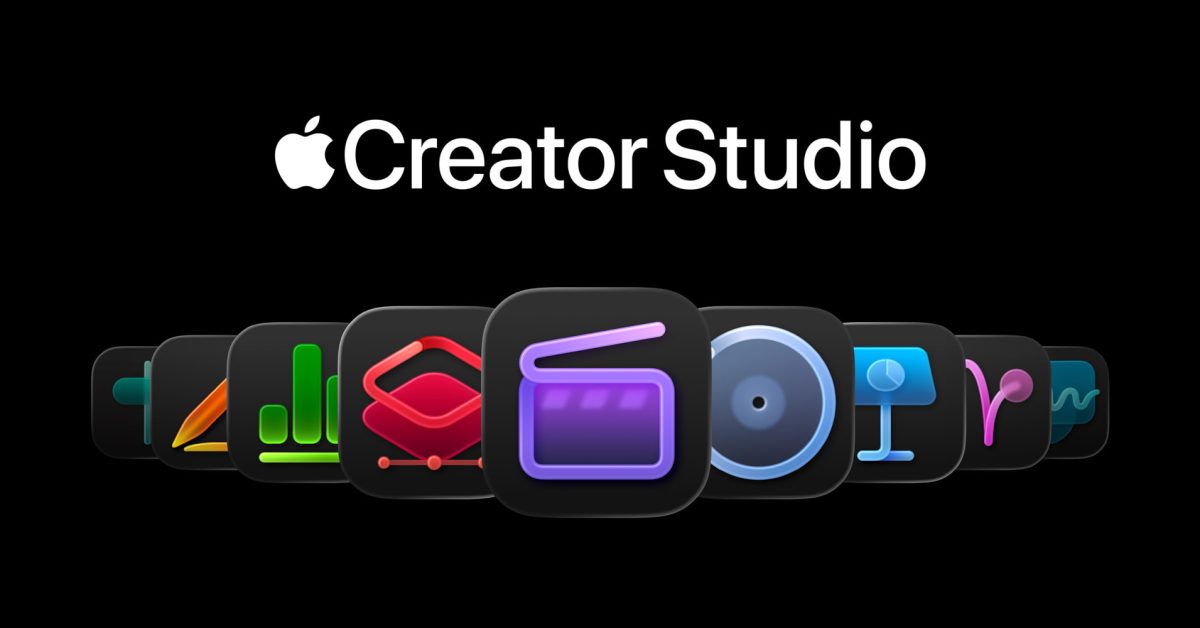
Published
This Week
This week we have covered StoreKit 2 and SwiftUI.
Providing access to premium features with StoreKit 2
Jan explains how to unlock premium features in your app using StoreKit 2 covering product setup, purchase logic and how to gate functionality in SwiftUI based on purchased status.
 Jan Armbrust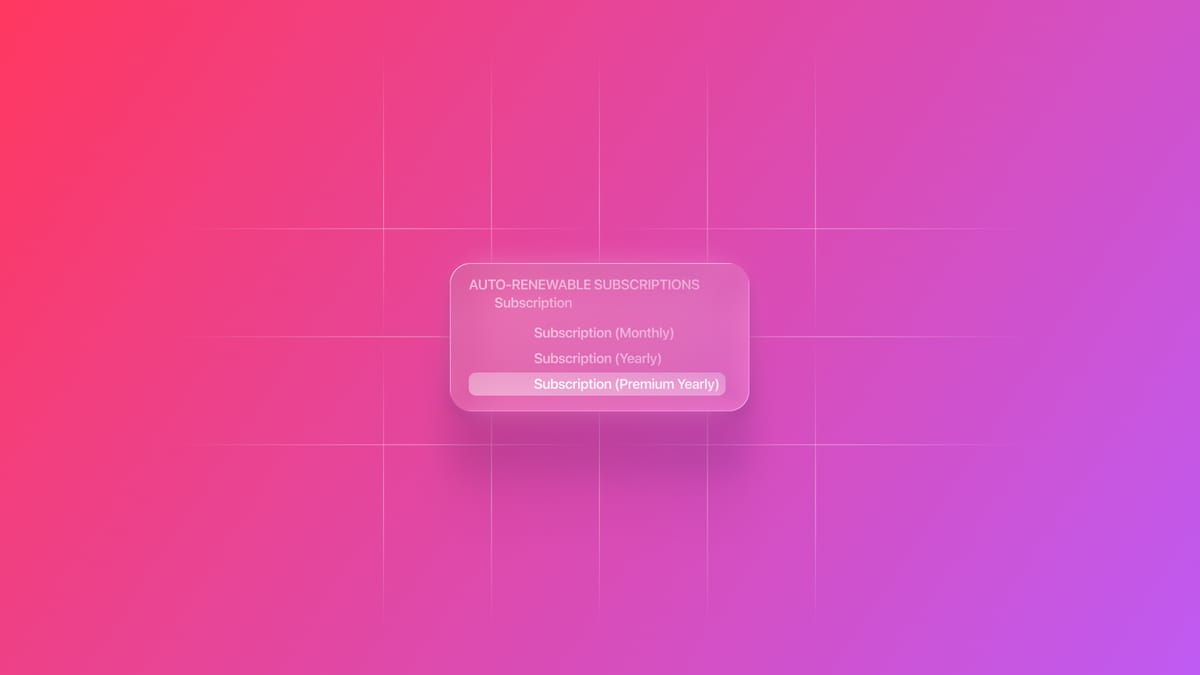
Managing simultaneous, in sequence and exclusive gestures
Gabriel and Tiago show how to structure and coordinate different gesture combinations so multiple gesture types can coexist or take priority as needed.
 Gabriel Fernandes Thomaz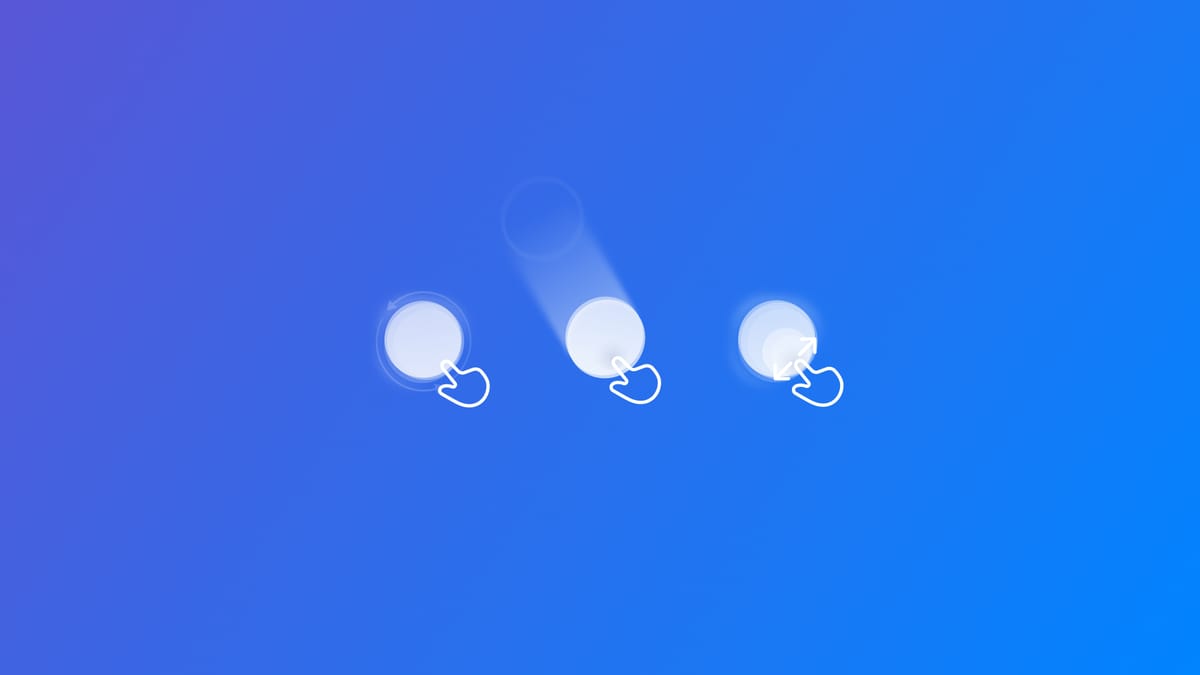
Support us by becoming a sponsor!
Whether your goal is to raise brand awareness or promote your product or service, we offer flexible sponsorship options. We offer weeks, blocks of weeks, and even months to help you find your audience where they are.
 Create with Swift
For information about the current availability of weeks, send us an email.
From
The Community
Visualise anything with SwiftUI Charts
Kyryl shows how to build a custom indicator in SwiftUI, combining sector marks, custom shapes, and animation to visualize dynamic values.
 kyryl horbushko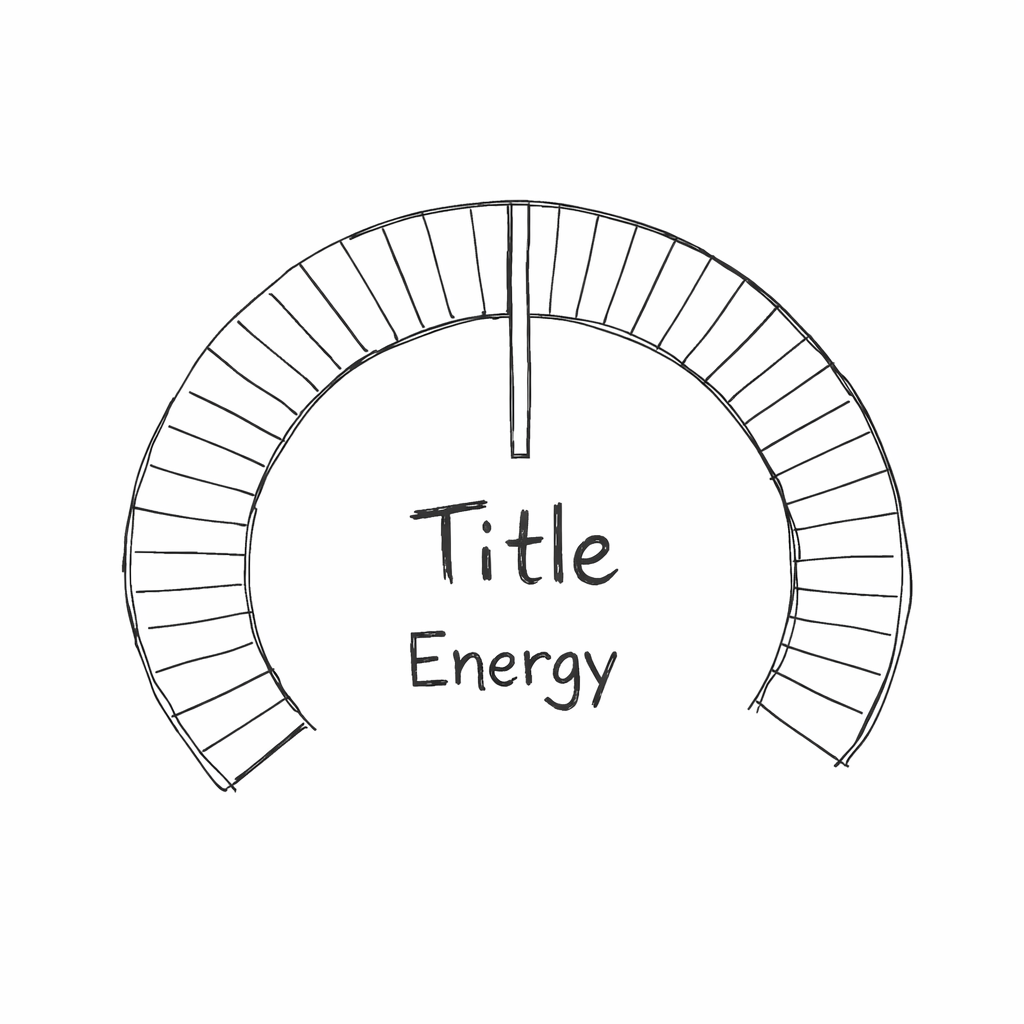
Modularity as an Architectural Choice
Artem explains why modularity matters in SwiftUI and app architecture design, showing how breaking features into focused, reusable modules and practical patterns for structuring a modular codebase.
 Livsy
Livsy
11 Things I learned after using AI Agents full-time
Antoine shares his experience using AI agents every day, sharing concrete lessons and how they actually fit into real development workflows.
 Antoine van der Lee
The assembly-line-ification of App Icons
Vidit reflects on the evolution of app icons, drawing an insightful comparison with the Bauhaus movement and analyzing how today’s app icons are shaped by the demand for consistency and recognizability, often at the cost of character and soul.
 Vidit Bhargava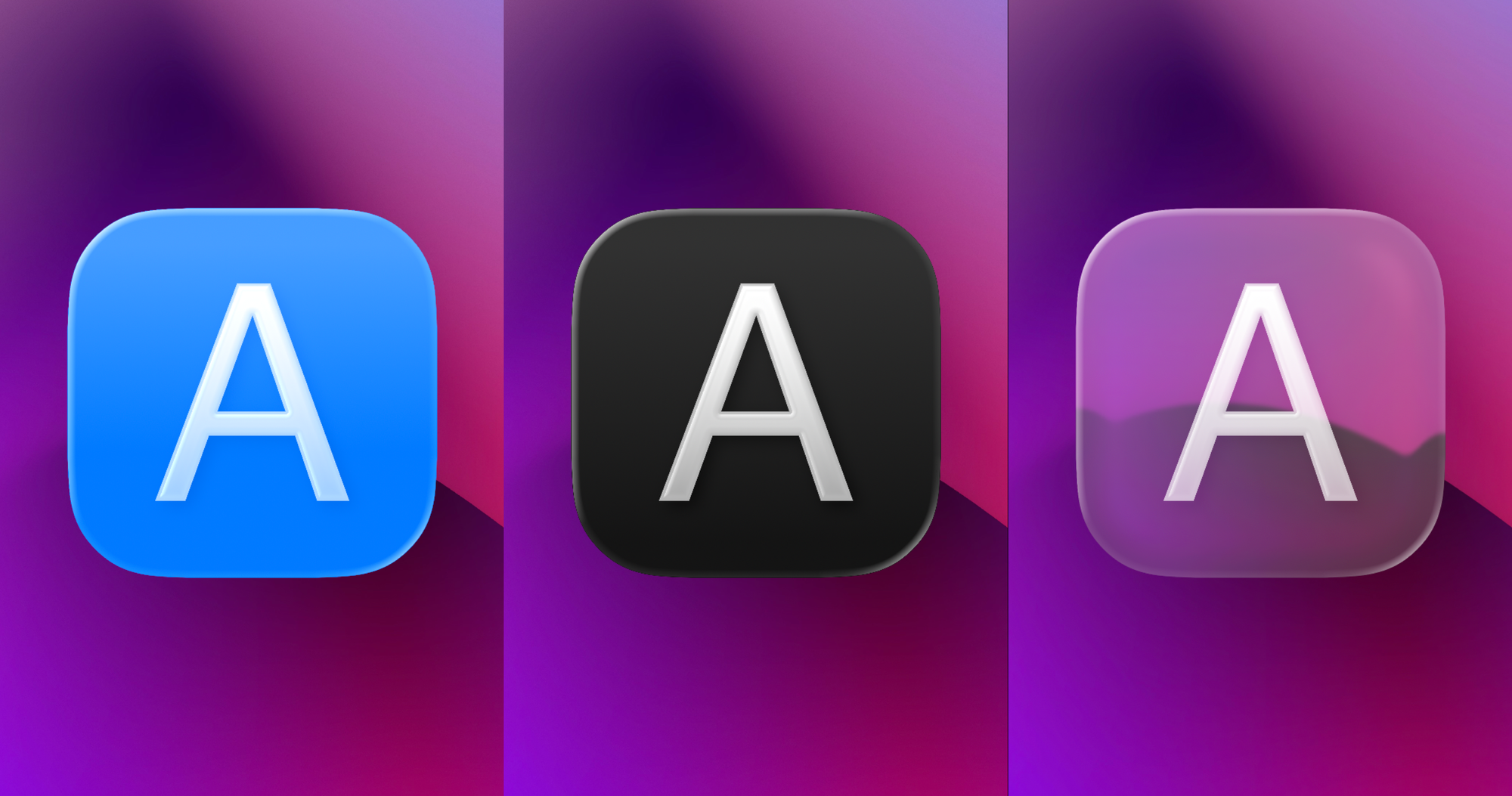
Indie App of the Week
TypeLouder
One of the essential elements of any desk setup is undoubtedly a good keyboard, ideally paired with the sound of mechanical switches. That tactile feedback gives us a sense of satisfaction with every press and a reassuring confidence in each keystroke.
TypeLouder, developed by Sarun, manages to bring back the feeling of a mechanical keyboard through a macOS app by letting users choose different types of mechanical audio feedback and mapping sounds based on key size and length. It’s perfect for those moments when you miss your home setup, or when you simply feel like (playfully) annoying the coworkers sitting next to you.
 Sarun Wongpatcharapakorn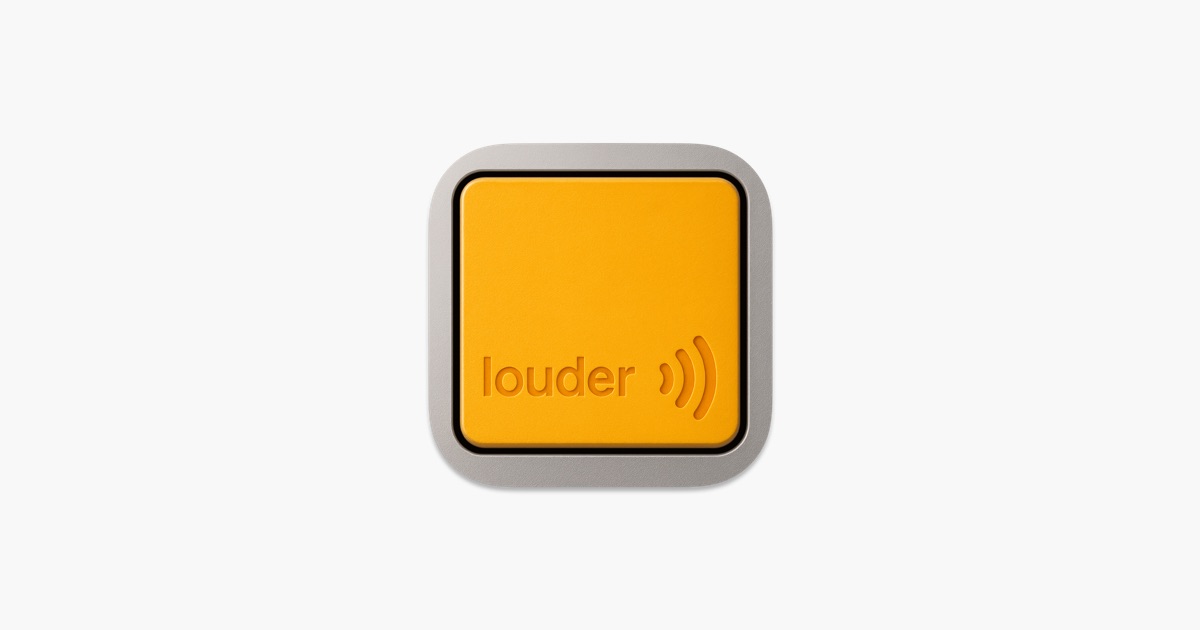
We are happy to share with you our next project:
K.I.T.E. UX, a Spatial Ergonomics Benchmark for XR!
In this article Francesco shares how he designed it, why spatial ergonomics matters in three-dimensional interfaces and how the benchmark makes it easier to evaluate comfort zones, reachability, and interaction quality.
 Francesco Perchiazzi
Check it out because we will share more about it next week!
We can’t wait to see what you will Create with Swift.
See you next week!