Weekly Newsletter Issue 128
Weekly newsletter summing up our publications and showcasing app developers and their amazing creations.

Welcome to this week's edition of our newsletter.
Apple has unveiled the 45 finalists for this year’s App Store Awards, a lineup that mixes apps we use every day with some lovely discoveries. Among them is a familiar face: Moonlitt, the moon tracker that we already saw earlier this year at the Apple Design Awards, where it won for Interaction. Now it’s back in the spotlight as a finalist for Apple Watch App of the Year.

Support us by becoming a sponsor!
Whether your goal is to raise brand awareness or promote your product or service, we offer flexible sponsorship options. We offer weeks, blocks of weeks, and even months to help you find your audience where they are.
 Create with Swift

For information about the current availability of weeks, send us an email.
From
The Community
Xcode Instruments: Profile, Fix, and Verify Performance
Antoine shows how to use Xcode Instruments to find and fix performance problems, from Time Profiler and signpost-based filtering to verifying fixes with Xcode 27’s new Run Comparisons feature.
 Antoine van der Lee
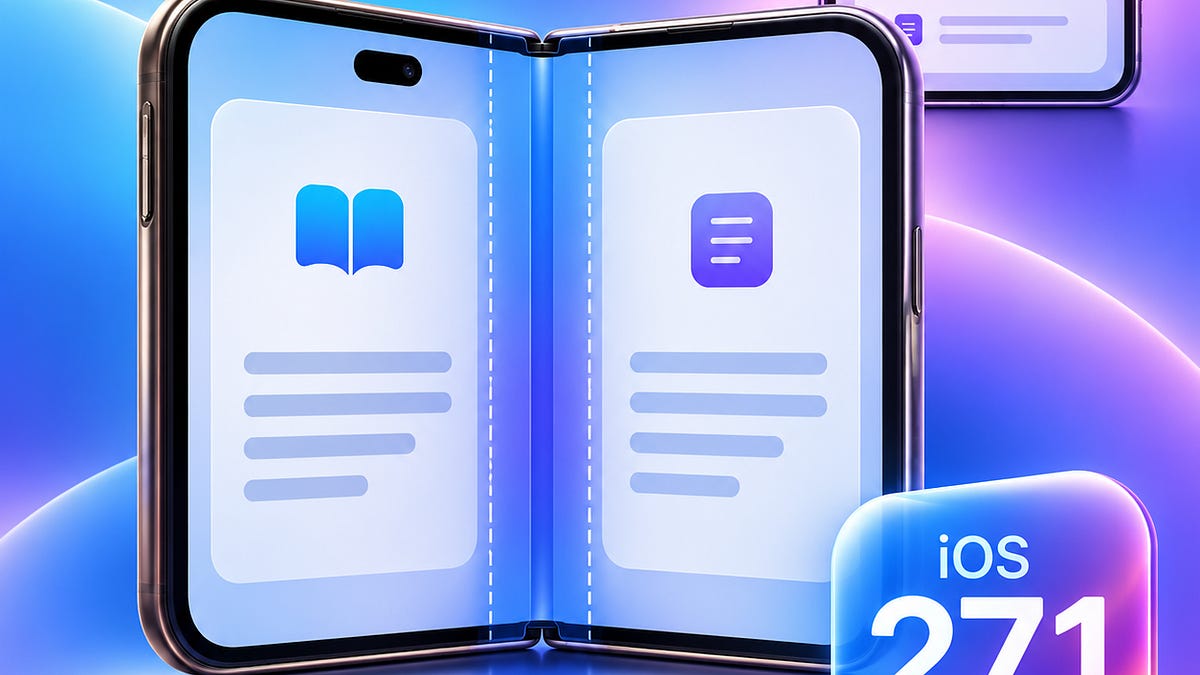
iOS 27.1: ReservedRegion
Anton explores ReservedRegion, the iOS 27.1 API that tells custom SwiftUI and UIKit layouts where cameras, system UI and the iPhone Duo fold sit on screen, covering occlusions, divisions and a fold-aware reader demo.
 Anton Gubarenko
Removing Image Backgrounds with the Vision Framework - Preserve Size and Multiple Subjects
Muhammad builds a Vision and Core Image pipeline that removes image backgrounds while keeping the original size and every subject in place, with a SwiftUI sample and real-world gotchas.
 Muhammad Zeeshan

Indie App of the Week
Gate Genius
Every processor runs on logic gates, small circuits that turn inputs into a single output, and digital electronics is built by wiring billions of them together. In a textbook, though, a gate is usually a table of 0s and 1s, which says what it does without showing how the output changes as the inputs do.
Gate Genius, developed by Nonprawich, is built to make that behavior visible rather than memorized. Lessons cover NOT, AND, OR, XOR and the other gates, each paired with a simulator where toggling an input changes the output in real time, and a timing diagram built with Swift Charts shows how inputs and outputs move over time. Quizzes then test what stuck: matching a target output by adjusting inputs, spotting the wrong output, filling in truth tables, and drawing a gate by hand, which the app recognizes with Core ML and Vision.
It was recognized as a Swift Student Challenge winning project, and it shows what that first step can become: a full app on the App Store, built around making a hard subject click.
 Nonprawich Intakaew
Not every developer journey starts at the App Store Awards. As this week’s Indie App of the Week shows, for many developers the Swift Student Challenge was the first step into the Apple developer community. Submissions are open from February 8 to 28, 2027, and for the first time apps can target any Apple platform, so the next generation can start writing its own story today.

We can’t wait to see what you will Create with Swift.
See you next week!