Weekly Newsletter Issue 129
Weekly newsletter summing up our publications and showcasing app developers and their amazing creations.

Welcome to this week's edition of our newsletter.
It’s been a quiet week, but Black Friday has brought plenty of indie app deals to our feeds. If there’s a tool you’ve been meaning to try or a paid upgrade you’ve been putting off, this weekend might be a good time to take a look.
Have you picked up your favorite indie app deal yet?
Napoli Developer Meetup #11
This week, we were happy to host the Napoli Developer Meetup #11, a chance to connect with fellow developers, exchange ideas, and hear what others have been working on.
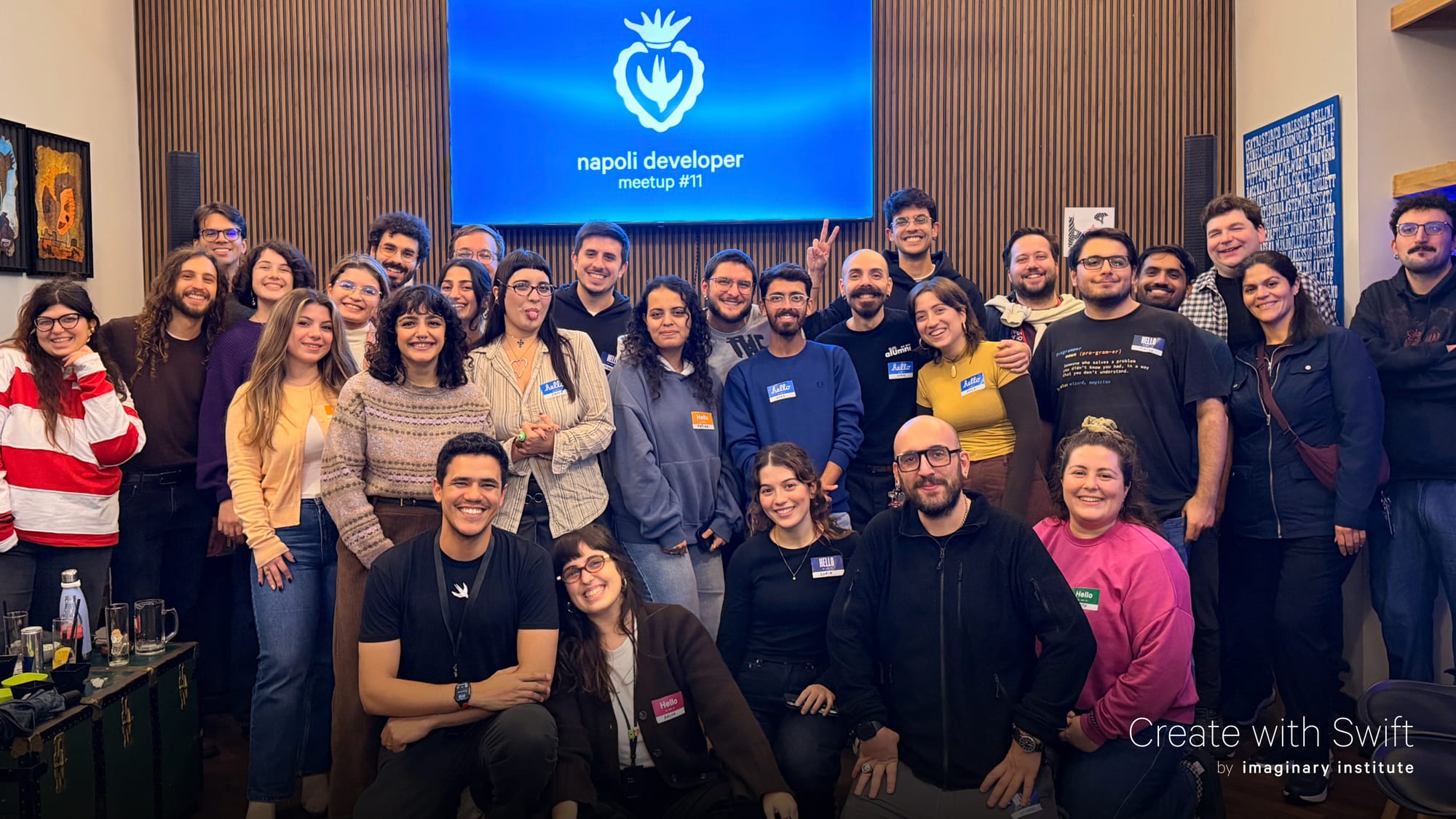
Thanks to everyone who came! It was great to see so many familiar faces and to meet new ones!
If you're an Apple developer or designer in Naples and haven't joined us yet, come to the next one. We'll share the date soon on our meetup page:
 Create with Swift
From
The Community
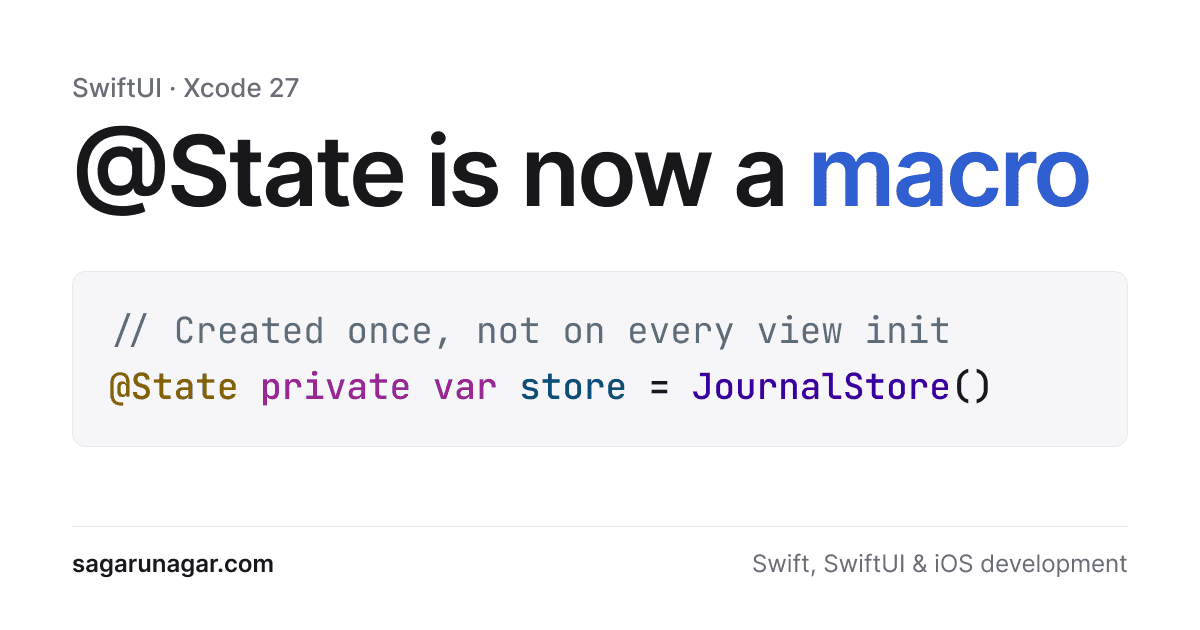
SwiftUI @State Is Now a Macro in Xcode 27 - Lazy Initialization and Migration
Sagar explains how @State moved from a property wrapper to a macro in Xcode 27, covering lazy initialization, its limits and the fixes needed for common migration issues.
 Sagar Unagar
Agentic Engineering in Teams: Building Practices People Can Trust
Artem discusses how teams can adopt agentic engineering through small pilots, shared instructions and reusable skills, covering review practices, CI safeguards and measuring the impact on delivery and code quality.
 Livsy

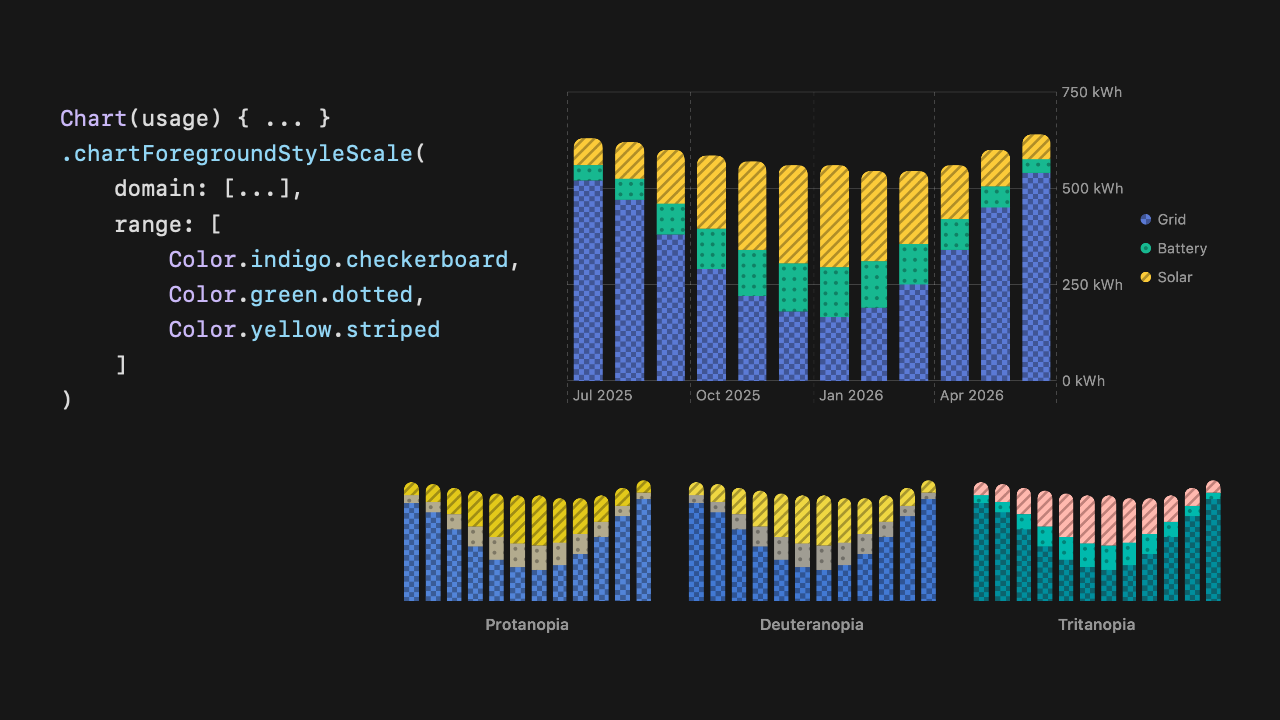
Distinctive patterns for categorical data in Swift Charts
Matthaus shows how to make categories in Swift Charts easier to distinguish with stripes, dots and checkerboard fills, using custom ShapeStyle patterns that respond to the Differentiate Without Color accessibility setting.
 Matthaus Woolard
Indie App of the Week
BasicClips
A link worth reading later usually ends up somewhere: a message sent to yourself, a line in a notes app, a bookmark made halfway through a scroll. It happens to us too when we come across articles and apps for this newsletter, and a few weeks later the link is hard to find again, or we forget we saved it at all.
BasicClip, developed by Sebastian from Basic Apple Guy, keeps every saved link in one list that can be sorted by type of content, organized into folders and tags and browsed in a calendar view showing what was saved each day. Saving happens from the share sheet, where a pop-up reads the page's details automatically and lets you categorize and store the link without leaving what you were doing. A full set of themes lets you match the look of the app to your taste, so a link saved in passing is still easy to find when there is finally time to read it.
 Sebastian Siwiec
Our longtime friend, Emanuele Agosta, who has written many articles for Create with Swift in the past, recently took the stage at DO iOS 2026. After giving many talks with Create with Swift, it was especially nice to see him on stage this time as an independent developer, sharing insights starting from an app he built himself.
Emanuele has always been someone who’s eager to explore new technologies and embrace new design challenges. With the arrival of iPhone Duo, he took the opportunity to explore what it means to design experiences that adapt across different devices.
His talk, “Designing for All Screen Sizes”, explored a universal approach to creating adaptive apps across three core areas: navigation, interactivity, and platform features. From compact iPhone screens to foldable devices and spatial computing, he shared how to approach adaptive design without treating each device separately.
Recording is now available, don't miss it!
We can’t wait to see what you will Create with Swift.
See you next week!