Weekly Newsletter Issue 88 - 2025 Wrap-up
Weekly newsletter summing up our publications and showcasing app developers and their amazing creations.


Welcome to the last edition of our newsletter for this year!!!
As 2025 comes to a close and after the 44 issues during this year, it’s time to take a moment to reflect on the incredible journey we’ve shared throughout the year!
We’ll revisit the highlight and the milestones achieved. Whether you’ve been with us since the beginning or joined halfway through, this wrap-up is our way of celebrating everything we’ve built, explored, and discovered together.
2025
Our most read articles
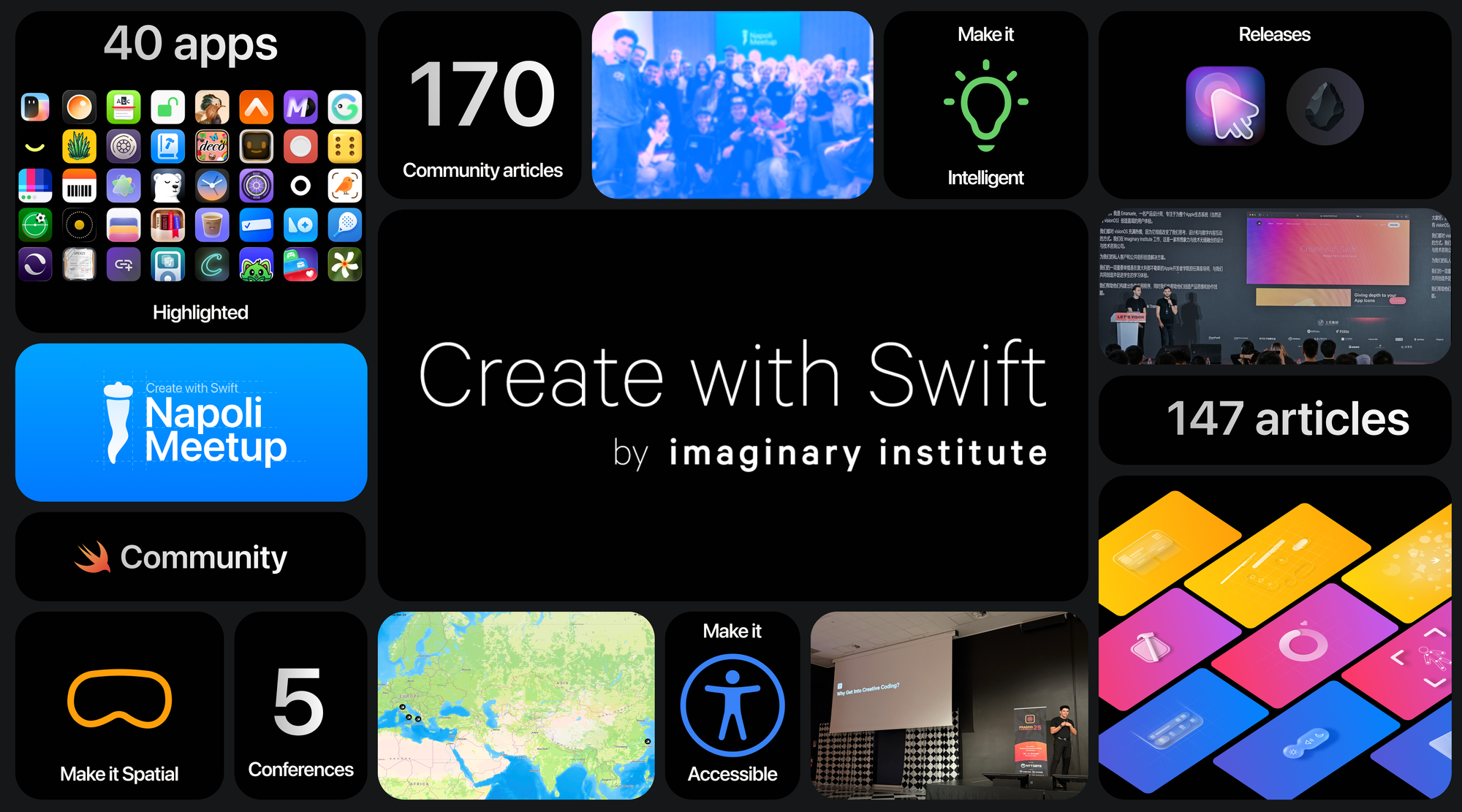
This year, we’ve published 147 articles, expanding beyond our core focus on Accessibility, Spatial Computing, and Apple Intelligence to cover a broader range of topics from UX Design to Creative Coding across diverse formats designed to keep you informed and inspired.
Among these, here are the most-read articles of 2025:
Crafting Liquid Glass app icons with Icon Composer
Flora walks through how developers can adopt Apple’s new Liquid Glass design language to create app icons across all Apple platforms with the new Icon Composer app.
 Flora Damiano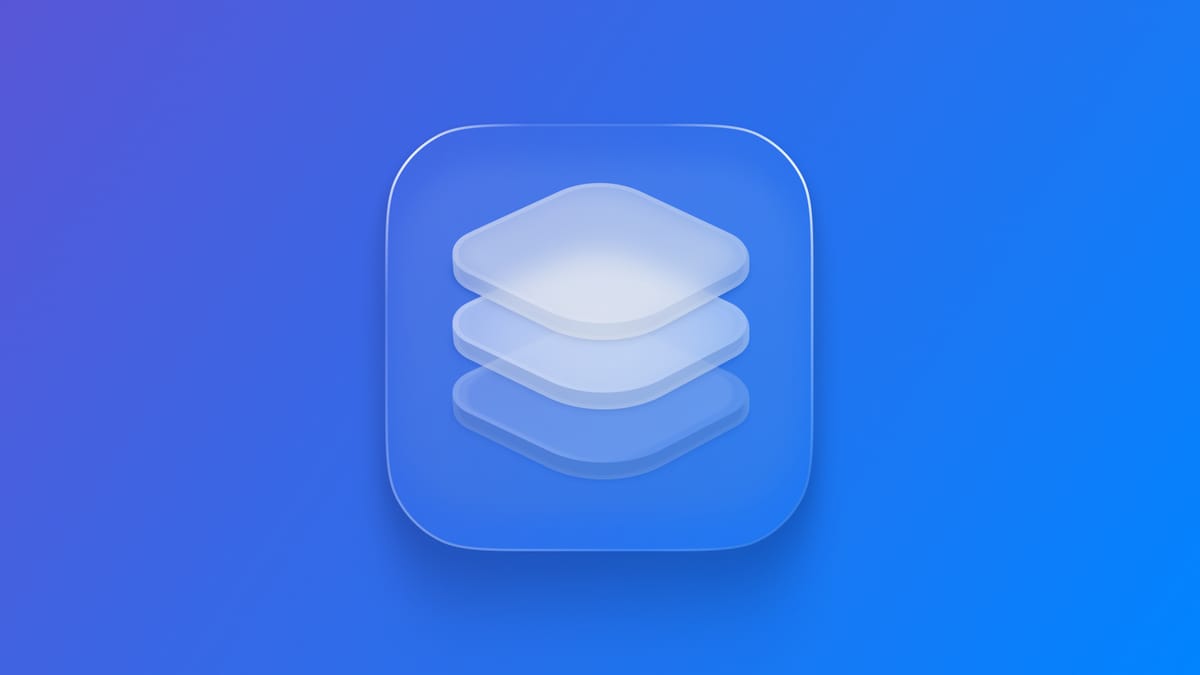
Exploring Tab View Styles in SwiftUI
Matteo shows how to customize TabView in SwiftUI using styles in iOS and iPadOS covering how to link a sidebar to tabs, organize sections, and customize tabs.
 Matteo Altobello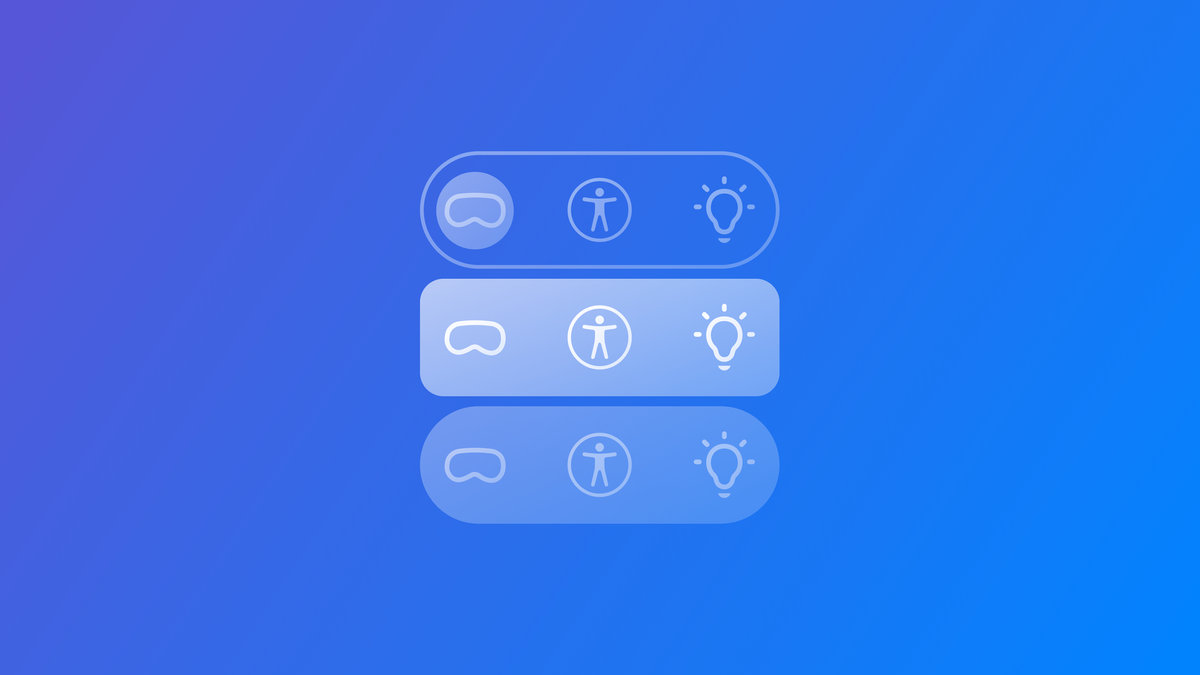
Exploring Interactive Bottom Sheets in SwiftUI
Pasquale provides a full overview of sheets and presentation detents covering built-in sizes, custom detents to implement bottom sheets similar to Apple’s apps like Maps, Find My and Stocks.
 Pasquale Vittoriosi
Creating view transitions in SwiftUI
Antonella shows how to create animated view transitions in SwiftUI using the transition(_:) modifier covering built-in transitions and demonstrates how to combine and customize them for more advanced effects.
 Antonella Giugliano
Exploring the Foundation Models framework
Luca explores Apple’s new Foundation Models framework, explaining what it is, how it fits into the Apple ecosystem, and how developers can use it to work with on-device generative AI capabilities.
 Luca Palmese
This year, we were honored for being mentioned from Dave Verwer in his iOS Dev Weekly #734, an amazing publication and a long-standing point of reference.
The Create with Swift blog from imaginary institute and the Apple Developer Academy in Napoli has been consistently publishing truly excellent articles on Swift and Apple platform technologies for years now. I don’t link to every one, but they are all worth reading.2025
Our releases
Our team of creatives has also released 2 projects this year that we’re incredibly proud of. If you missed them, they’re available for download:
Medusa enhances the way your cursor is seen, adding clarity and precision to every movement. Originally designed to ensure that workshop attendees, live coding audiences, and presentation viewers never lose sight of the cursor, it is just as useful for everyday tasks.
 imaginary institute
Flint enables you to generate and visualize 3D models in Vision Pro by running Blender and large language models (LLMs) on a connected Mac. Prompts are converted into Blender operations, and the resulted models are streamed into VisionOS.
 create-with-swift
Conferences
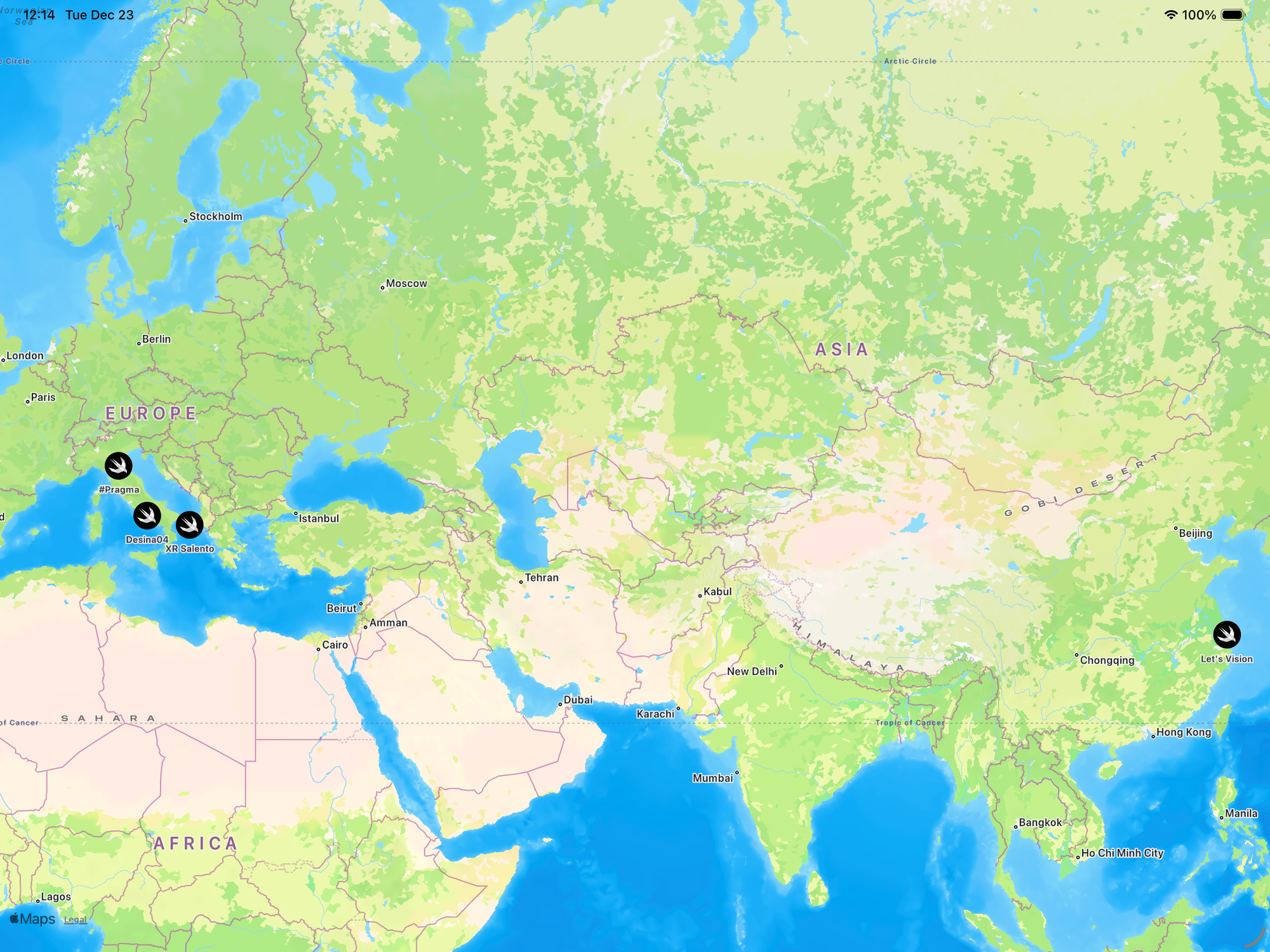
This year, we had the opportunity to participate in 5 conferences, traveling over 10,000 miles to share knowledge, connect with the community, and most importantly spread our passion.
#Pragma, Desina03, XR Salento, Let's Vision, WWDC25
From participating to delivering talks, every event was an opportunity to learn, inspire, and grow together.
Create with Swift Meetups
This year, we hosted 11 events between Create with Swift Napoli Meetups and Beer with Swift, and each single one was truly unforgettable!
We hosted more than 10 speakers and we shared more than 500 beers!
The enthusiasm and creativity exceeded all expectations, leaving us inspired by your incredible ideas and passion.

2025 From
The Community
Our greatest strength is our incredible community and the global network of developers. This year, we’ve read tons of your articles and proudly highlighted 170 standout pieces that inspired, enlightened, and challenged us all.
Among these, here are the ones we loved the most:
Fake Apps: How to prototype your way through a major redesign
Vidit explores how “fake apps” lightweight prototypes where only the feature being tested work speeding up major redesigns. By allowing rapid experimentation and iteration, it shows how complex ideas can be tried, refined, or discarded quickly, reducing risk and unlocking creative solutions early.
 Vidit Bhargava
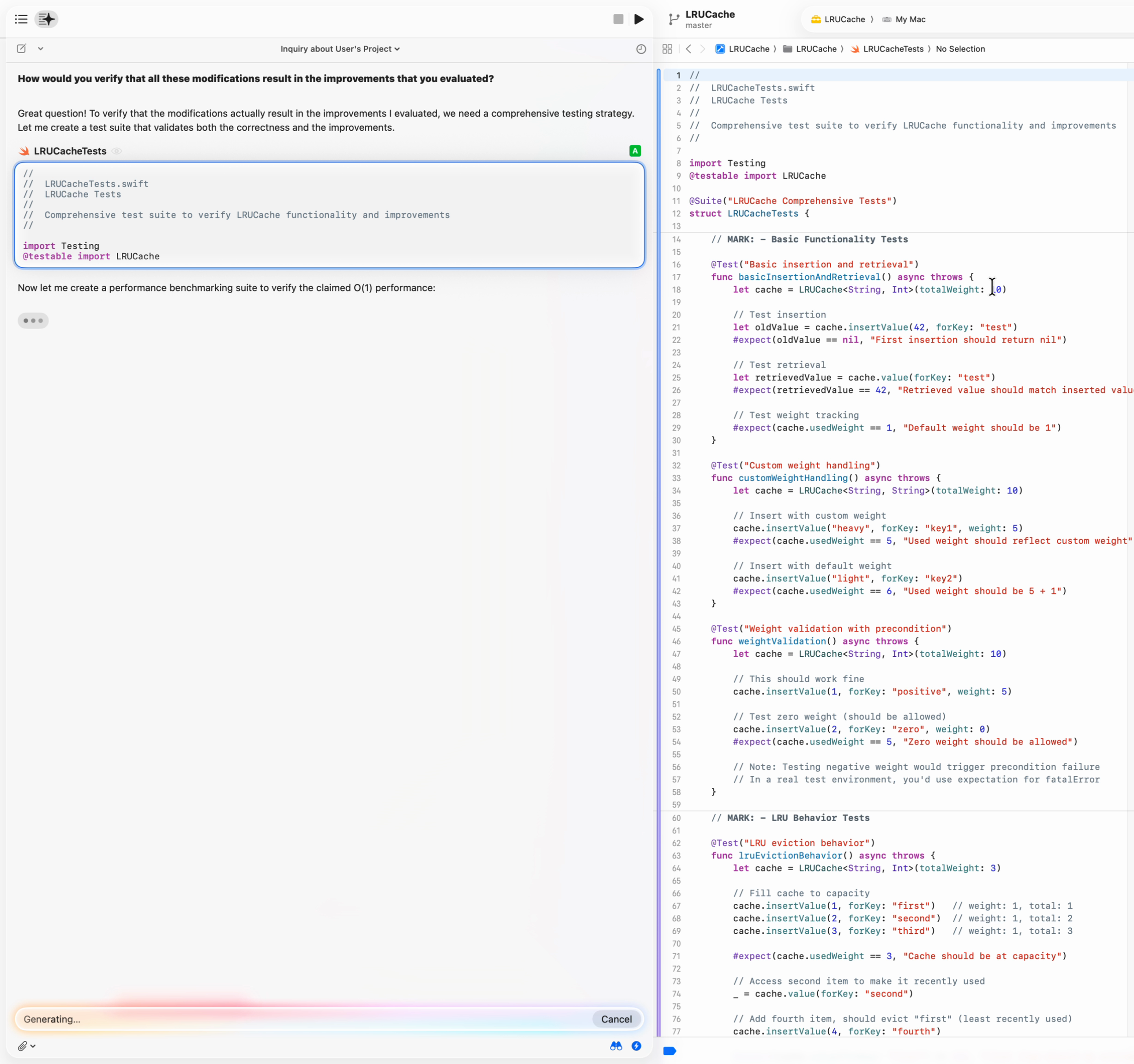
The Cupertino Ghost in the Machine: An Analysis of Xcode's New AI Assistant
Wezzard uncovers the inner workings of Xcode 26’s AI assistant, revealing how its planner‑executor architecture, policy-driven prompts, and IDE integration shape its behavior. It highlights why the assistant guides users toward certain tools and APIs, while also exploring sandboxing, customization, and the design philosophy behind this intelligent system.

Reverse-Engineering Xcode's Coding Intelligence prompt
Peter pulls back the curtain on Xcode’s Coding Intelligence by dissecting the system prompts and mechanisms behind it. It explains how Xcode constructs multi‑part prompts, uses search tools and structured instructions to help an AI understand and work with real code offering a technical look at how this built‑in AI companion really operates.
 Peter Friese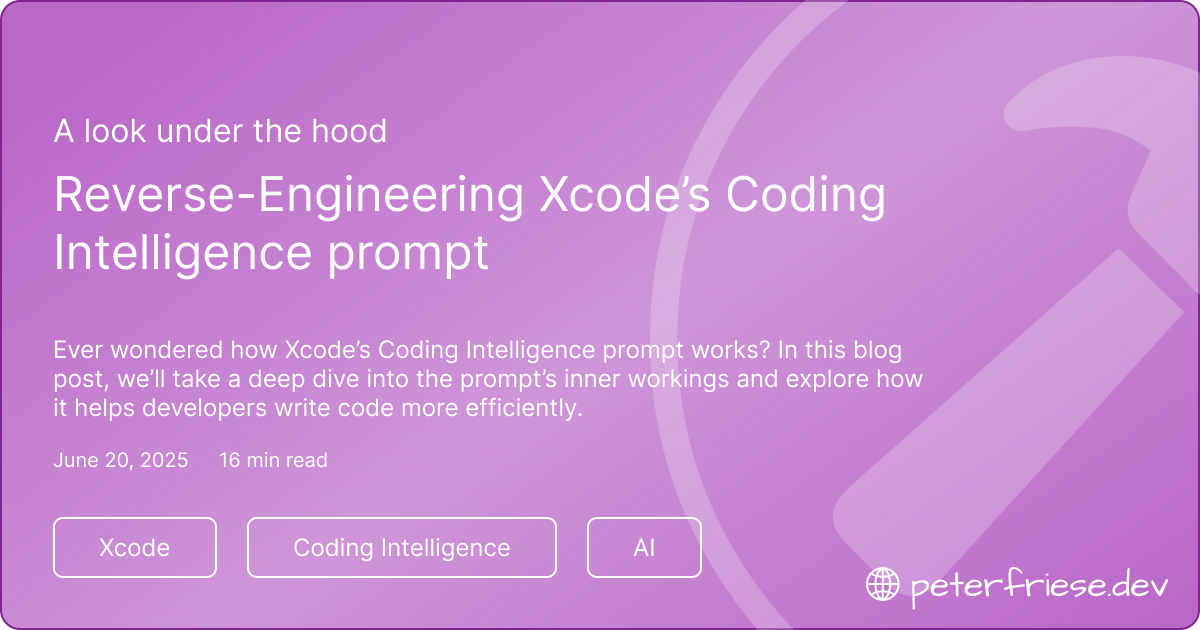
2025
Indie Apps
Each week, we explored the App Store to discover standout apps crafted by indie developers. Along the way, we uncovered countless hidden gems that deserved the spotlight.
Here are the 40 apps that impressed us in 2025!

We want to thank the contributors and everyone involved in the Create with Swift project. Your hard work, creativity, and dedication have been the cornerstone of everything we’ve accomplished together this year.
To everyone we met along the way, to the community and to our subscribers, thank you for your support and enthusiasm. Your engagement fuels our passion and inspires us to keep striving for more.
You are the inspiration that will carry us into 2026!
As always...
We can’t wait to see what you will Create with Swift...
Next year!