
Make it Spatial
Building limitless experiences
Spatial computing is not just a trend; it’s a paradigm shift in the way we interact with digital environments, pushing the boundaries of imagination and technological innovation. Make it Spatial is our dedicated section where we explore the realms of spatial computing.
We believe in the transformative power of spatial computing, a universe where technology meets limitless creativity. Our focus is not just on adapting to this new era but on leading the charge, ensuring that spatial computing is not just an elite concept but an inclusive, engaging, and intuitive experience for all.
With a blend of insightful articles and practical guides, from understanding the basics of spatial dimensions to the intricate challenges of designing for visionOS, we aim to equip and inspire.
Exploring Spatial Computing
Delve into the fascinating world of spatial computing, where digital and physical realms merge. Discover how this cutting-edge technology is reshaping our interaction with the world around us. From the basics of spatial perception to the latest advancements, we uncover the secrets and potential of this transformative tech. Whether you're a curious beginner or a seasoned tech enthusiast, prepare to embark on a journey through the limitless possibilities of spatial computing.
 Francesco Perchiazzi
 Francesco Perchiazzi
 Emanuele Agosta
 Emanuele Agosta
Design for visionOS
This segment is dedicated to those who aspire to shape the future through intuitive and groundbreaking designs in visionOS. Embark on a journey to master the art of creating engaging, user-centric experiences that harness the full potential of spatial dimensions. Join us in this creative quest to redefine the boundaries of digital spatial design.
Emanuele Agosta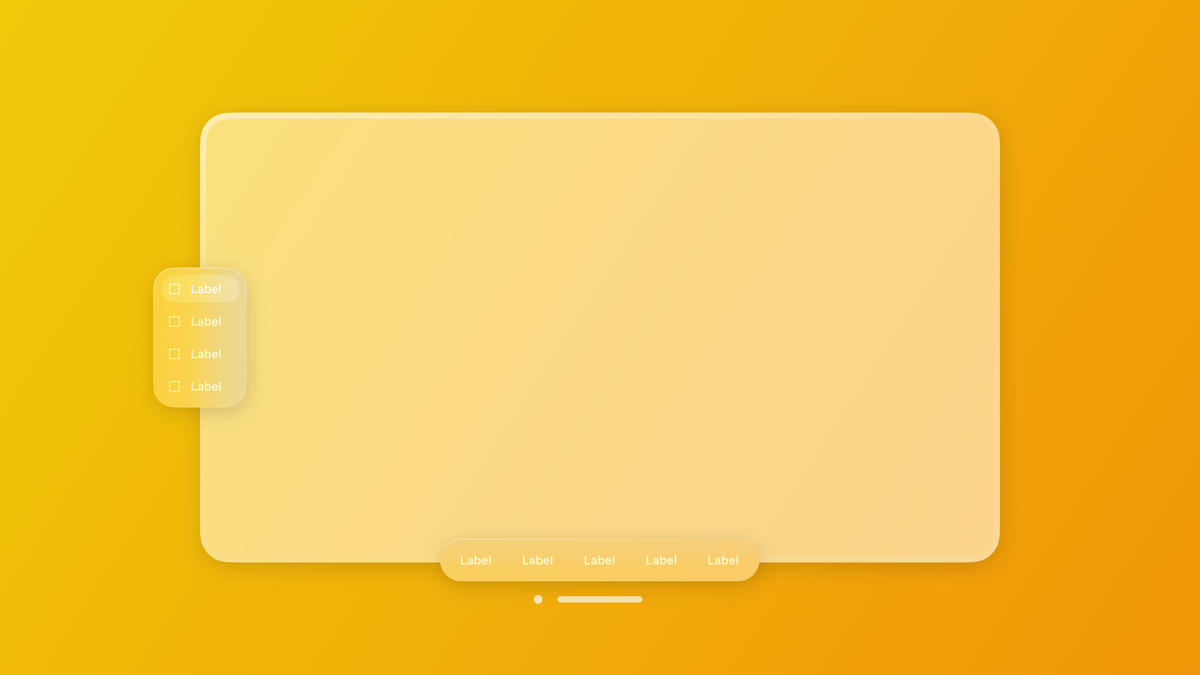 Flora Damiano
 Emanuele Agosta
 Emanuele Agosta
 Domenico De Luca
To support your ideation and design process check out the Speculative Spatial Design Canvas. A tool for creating spatial computing experiences, meticulously crafted and informed by scientific insights from Neuroscience. It offers a comprehensive framework for developers to navigate the intricacies of spatial design with confidence and clarity.
Download for free on Gumroad.
To go in deep on the thinking behind the canvas and how to use its artboards, read the following article:
Francesco Perchiazzi Francesco Perchiazzi
 Francesco Perchiazzi
To take the concept even further, also explore following articles relating to developing games for visionOS as well as specialized applications, such as within the field of medical treatments and surgery.
Francesco Perchiazzi Francesco Perchiazzi
One of the biggest challenges when conceptualizing your Spatial Computing ideas is visualizing how, from the user's perspective, your design will play out. To address it, we have created K.I.T.E. UX, a benchmark tool that aims to make spatial ergonomics more measurable, comparable, and actionable.
You can have an overview of the thinking behind the tools and its features on the following articles:
 Francesco Perchiazzi
 Francesco Perchiazzi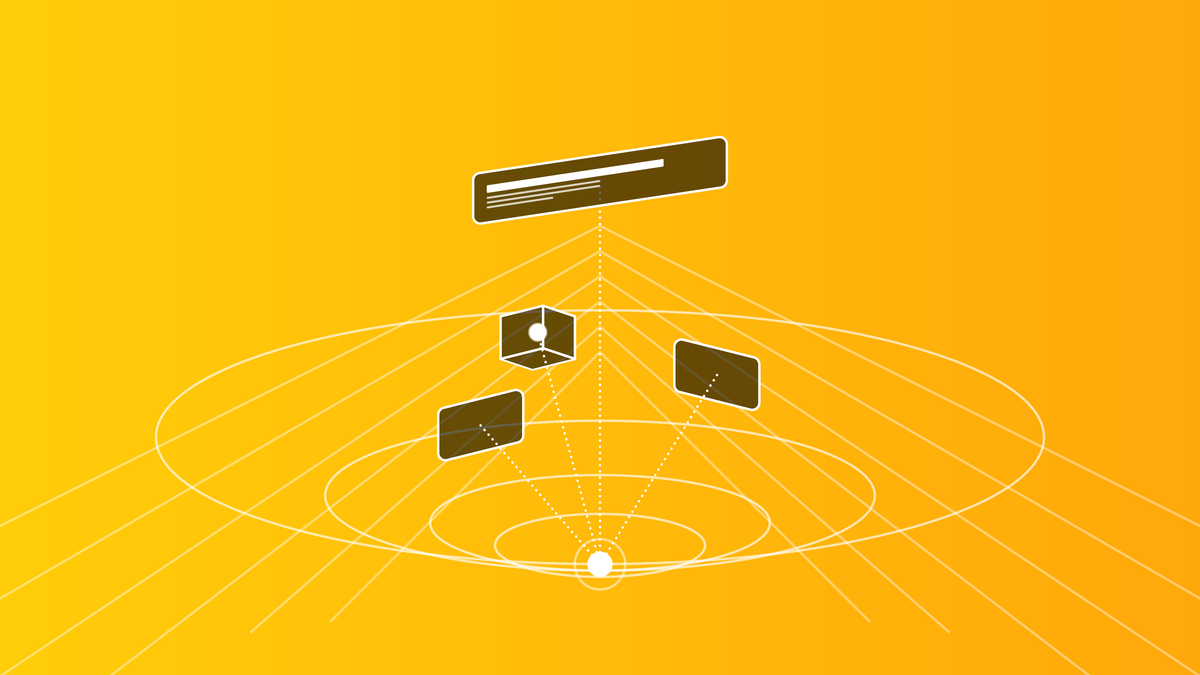
Develop for visionOS
This is where coding meets the cutting edge of spatial computing. Whether you're a novice or an expert developer, this section provides the tools, knowledge, and resources needed to build sophisticated applications for visionOS. Get ready to turn your innovative ideas into reality with visionOS.
- Building a 3D experience in visionOS: Windows
- Building a 3D experience in visionOS: Volumes
- Building a 3D experience in visionOS: Immersive Spaces
- Implementing windows in visionOS
- Implementing volumes in visionOS
- Debug for visionOS using Xcode simulator visualizations
- Ensuring interface legibility and contrast in visionOS
- Extra Large Title text styles in visionOS
- Changing a button shape in visionOS
- Configuring default window and volume size in visionOS
- Exploring immersive spaces in visionOS
- Creating an immersive experience with a 360-degree image in visionOS
- Create an Immersive Experience with a 360-degree video in visionOS
- Introduction to RealityView
- Using Attachments in a RealityView
- Using an image as the texture of a material on a 3D object
- Mastering Model3D View
- Creating custom particle emitters with RealityKit
- Creating advanced hover effects in visionOS
- Creating custom buttons and hover effects in visionOS
- Adding spatial audio to an Entity with RealityKit
- Positioning volumes in space in a visionOS app
- Making RealityKit apps accessible
- Controlling the visibility of the baseplate of volumes in visionOS
- Implementing direct object interaction in visionOS
- Understanding spatial layout in visionOS 26
- Adapting your widgets for visionOS
- Creating Ornaments in visionOS
Related
Our related resources section collects topics indirectly related to, yet instrumental for, designing and developing for visionOS. These resources provide valuable insights to enrich your understanding and skills in areas complementary to spatial computing.
- Creating an augmented reality app in SwiftUI using RealityKit and ARKit
- Play an animation in RealityKit
- Adding custom gestures to an AR application with SwiftUI
- Using RealityKit gestures in an AR application with SwiftUI
- Using the ARKit coaching view in a SwiftUI AR application
- Displaying 3D objects with RealityView on iOS, iPadOS and macOS
- Create a web AR experience with AR Quick Look